




01mxz800
USA Donating Member
-
Joined
-
Last visited
-
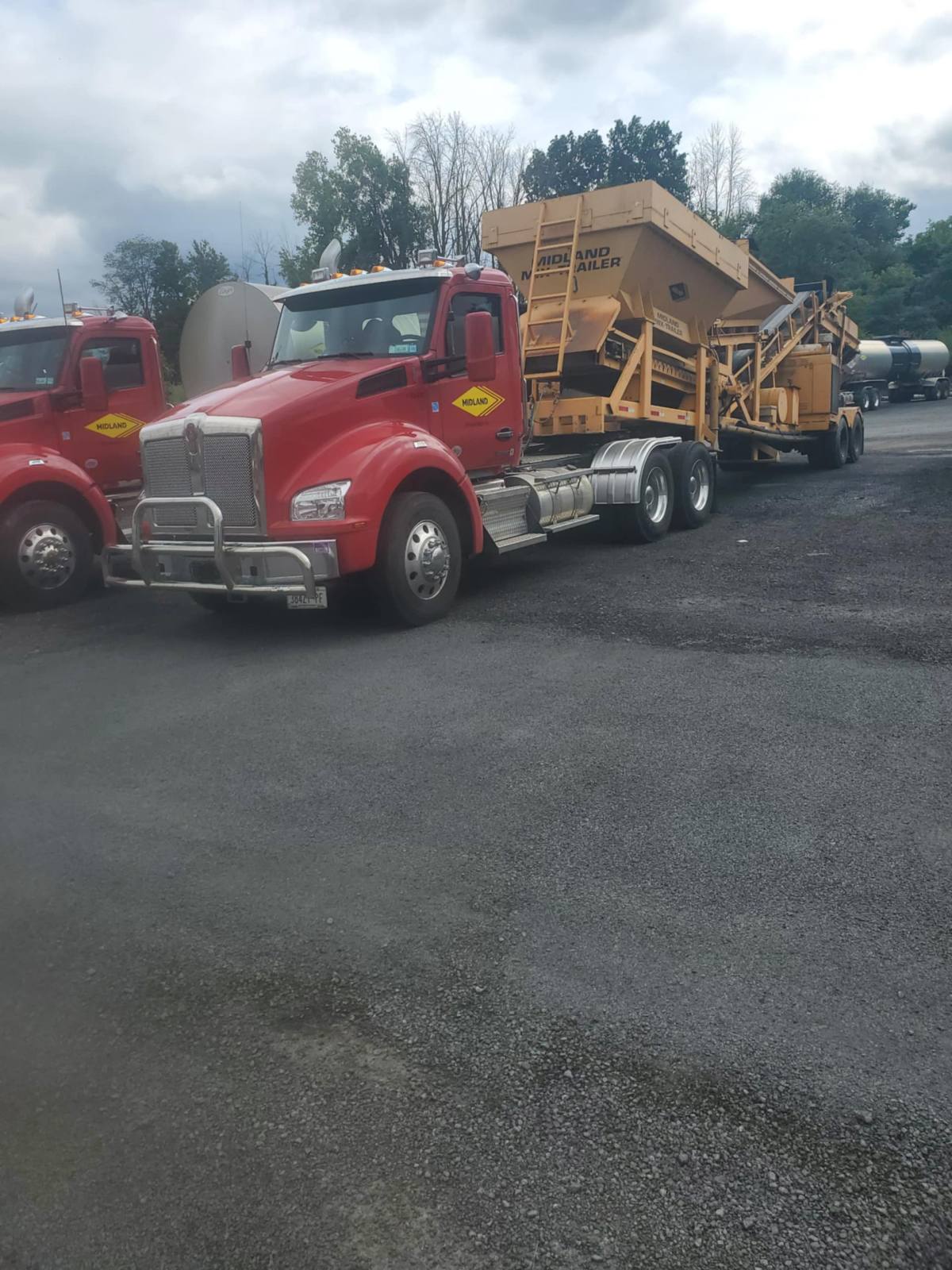
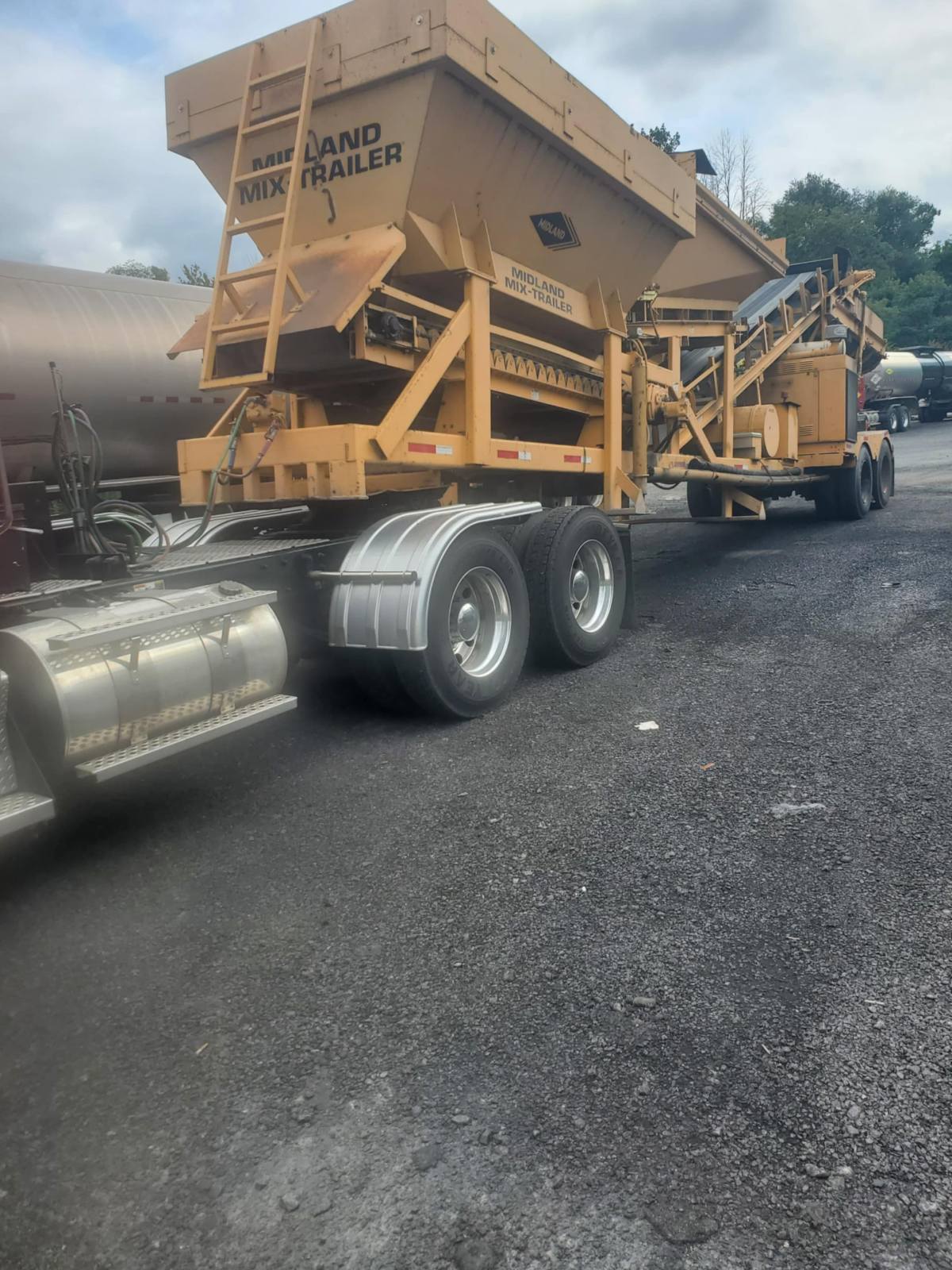
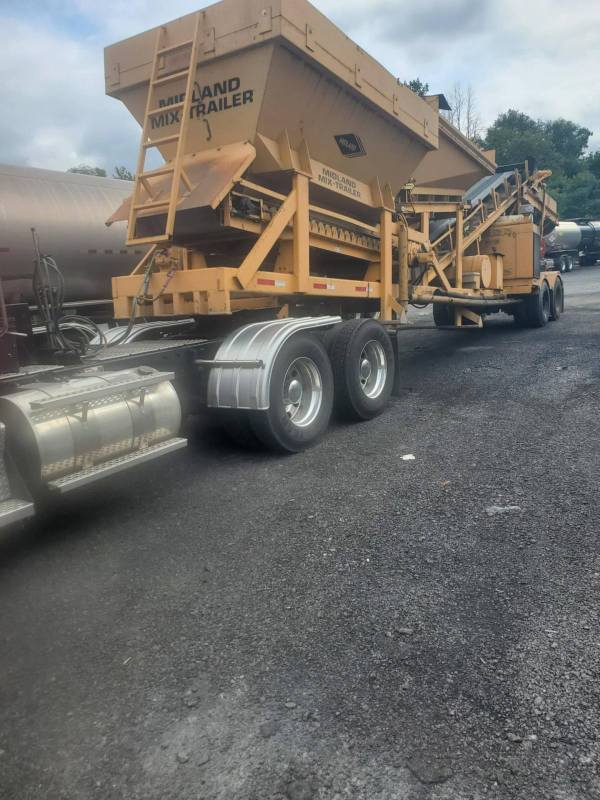
 something different to haul at work, get to move our mix trailer from job to job for a few days, be a nice change from hauling tankers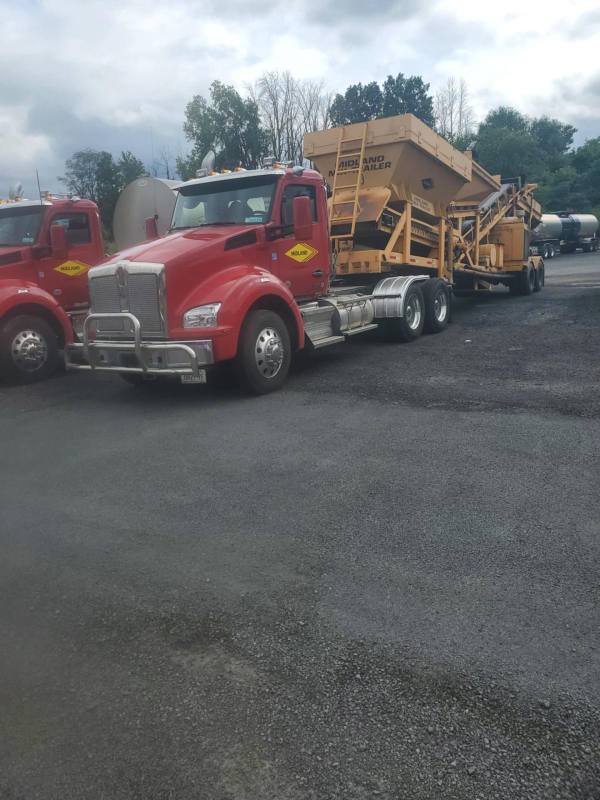
-
been to NYC twice in a truck have no desire to every go back to that shit hole, if it weren't for NYC, Buffalo, Rochester, Syracuse and Albany areas NY would be a red state dems have destroyed NY with their bullshit policies
-
NYC drags the rest of the state down in shitter
-
He's just saving bandwidth to compensate what you waste so CKF doesn't have to do another "fundraiser '
-
Styrofoam barbie's panties are twisted up as usual
-
Offer still stands MCcunt, caliber of your choice on me if you eat a bullet
-
Shocking
-
pretty easy to overcome ones hunger, get a fucking job
-
you supported a fucking vegetable for four years, and you call others morons, oh the irony
-
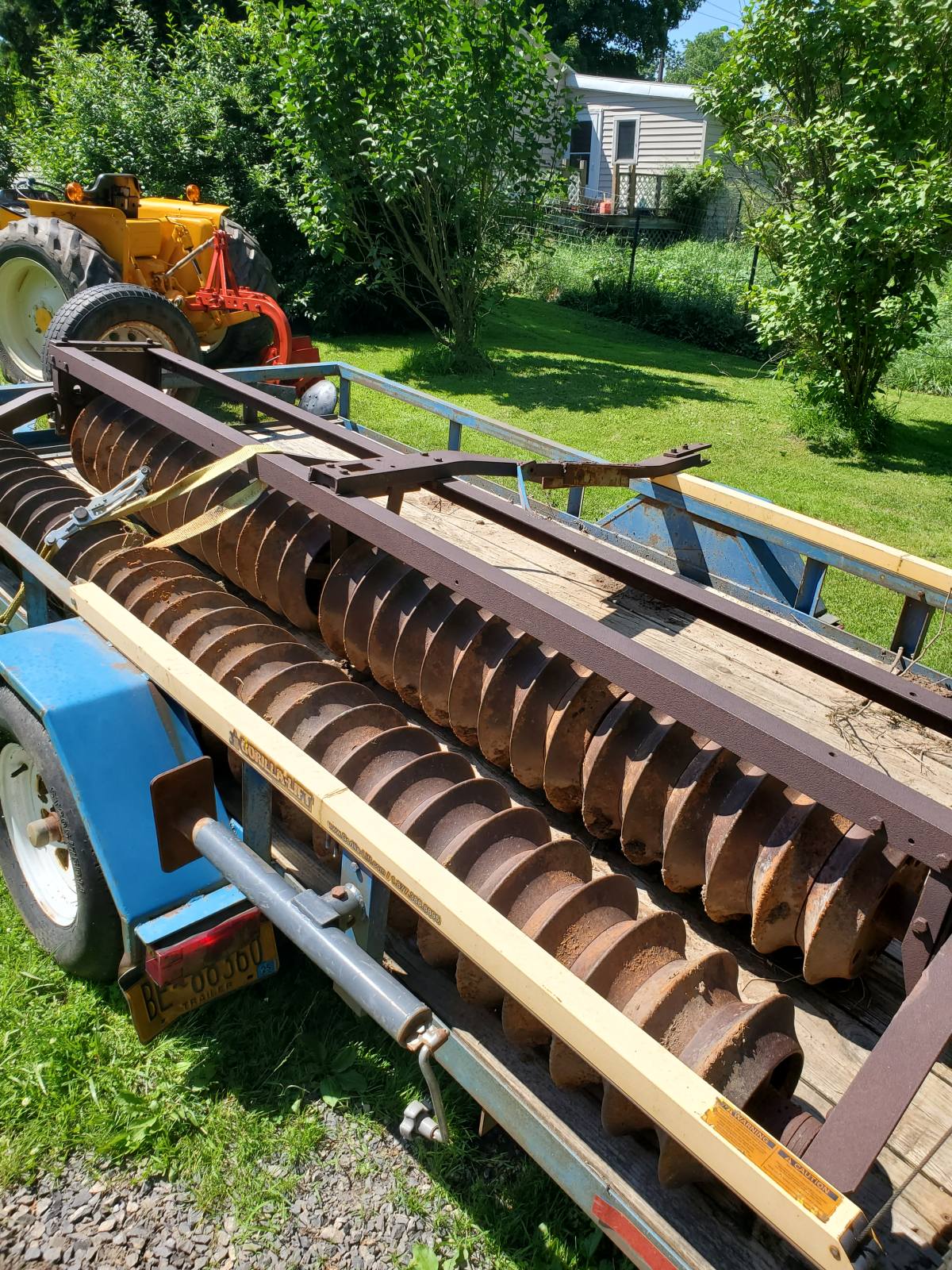
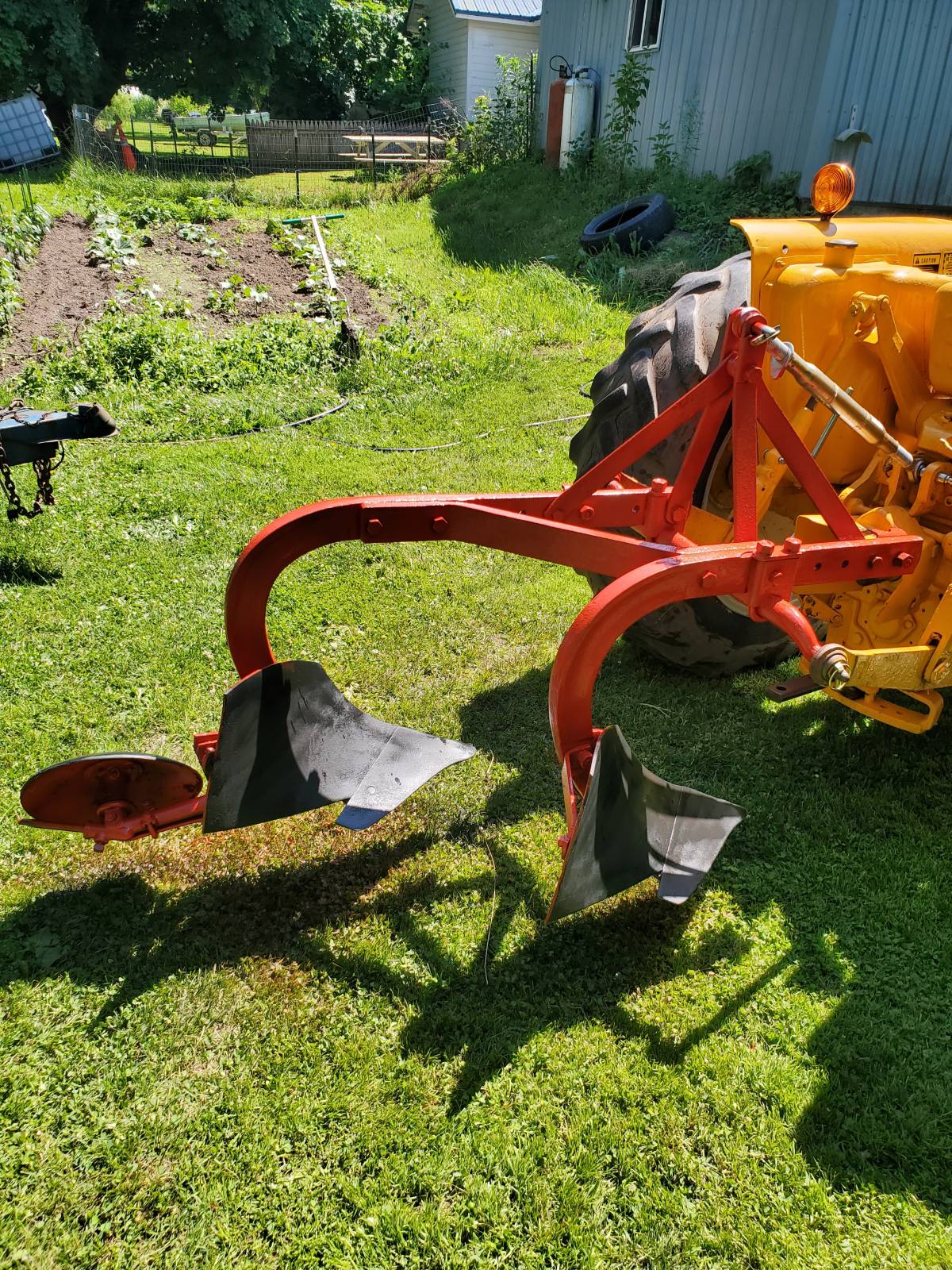
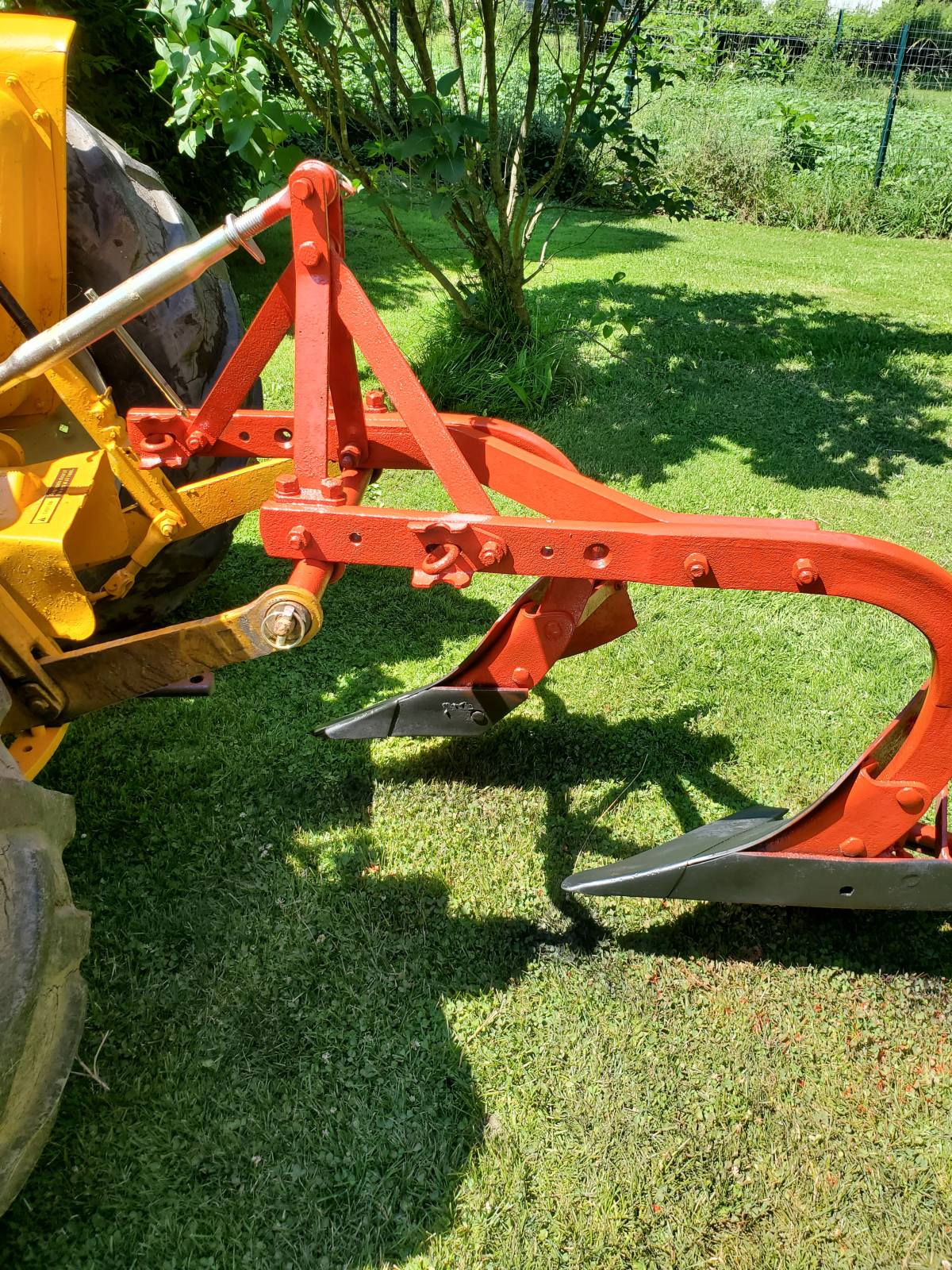
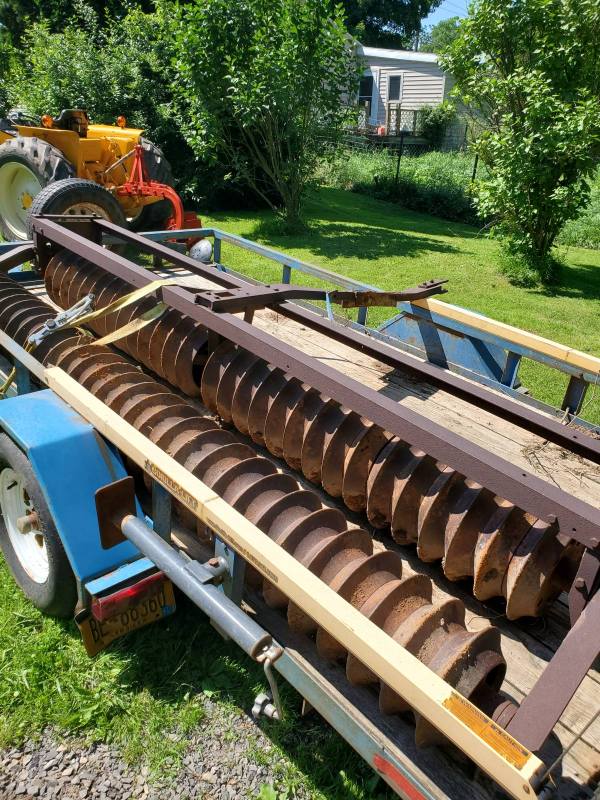
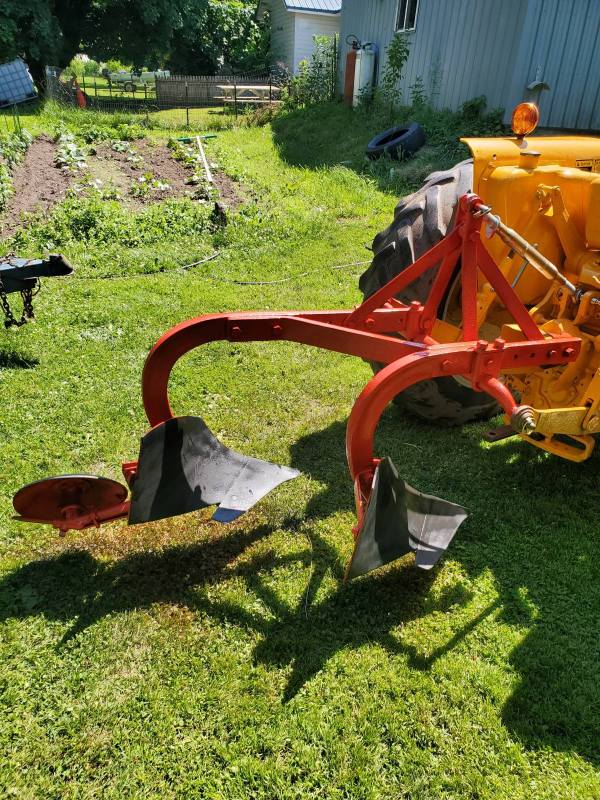
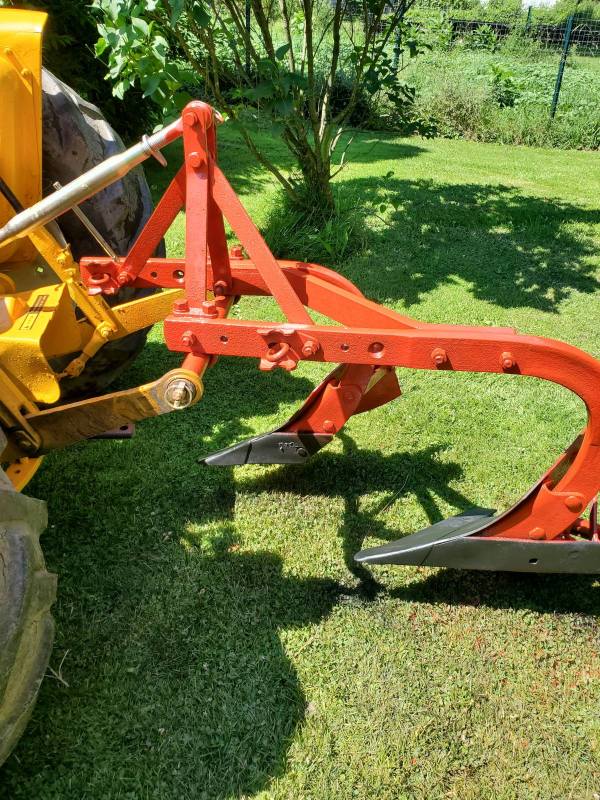
Got a plow I bought at an estate auction cleaned up and ready to go to a consignment auction, plow was a little too small for my tractor so off it goes, got a dual gang cultipacker at same auction that is going too a few more item to drag out of "equipment row" then take over to auction site
-
MCsniffles isn't going to make it 3 1/2 years
-
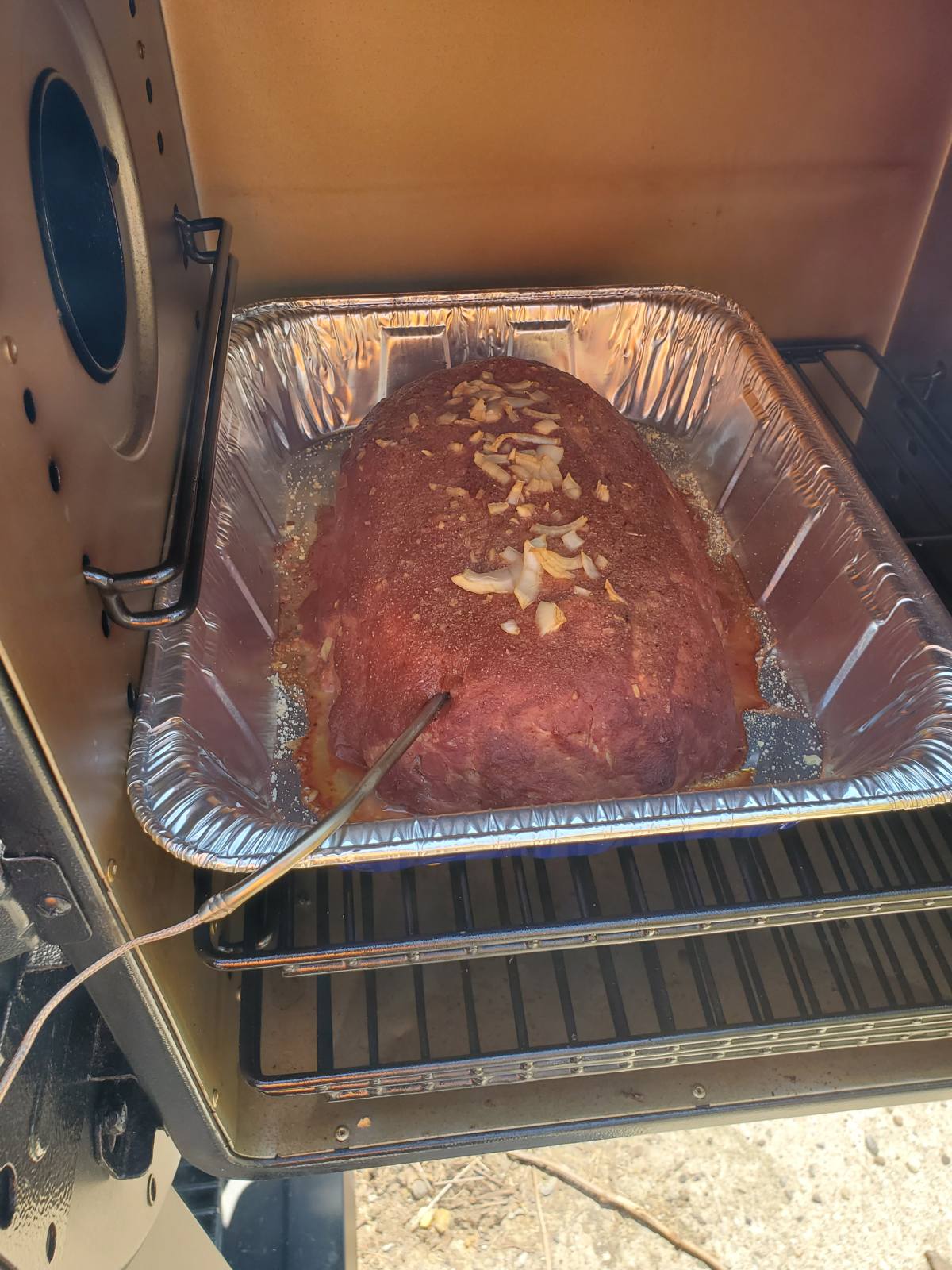
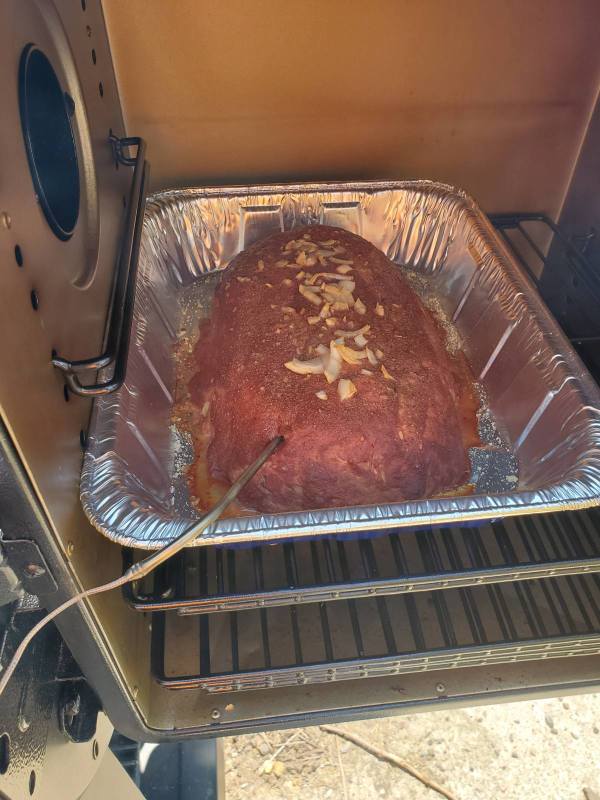
Smoking a meatloaf in the smoker box
-
After seeing some the dishes you have shown in the what's for dinner thread, which looks like Fancy Feast cat food, I take your criticism with a grain of salt
-
how about an asphalt tanker, I got access to one of those
-
that's funny coming from a total fucking retard