


ARTIE KATZ
Members
-
Joined
-
Last visited
-
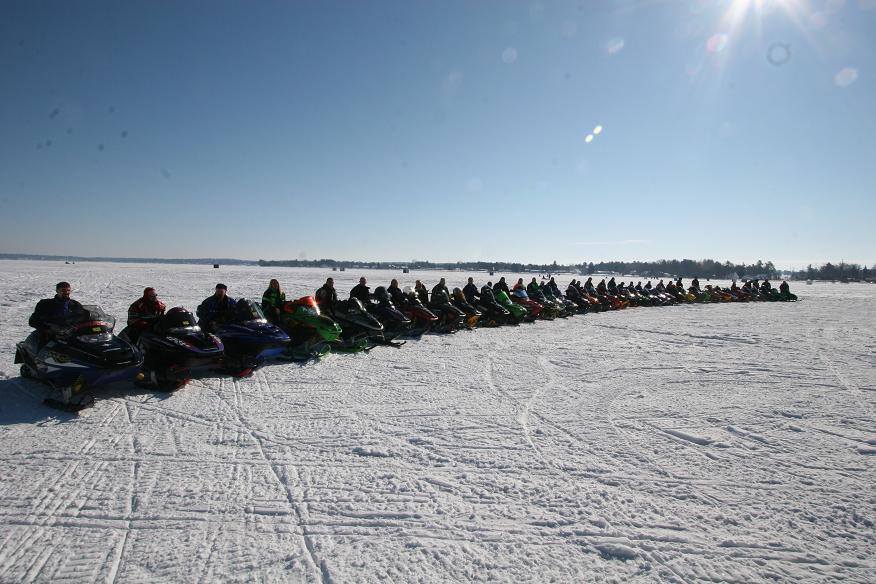
 Snow Girls Gone Wild, Lake Cadillac, February 2008.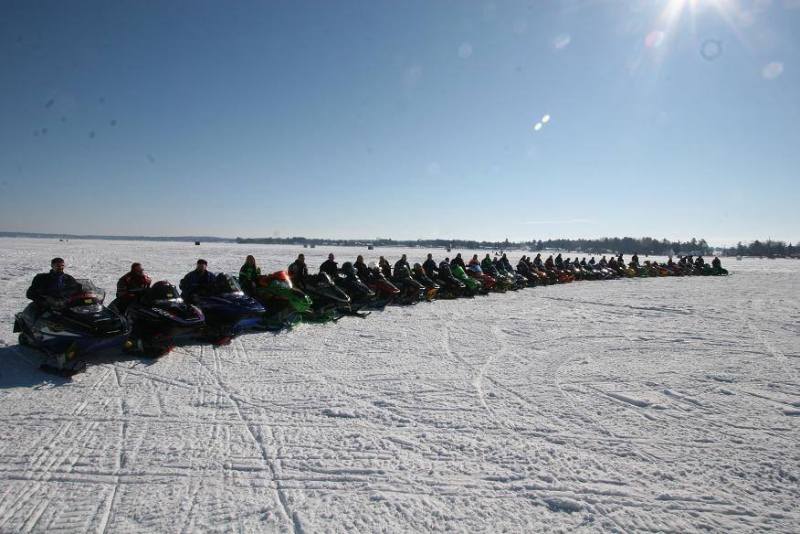
-
Davison area got hammered.
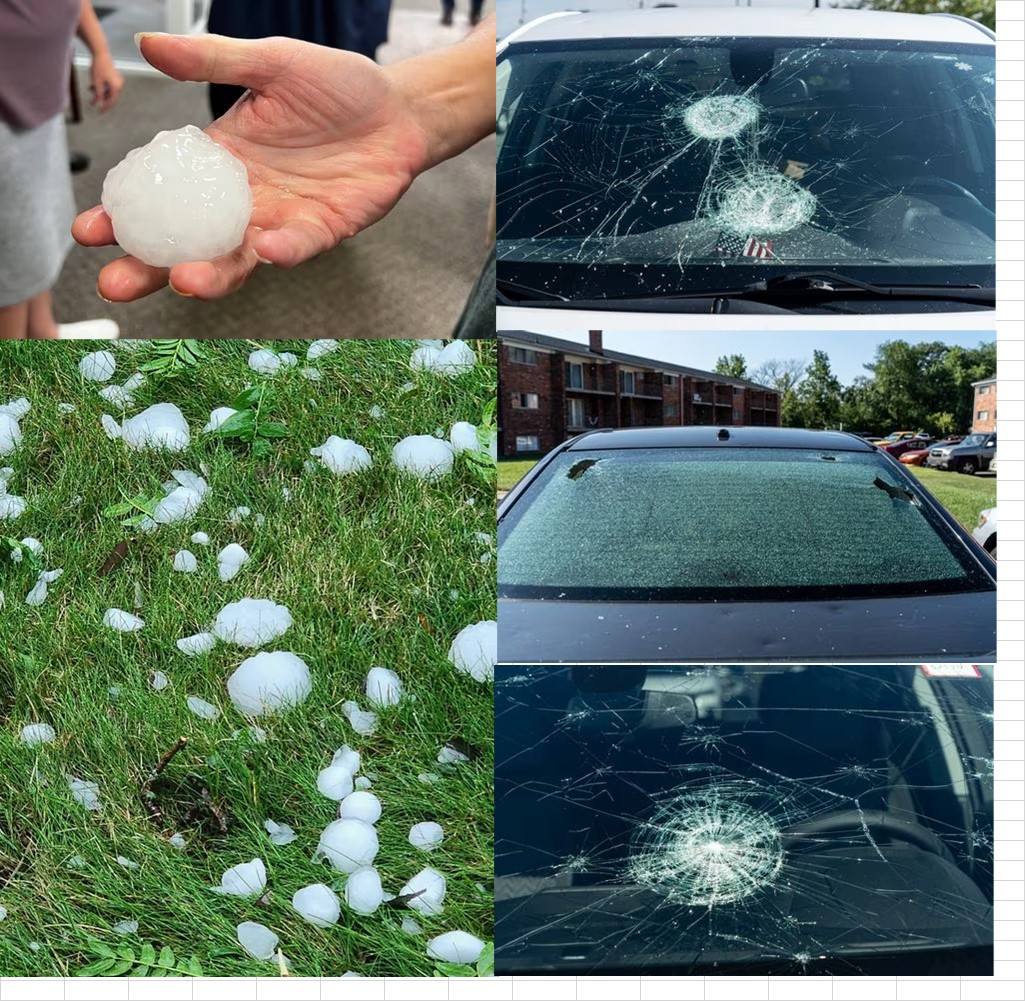
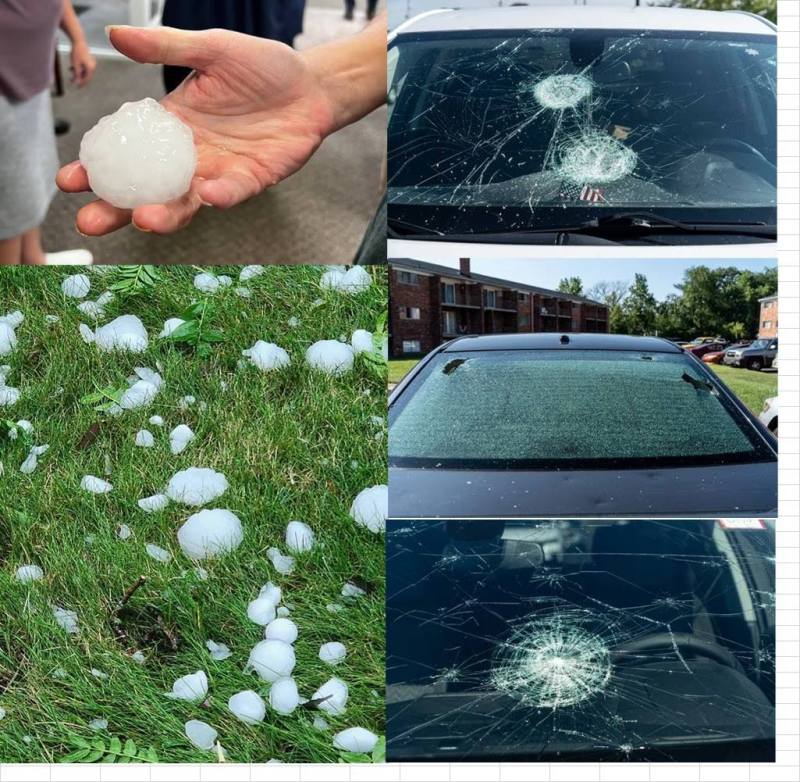
Yesterday I had a progress meeting about 5 miles West of the office at 2pm. Radar looked like it would hit about 3pm. Nope, 2:01 started raining, wrapped up meeting in 10 minutes and headed back to office. Got pounded with heavy rain and nickel-quarter sized hail the whole way as I was traveling same direction as the storm but slower. 5 miles East of the office got hit with tennis ball size hail. Lotta damage. Did not see any damage to company car so that was a plus.
 I did the same this year. Passed the torch on to the younger generation. Took all the leftovers to the UP over the 4th and gave them to the son in law. Did enjoy it for years but it takes up a lot of time when I could be relaxing.
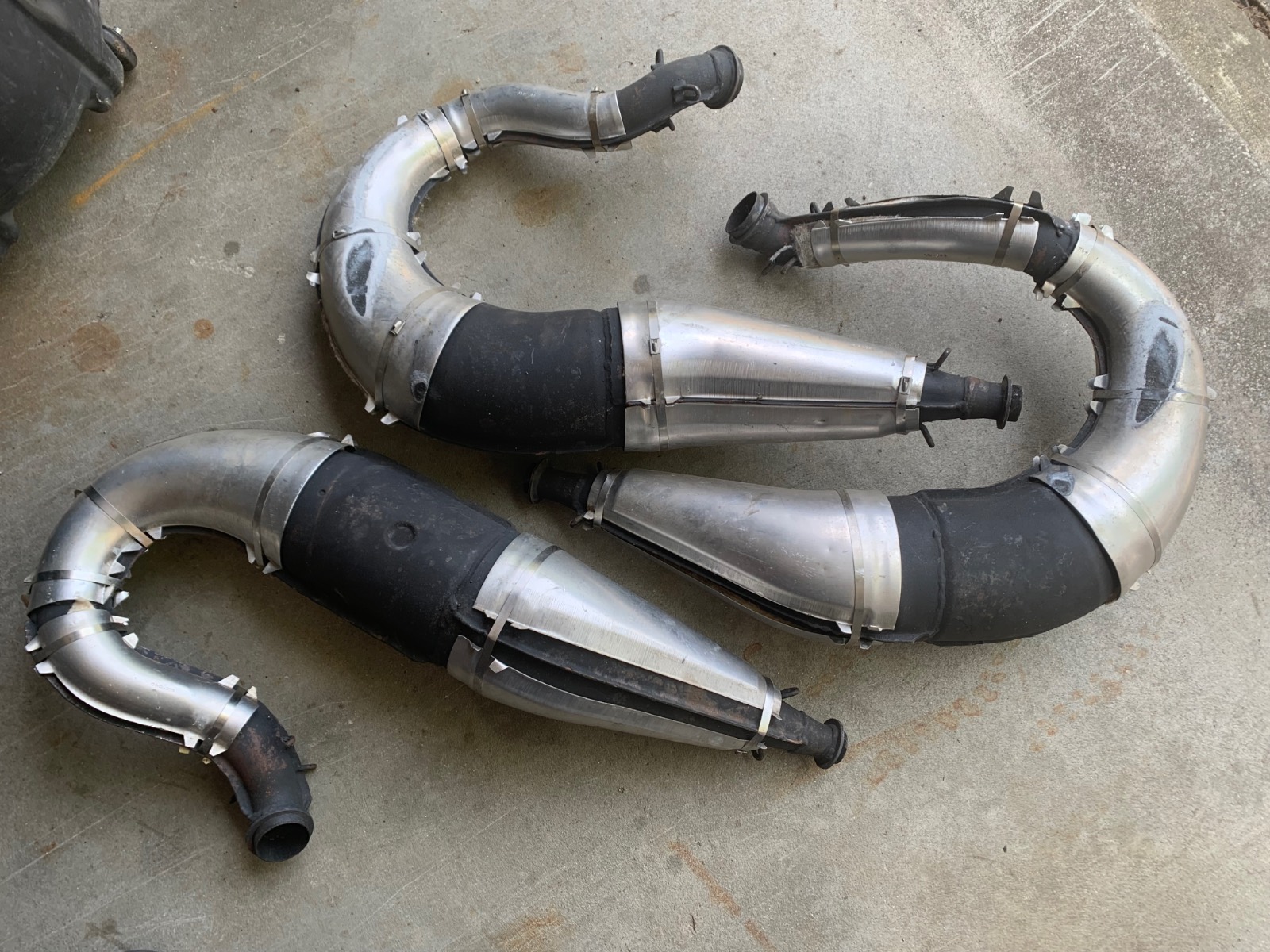
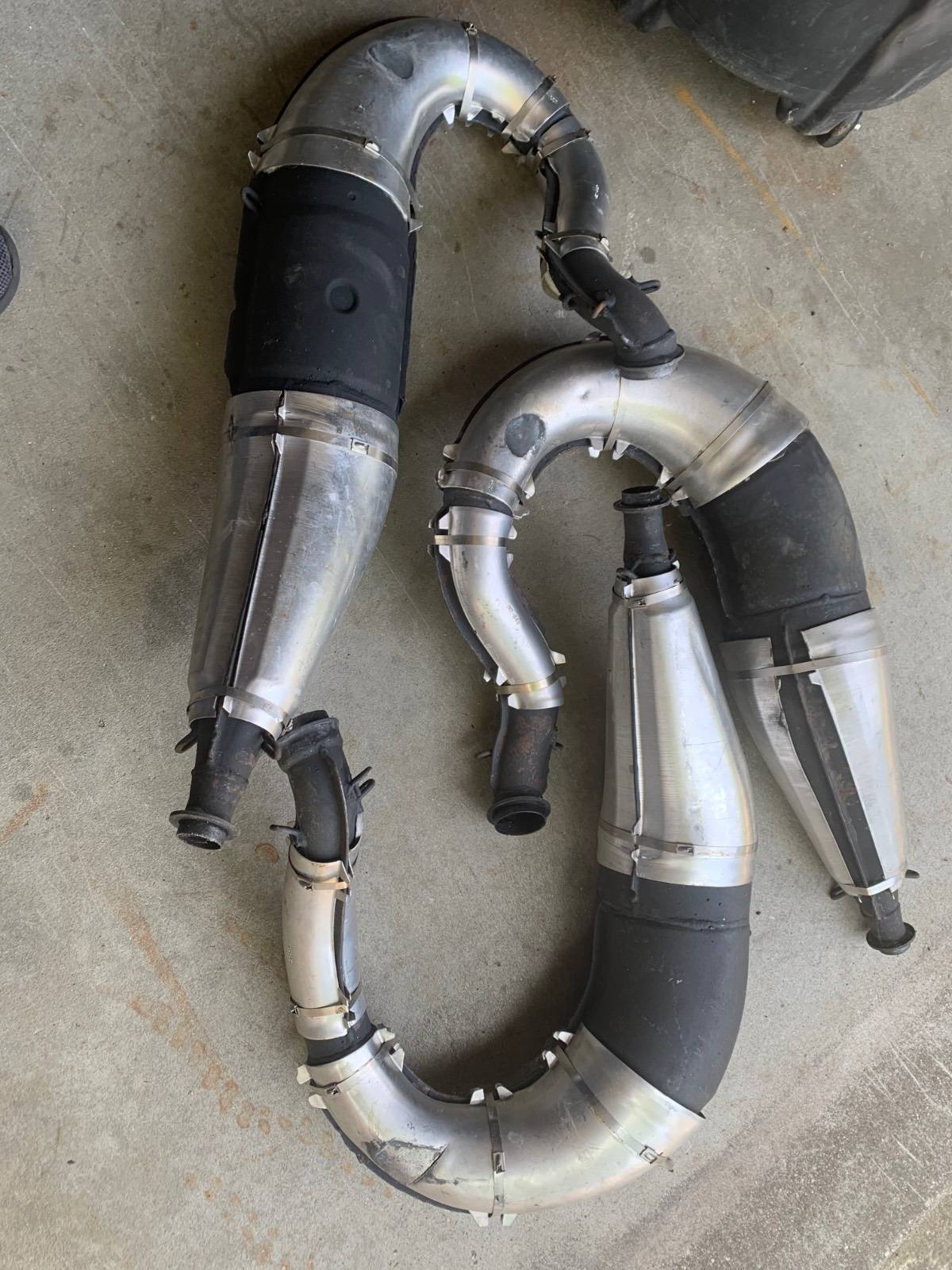
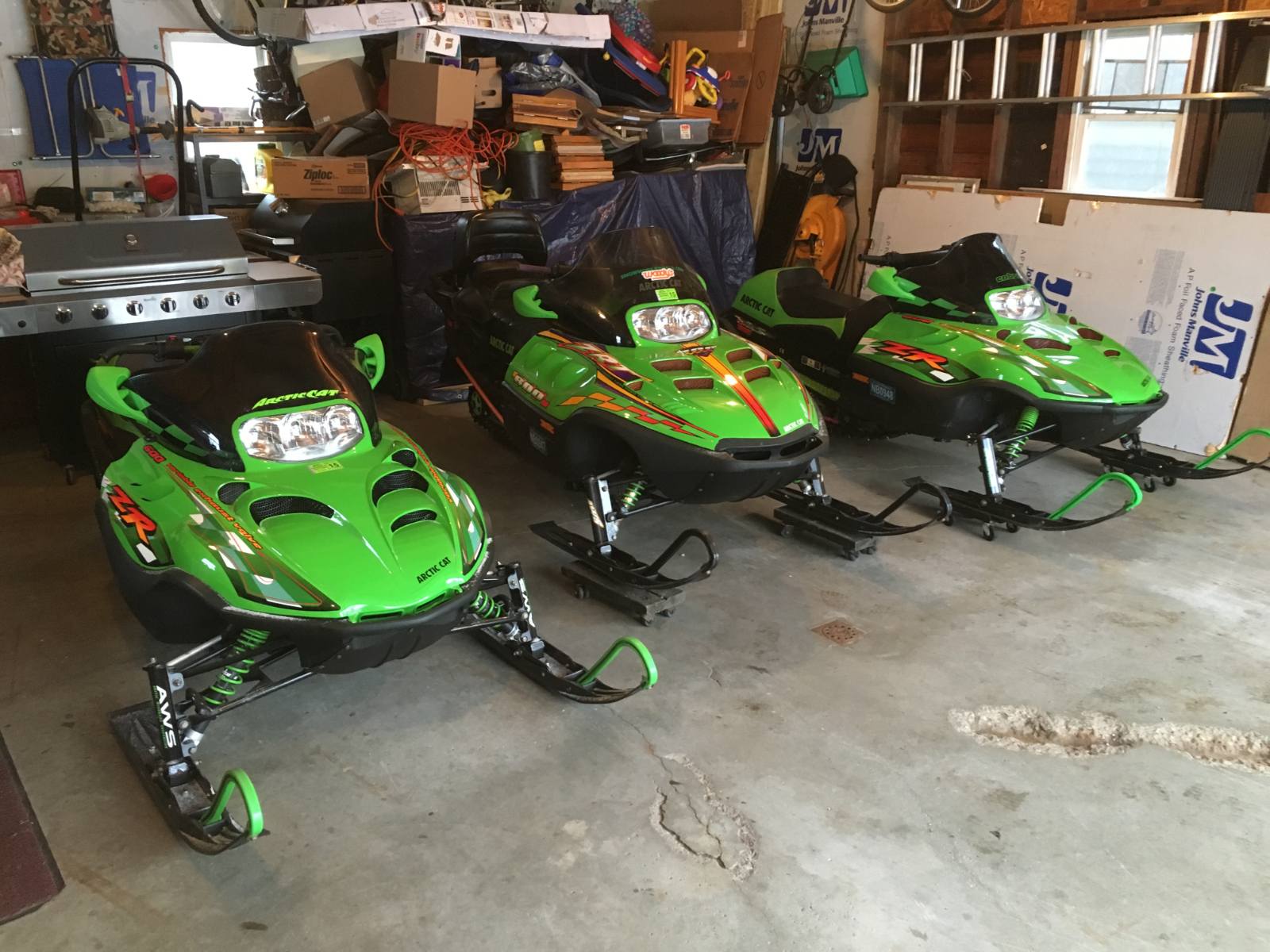
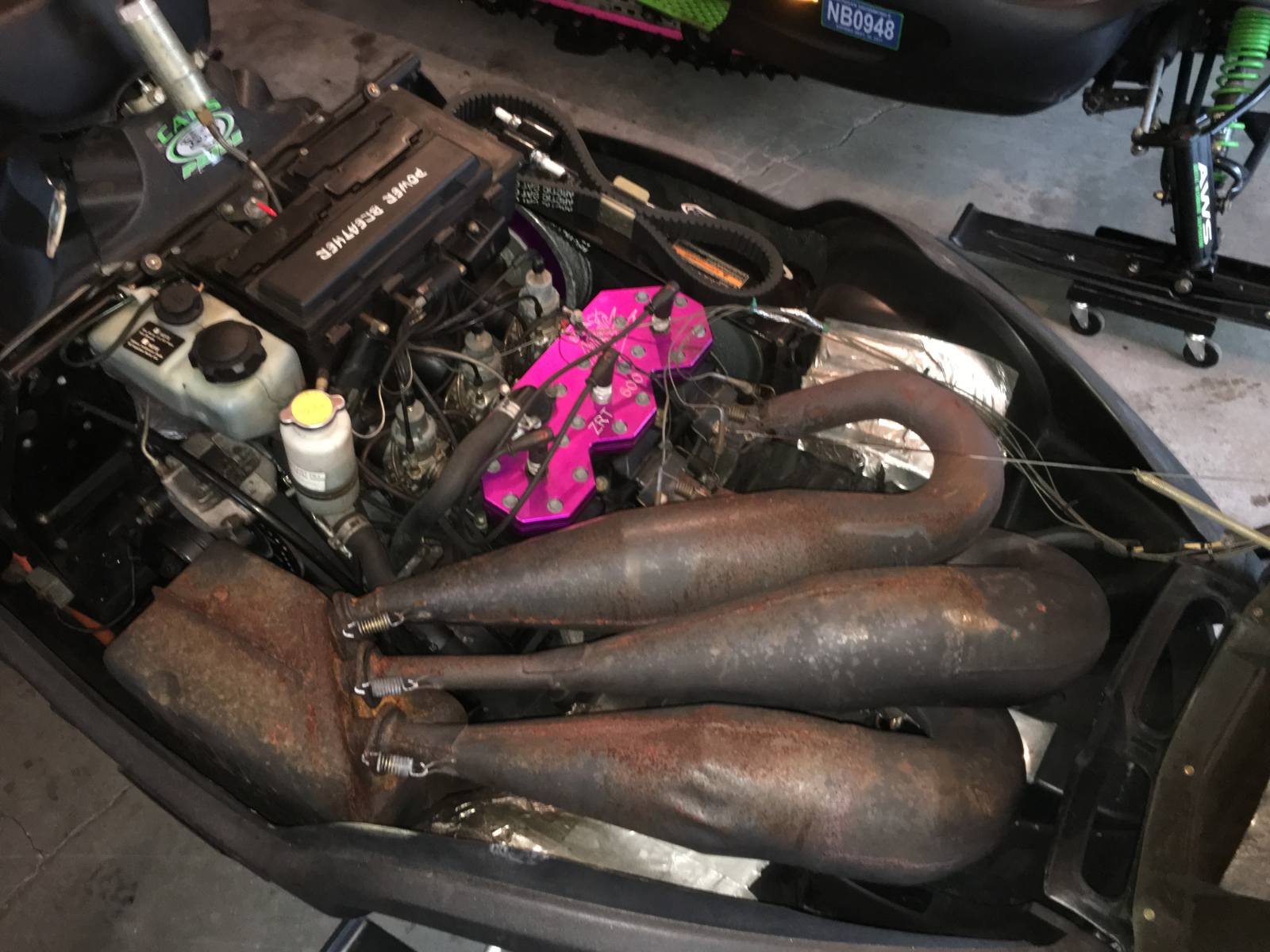
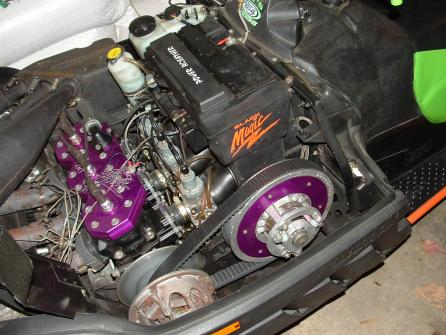
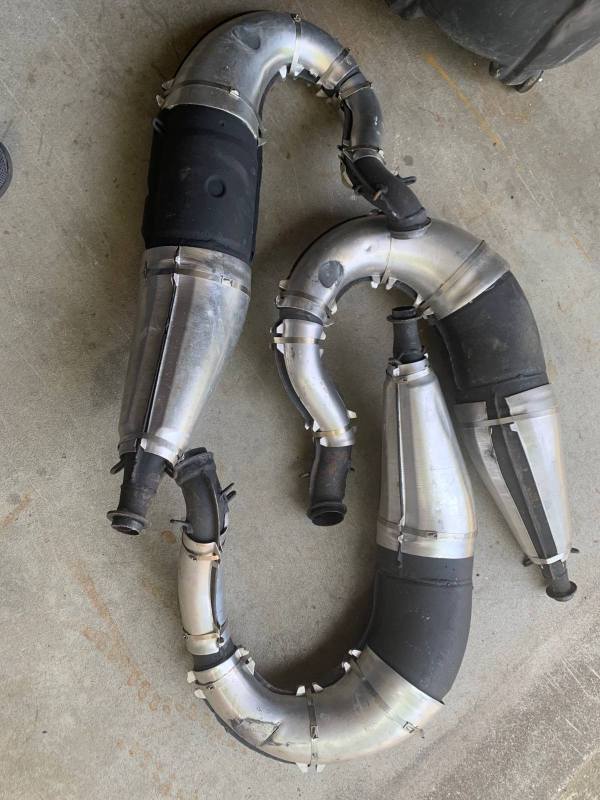
Sorry Crockpot drone drowner but this is the only place that gets any action. What is a fair price for a set of 99 ZRT 600 pipes? And by fair I mean I sold the running sled with Black Magic head and pipes for 1k. I only like to sell to sledders that continue the old Cats on the cheap side.
I did the same this year. Passed the torch on to the younger generation. Took all the leftovers to the UP over the 4th and gave them to the son in law. Did enjoy it for years but it takes up a lot of time when I could be relaxing.
Sorry Crockpot drone drowner but this is the only place that gets any action. What is a fair price for a set of 99 ZRT 600 pipes? And by fair I mean I sold the running sled with Black Magic head and pipes for 1k. I only like to sell to sledders that continue the old Cats on the cheap side.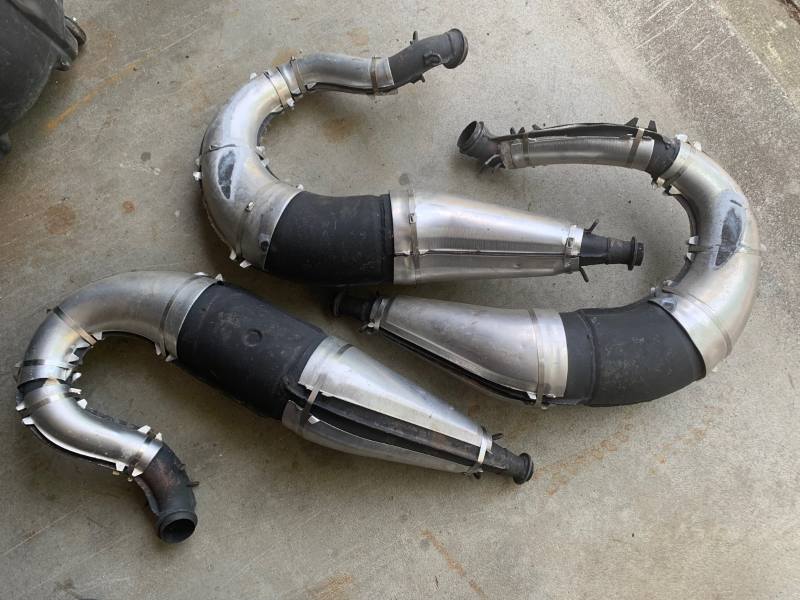
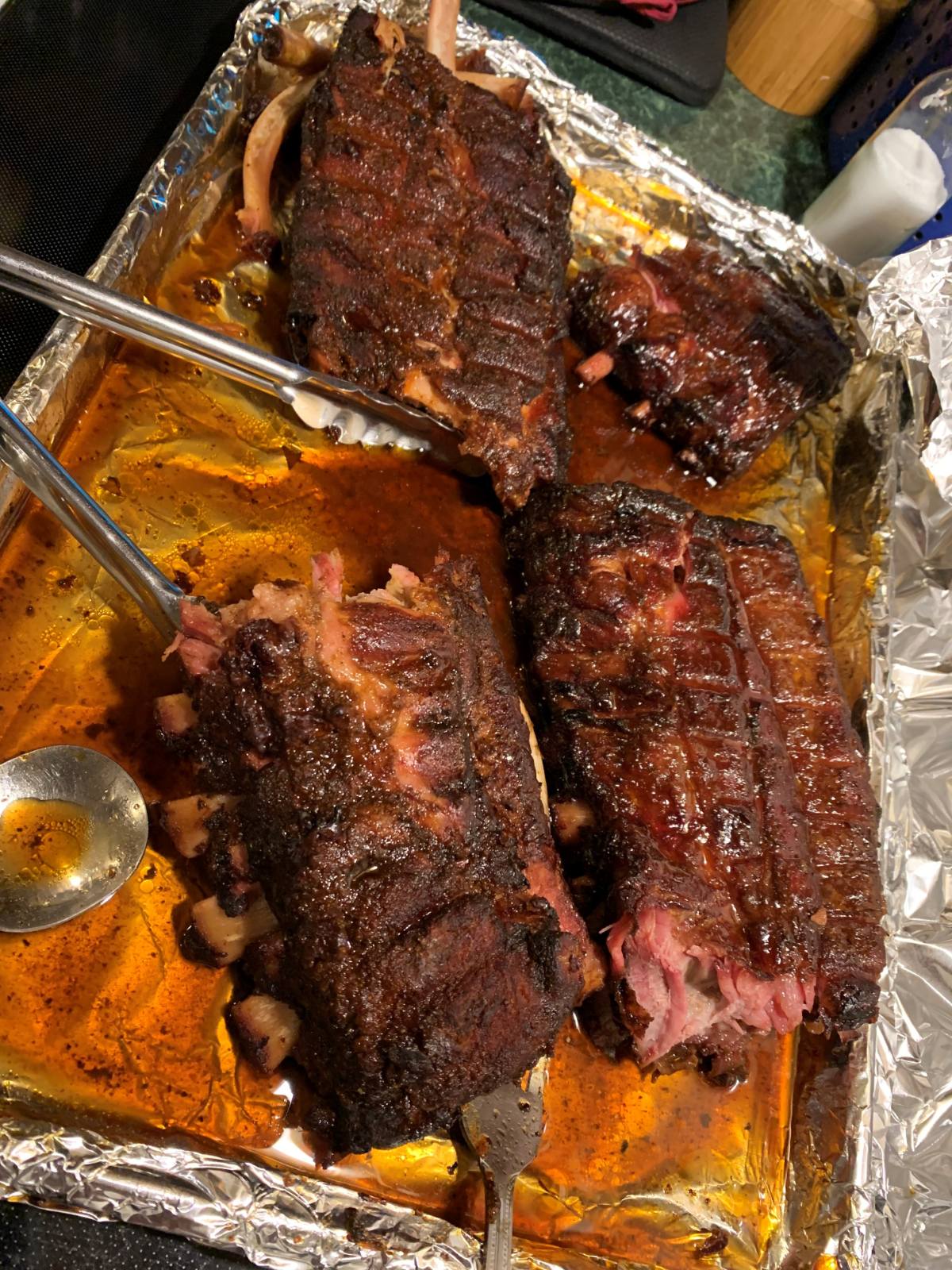
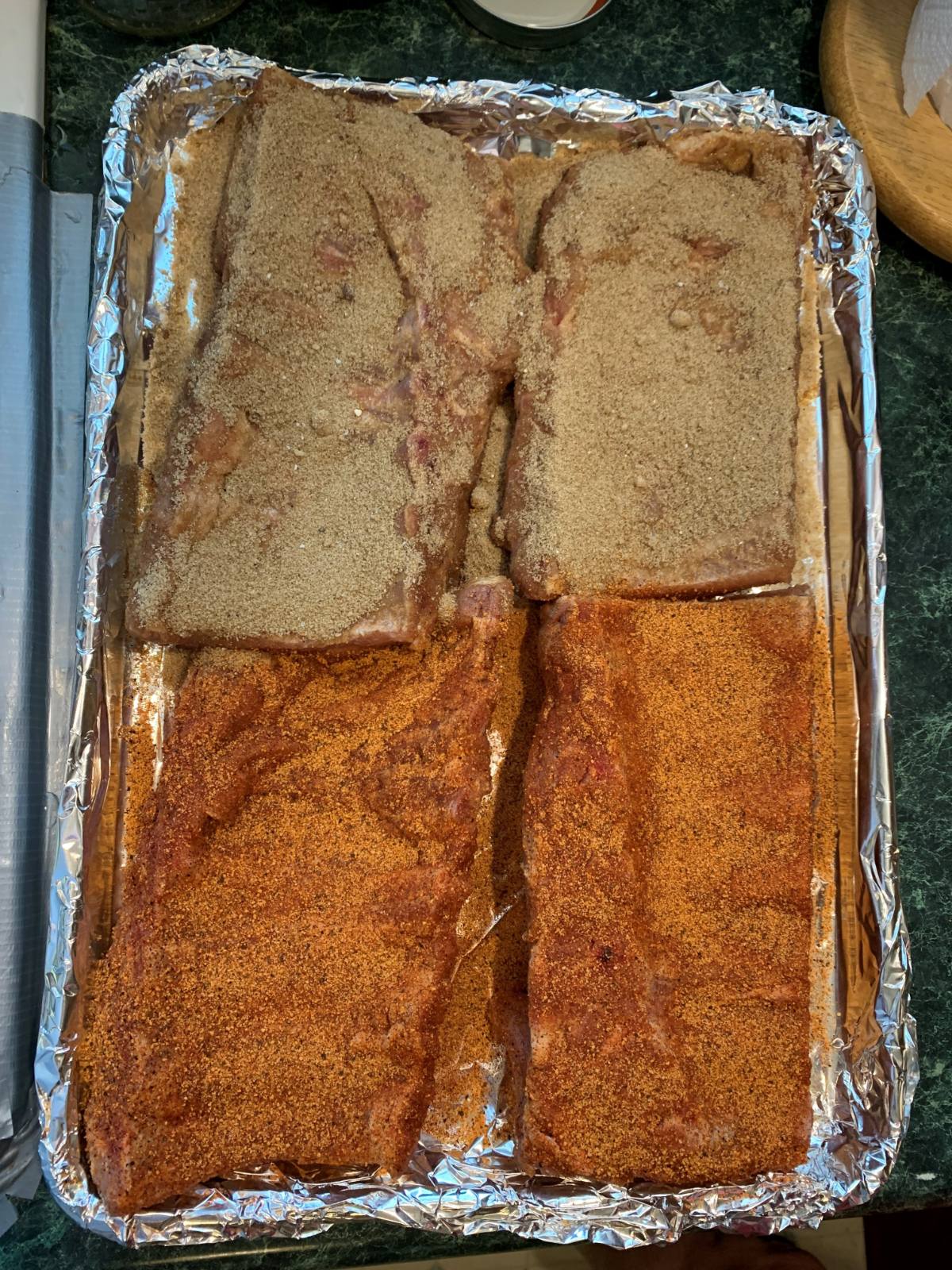
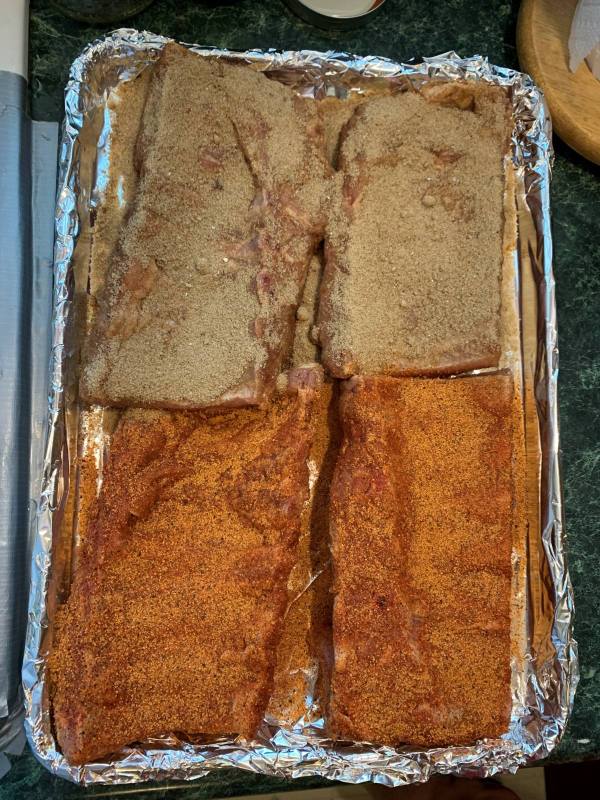
 His and hers rubs. Both were excellent.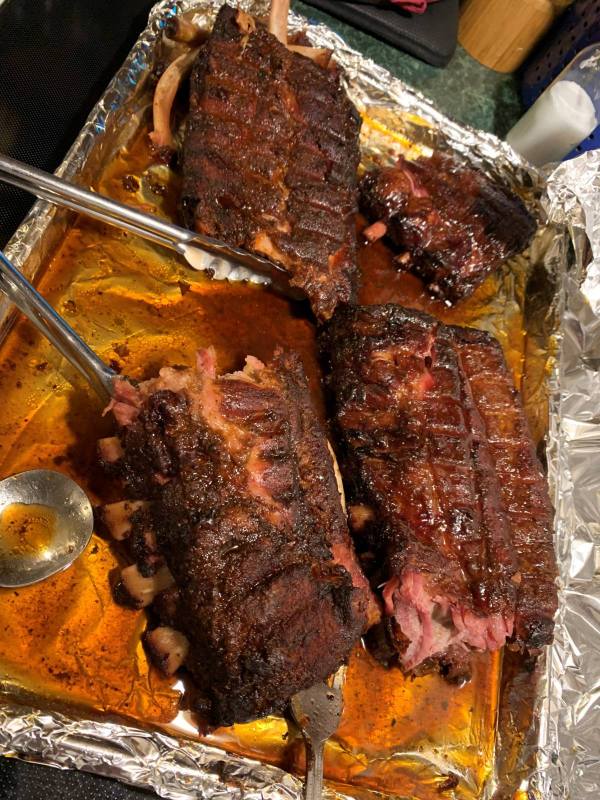
 Shit, guessed at 10' x 60' x 1".
Two Ton, 500 Gal.
Thanks for taking the time to share all those great pictures!
ok, I gotta know about this!
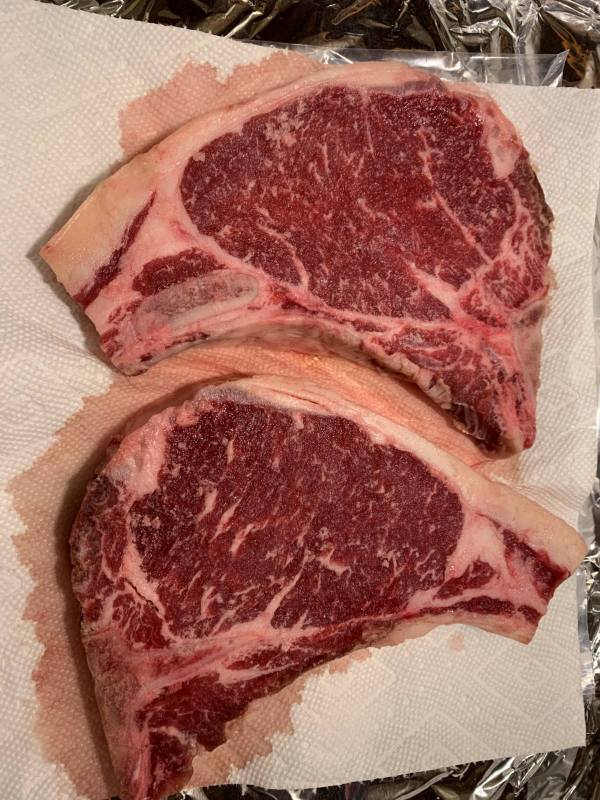
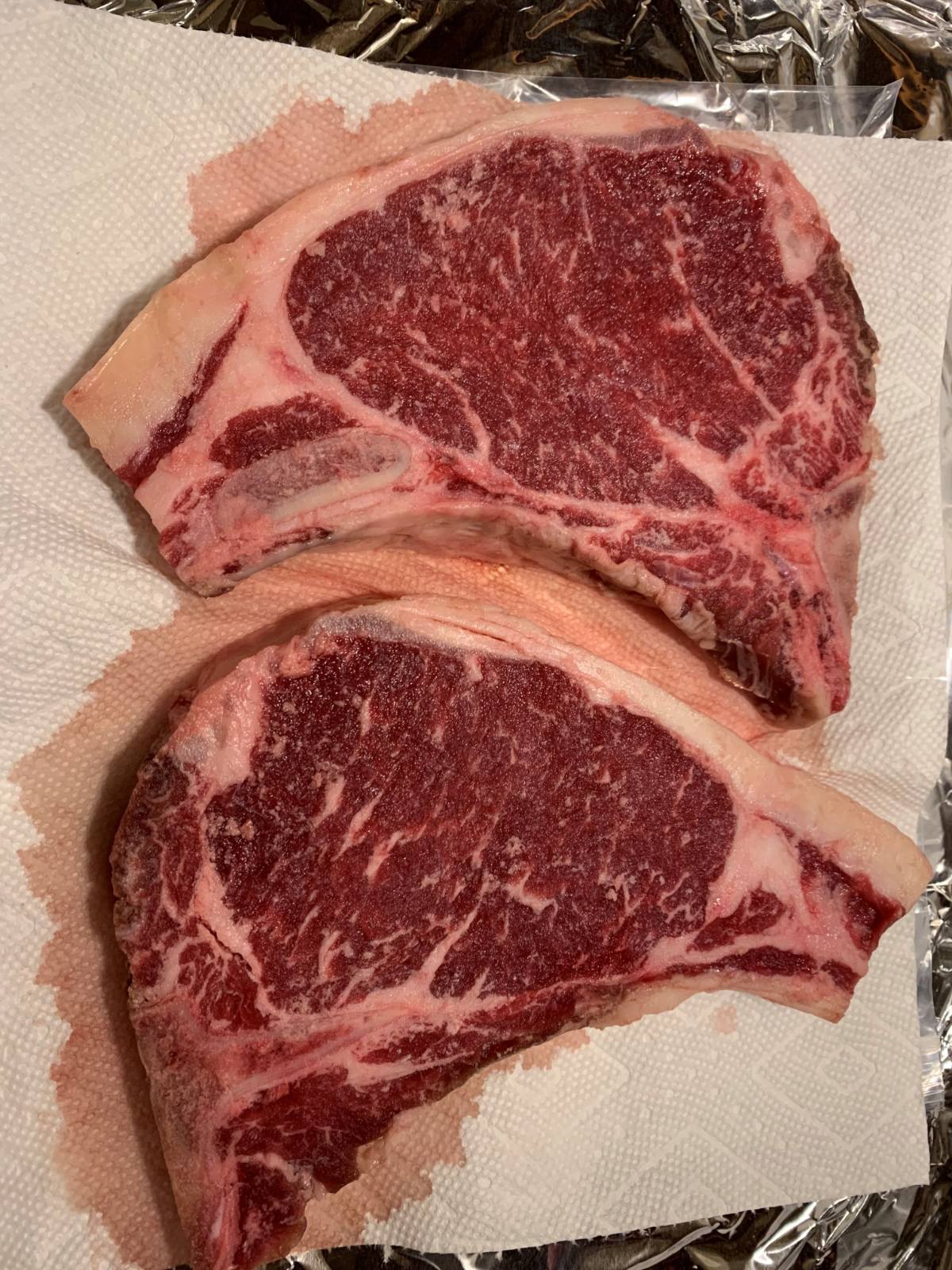
Steak from last years 1/4
Shit, guessed at 10' x 60' x 1".
Two Ton, 500 Gal.
Thanks for taking the time to share all those great pictures!
ok, I gotta know about this!
Steak from last years 1/4