CFM
Members
-
Joined
-
Last visited
-
 This place was s free for all when we came in. Clown550 with the threats snd wife digs. ’Right wingers’ supposed to back diwn from that crap. Complain about just that part of Clown550’s bullshit and we are told no real rules here and atc. We where told to stand down from his bullshit. Year later of continous crap still going on with wife comments and phys threats he gets 1 week timeout, and then site owner again sayss it’s us. Mainecat backs that fuck. You are a good person John, no doubt, but I totally don’t agree with your stance on backing that mother fucker and not those thst fight back. I thank you for ‘letting’ some of us come over. I was hoping for more sled contebt thsn bantering. Bantering can be fun, and was at HCS, but i draw line at wife comments and physical threats by someone in same area. I’m out. Hasn’t been enough value. See others later. Been fun near 20yrs with a few of you. No hard feelings. When in doubt, throttle out. I’m throttling out.
 -
Yeh, you give clown550 the business. Oh wait. Never. Your a liar snd scared.
-
Extreme Max. It’s not with backers.
-
Antonio headed back to Atlants
 Went out tonight. Yum.

 Clown01mxz800 / “They stir him up and he takes the hit” You must be clown550’s clown team mate. High five. Yeh, people hate him and fight back because he’s a good guy, just misunderstood. Let the wife comments go, he’s just kidding. lolololololololol
What have been saying along. Thanks for saying it better .:thumbs
Still just a couple certain things you don’t say if you have any shred of decency. Other than that, it’s all good. Obviously we can banter well too, how did we get here ? Funny you some stand up for that. And if you are fighting for total ‘freedom’ here, then shut the fuck up about us. If you can fight, so can’t we. Lolololol Who’s bringing any of the snowmobile content ?
And snow too ! Nice !
These caught my eye, but no experience with them. https://www.etrailer.com/Tie-Down-Straps/Quick-Fist/QF10010.html
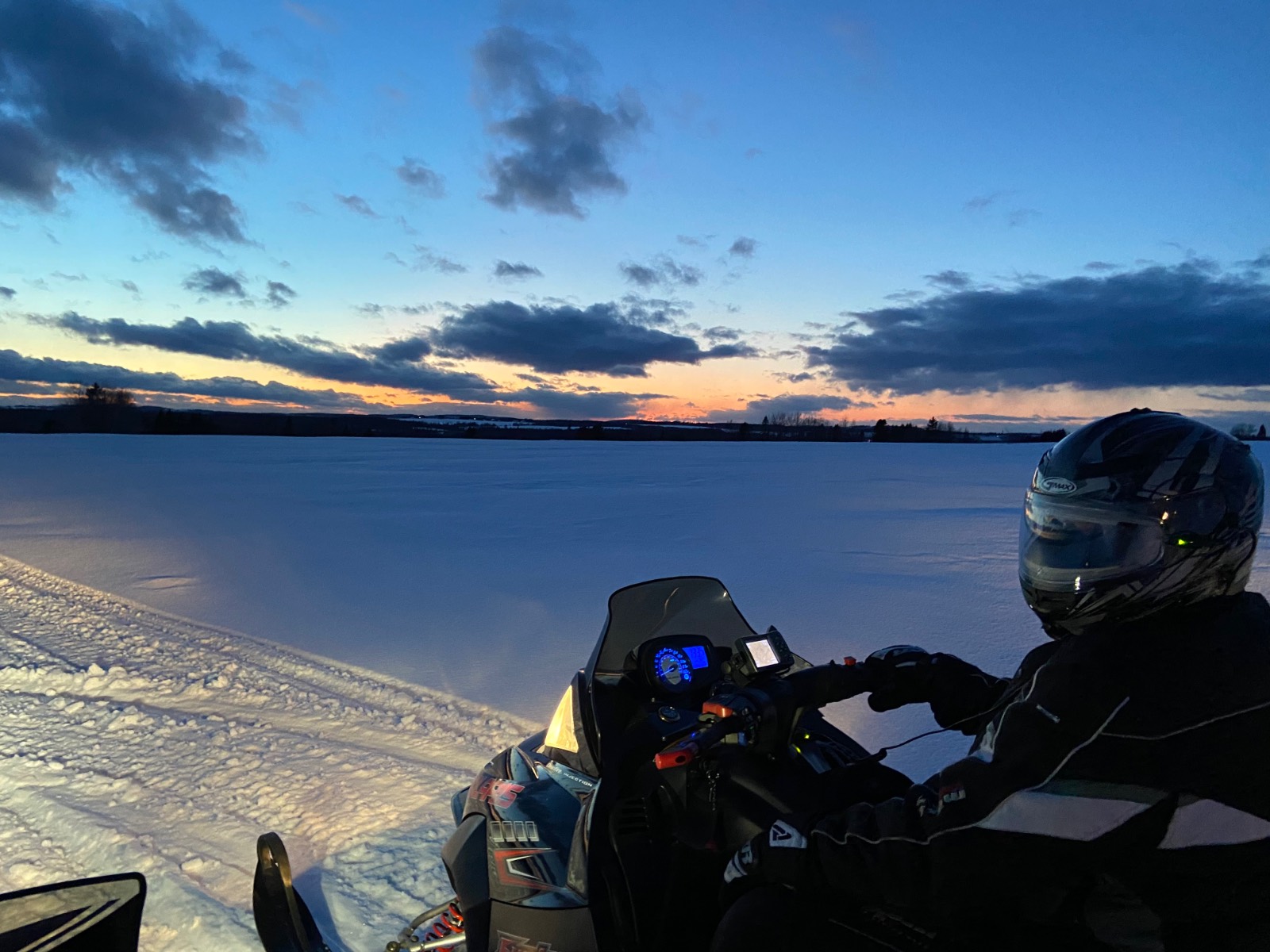
2winters ago. Northern Maine. 330mile day
Clown01mxz800 / “They stir him up and he takes the hit” You must be clown550’s clown team mate. High five. Yeh, people hate him and fight back because he’s a good guy, just misunderstood. Let the wife comments go, he’s just kidding. lolololololololol
What have been saying along. Thanks for saying it better .:thumbs
Still just a couple certain things you don’t say if you have any shred of decency. Other than that, it’s all good. Obviously we can banter well too, how did we get here ? Funny you some stand up for that. And if you are fighting for total ‘freedom’ here, then shut the fuck up about us. If you can fight, so can’t we. Lolololol Who’s bringing any of the snowmobile content ?
And snow too ! Nice !
These caught my eye, but no experience with them. https://www.etrailer.com/Tie-Down-Straps/Quick-Fist/QF10010.html
2winters ago. Northern Maine. 330mile day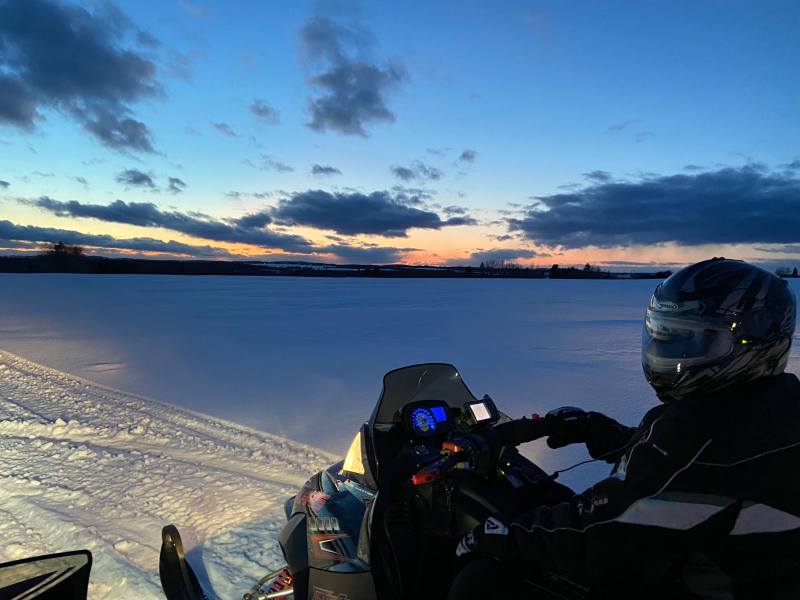 Lololol Yup, you can really feel the Bern.