
SlugsOnSleds
Members
-
Joined
-
Last visited
-
 I liked mine stock...We bought 5 new ones for the 1979 season...Yep...We blew 3 of them up out on the lake behind the Hiawatha Resort in E.R. the first week we had them...lol
-
You dont own a sled...
-
-
...
-
LOL...I'll make an unsolicited opinion...This new regurgitated group of misfits running the NEW Cat Corp, will prove eventually they are no better than the previous pre 2017 group that sent Cat on the downward spiral they are still in today...WTF...NO new website yet...LAUGHABLE
-
Deal of the day...Good till tomorrow...Reminder to all you high roller sledheads...Bring CASH Only... New 2025 Polaris 9R Indy XCR 136 SC | Snowmobiles in Kaukauna WI | 628218 GLOSS BLACK/SHADOW GRAY
-
Wide Open Wisconsin
-
Deja Vu... PAGE_23890
-
All the trails we rode to get there in 86 are the same ones softcore doug would have to take now if going thru Mn...Only 1 extremely hazardous area for concern...BUT...I'll let him figure it out for himself...I would have thought a legend in his own mind like doug is would have made dozens of long distance bagger trips by now...
-
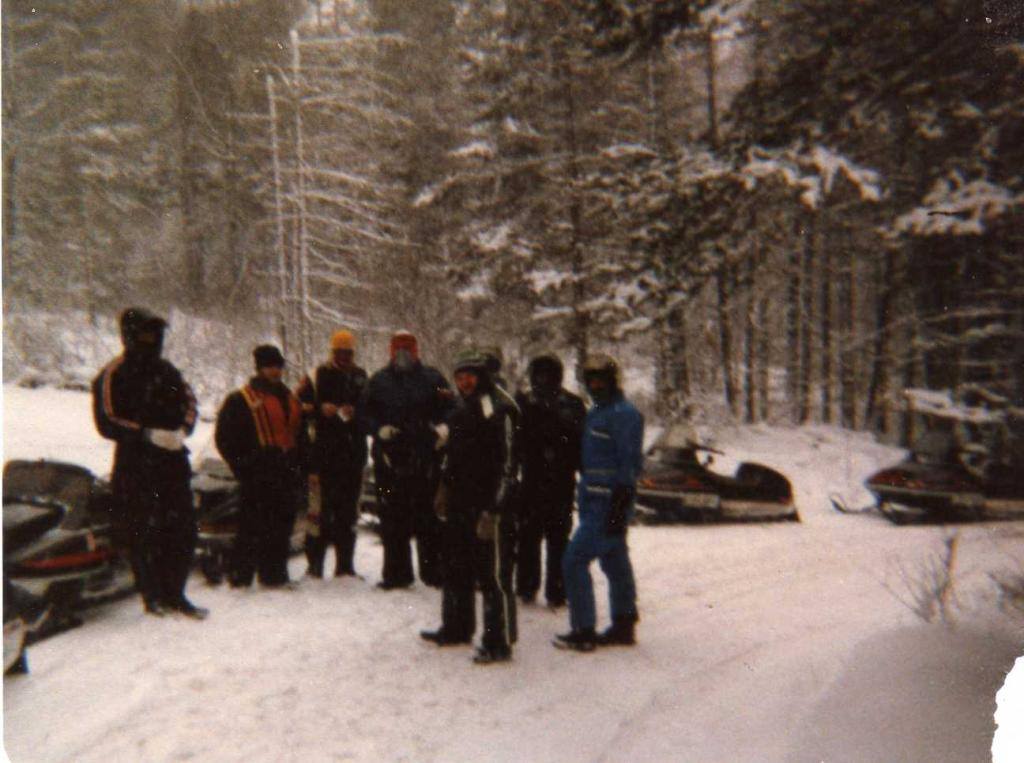
I did it back in 1986...Eagle River, Wi to Thunder Bay, On and back...Roundtrip 7 days... 1300 mi...Of course we were all on YAMAHA's...Went thru the Pidgeon River border crossing...The temp was -21 that am...The guard slid the door open about 3 inches and asked me where we were going...I told him T,B. He said good luck and slammed the door shut before he got any colder...LOL...No trails from the border to T.B. It was all ditchbang back then...
-
Yep...You have to ask yourself why the DNR requires clubs to have GPS in all the groomers in the state now...Unscrupulous club/awsc members where committing fraud by lying about the grooming mileage they were trying to get paid for...The DNR caught several clubs doing it...Now if you want to get paid for groomer mileage, you need to include the GPS Tracking log info...Looks like a bunch of losers running these clubs...
-
Thats because they posted fake/woke info on the Travel Wisco website...They listed the conditions as "POOR"..."UNGROOMED"...I personally watched the storm on radar that ripped thru there...Yep 8-10" easy...Just like my pics show...
-
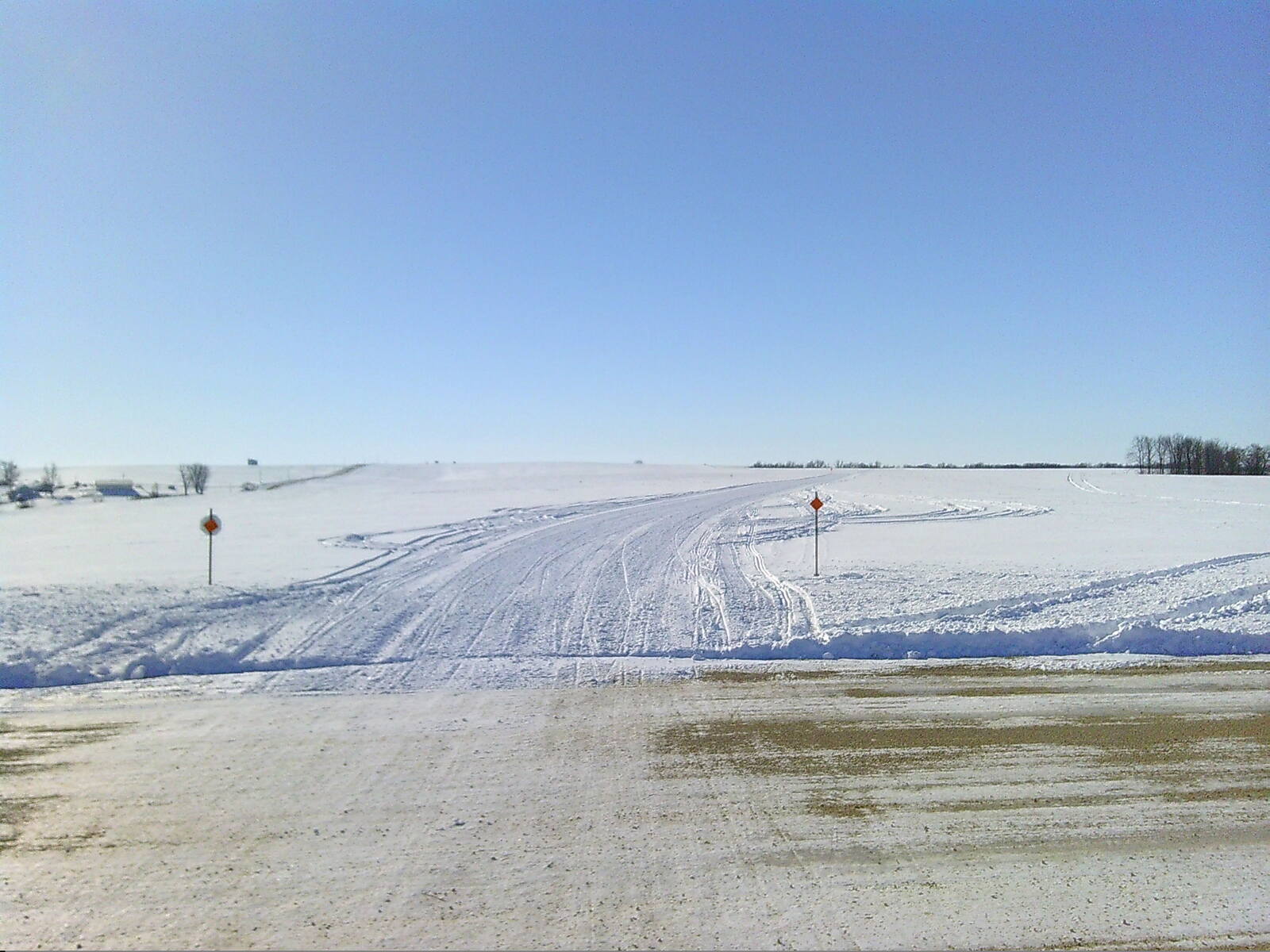
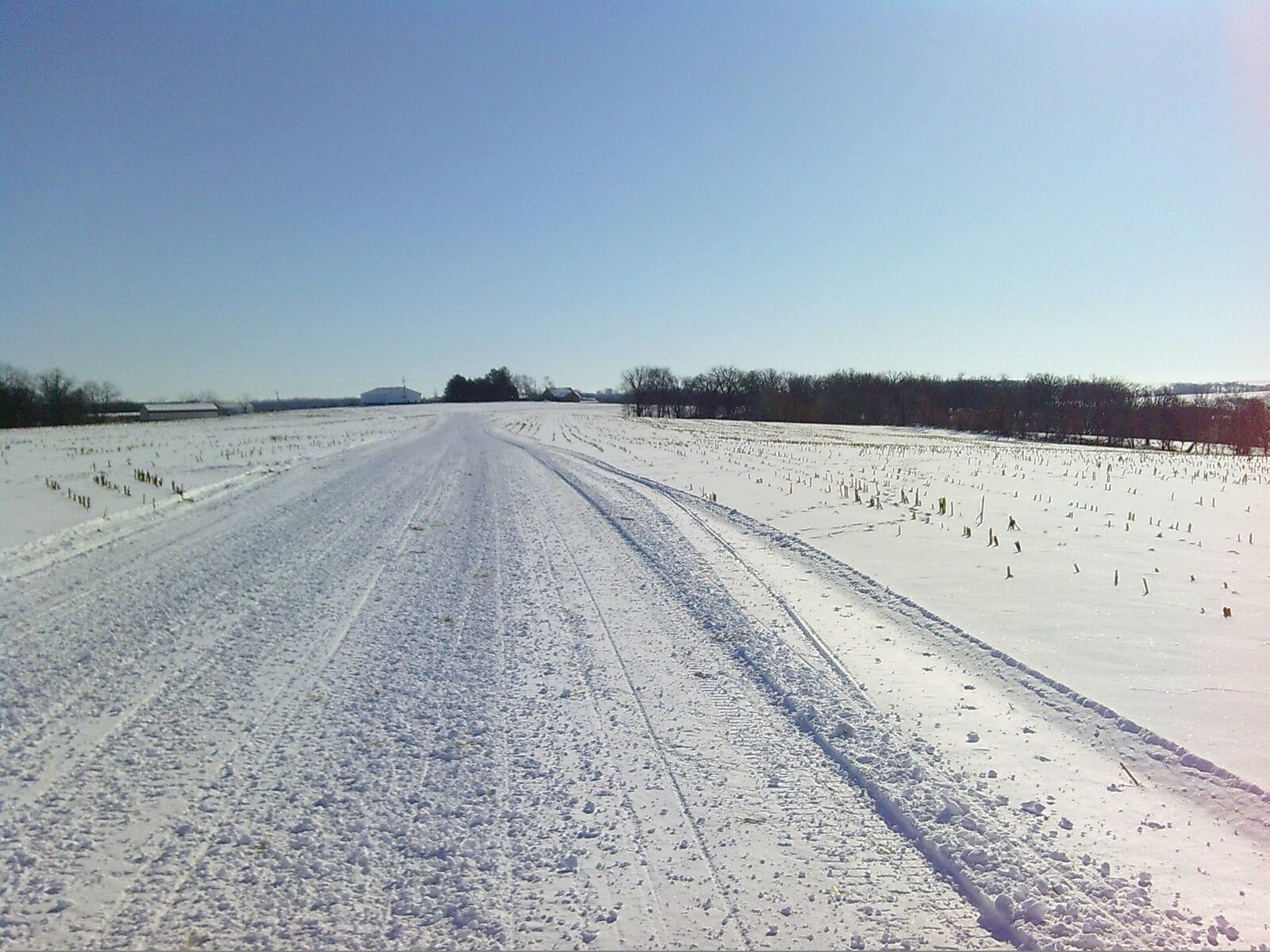
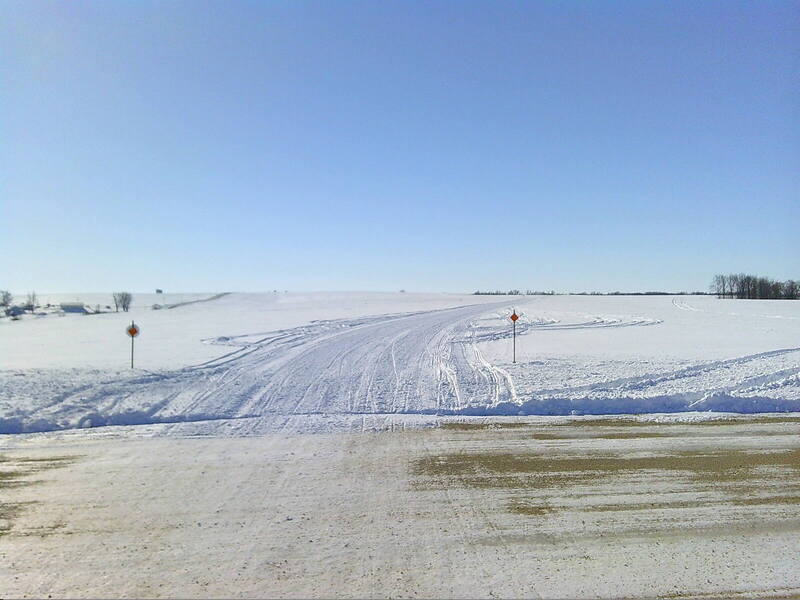
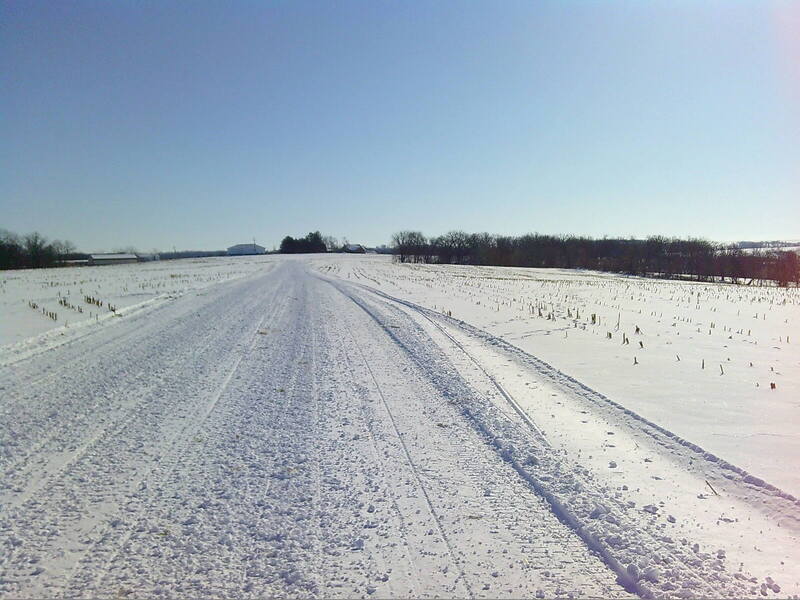
I disagree...I was a member from 1971 till 2013...I quit when they started chopping up the counties into zones...In the early days it was good...Today it's nothing but a good ol boyz club/Money Grab...3 seasons ago I called an AWSC director from a county in far S.W. Wi looking for info...He actually answered the phone...Asked him about snow...grooming...parking...Then he asked where I lived...Told him Rock Co...Then his whole demeaner changed...He said theres not enough snow to groom, and I should drive to the northwoods...Well I read people good and I could tell he was full of shit about the conditions...I'll post some pics from the next days ride in his county...Good or Junk ??? You decide...That guy got no business being an awsc director...
.thumb.JPG.3fdc9d7b1bffcb65b1fd5a64b1500505.JPG)
.thumb.JPG.70b1a7a4d90d426376238e5697bbd77a.JPG)
-
-
No need to fuck with reeds ATM...The throttle cable is stretched...



.JPG.4eb50ef74c5a4b32515fbee22f3f16b4.JPG)
.JPG.df5f6f48aa0b7aec2ff1063eca876bf5.JPG)