Turbo Kitty
Members
-
Joined
-
Last visited
-
 Thanks Jimmy , I’m down in Florida for a while, Merry Christmas
 -
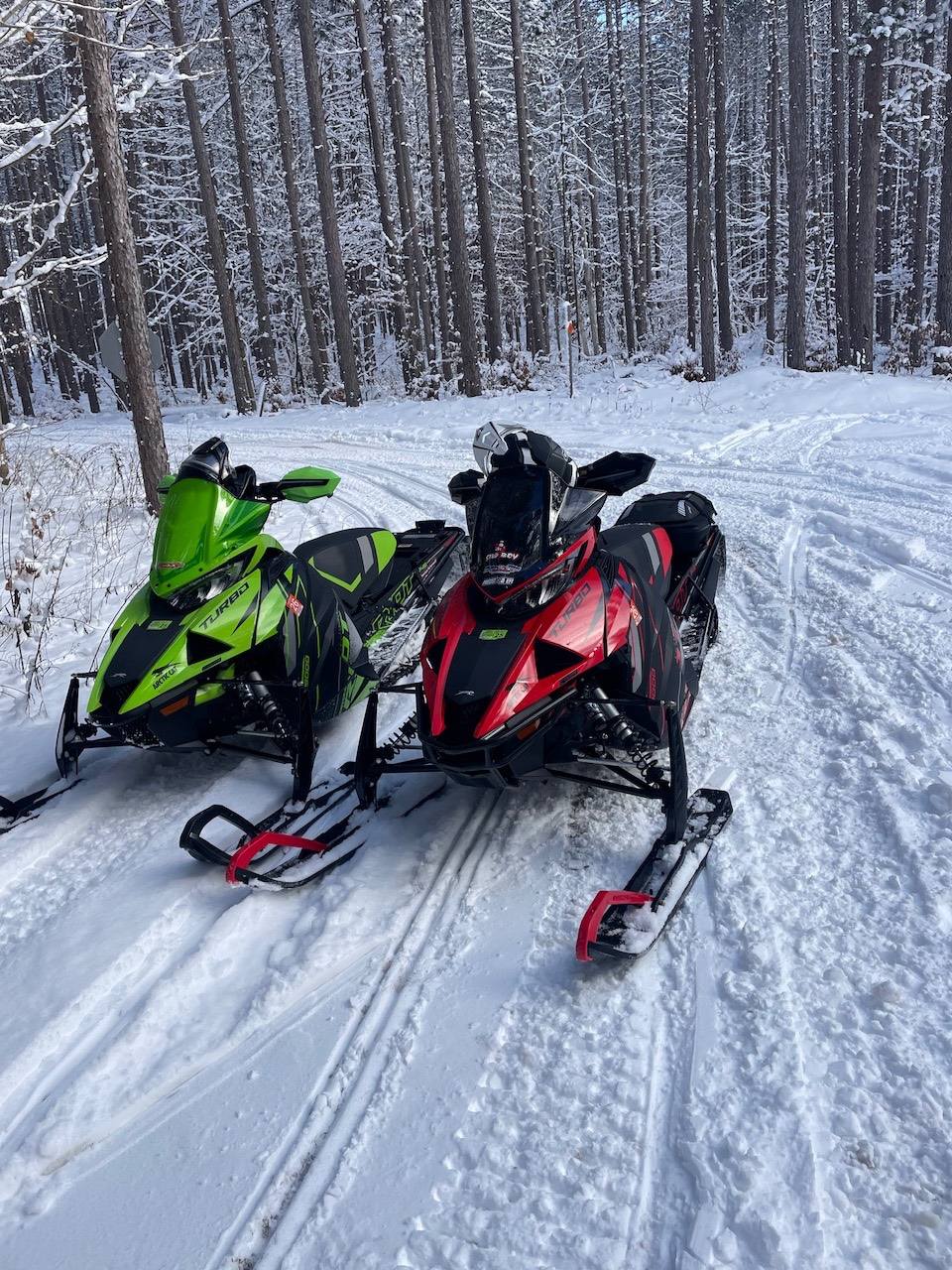
I was able to get out Saturday for a little rip, over by Cabrafea and lost pines ,Boon there was good snow. Love these riots.
-
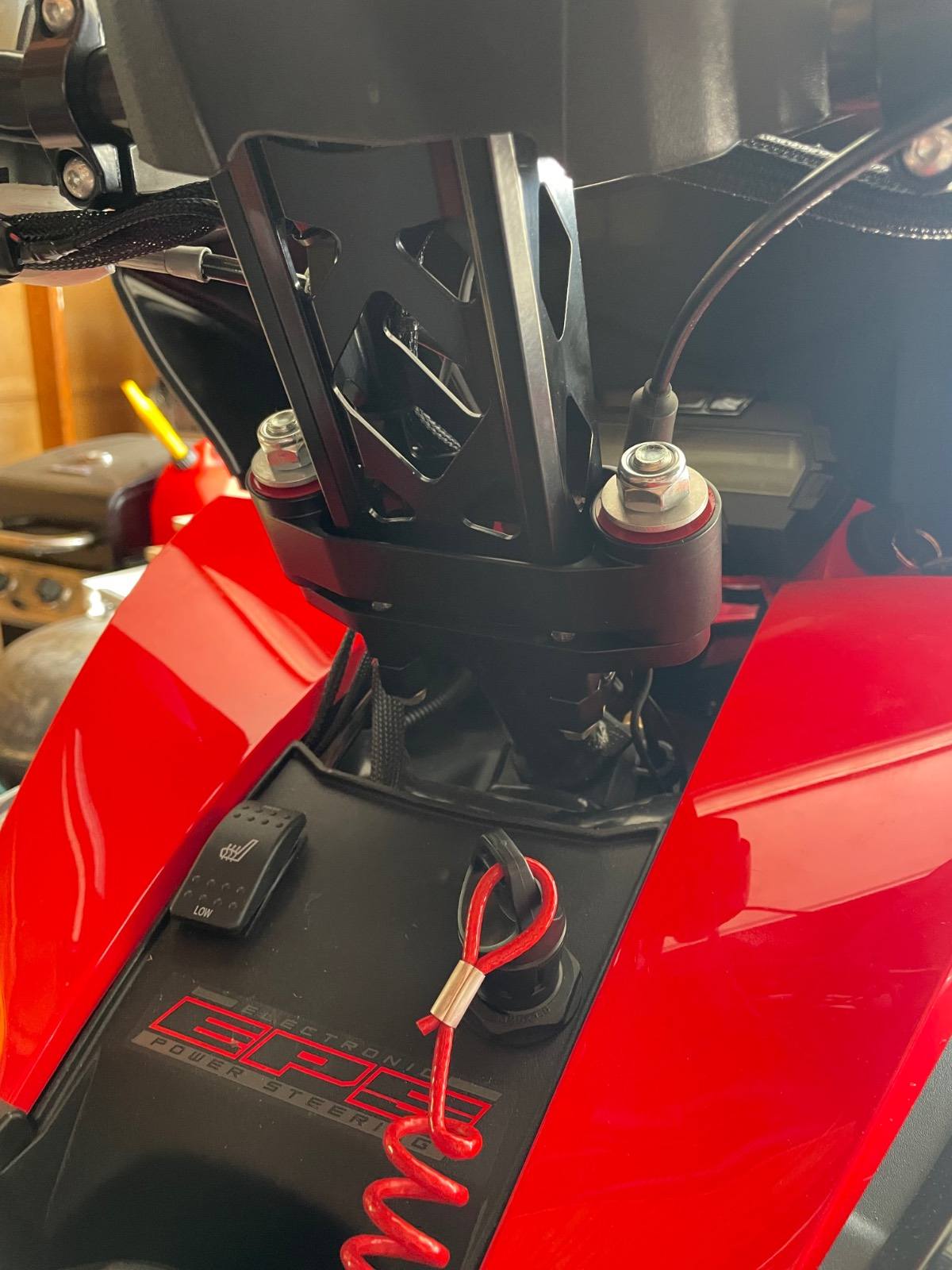
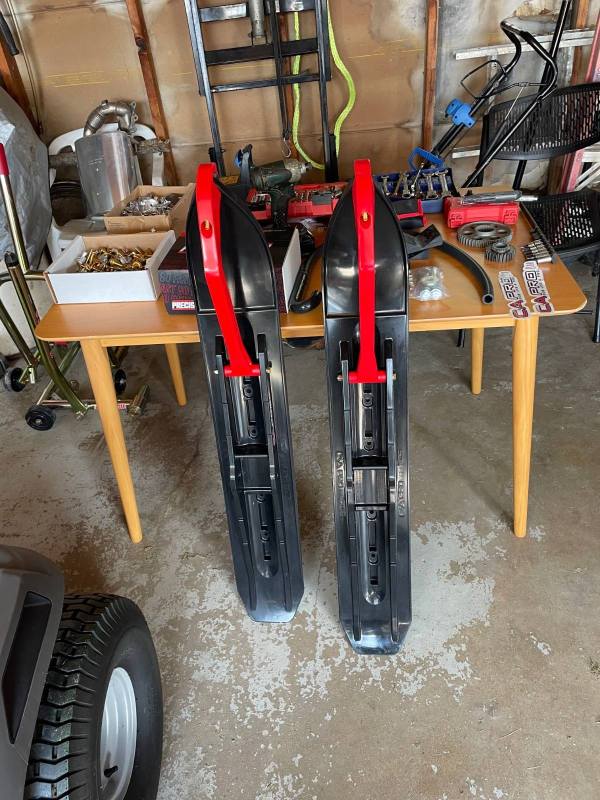
No problems, my shoulders are shot so I’ve been using these iso vibes on all my sleds. It helps on the real sharp hits.
-
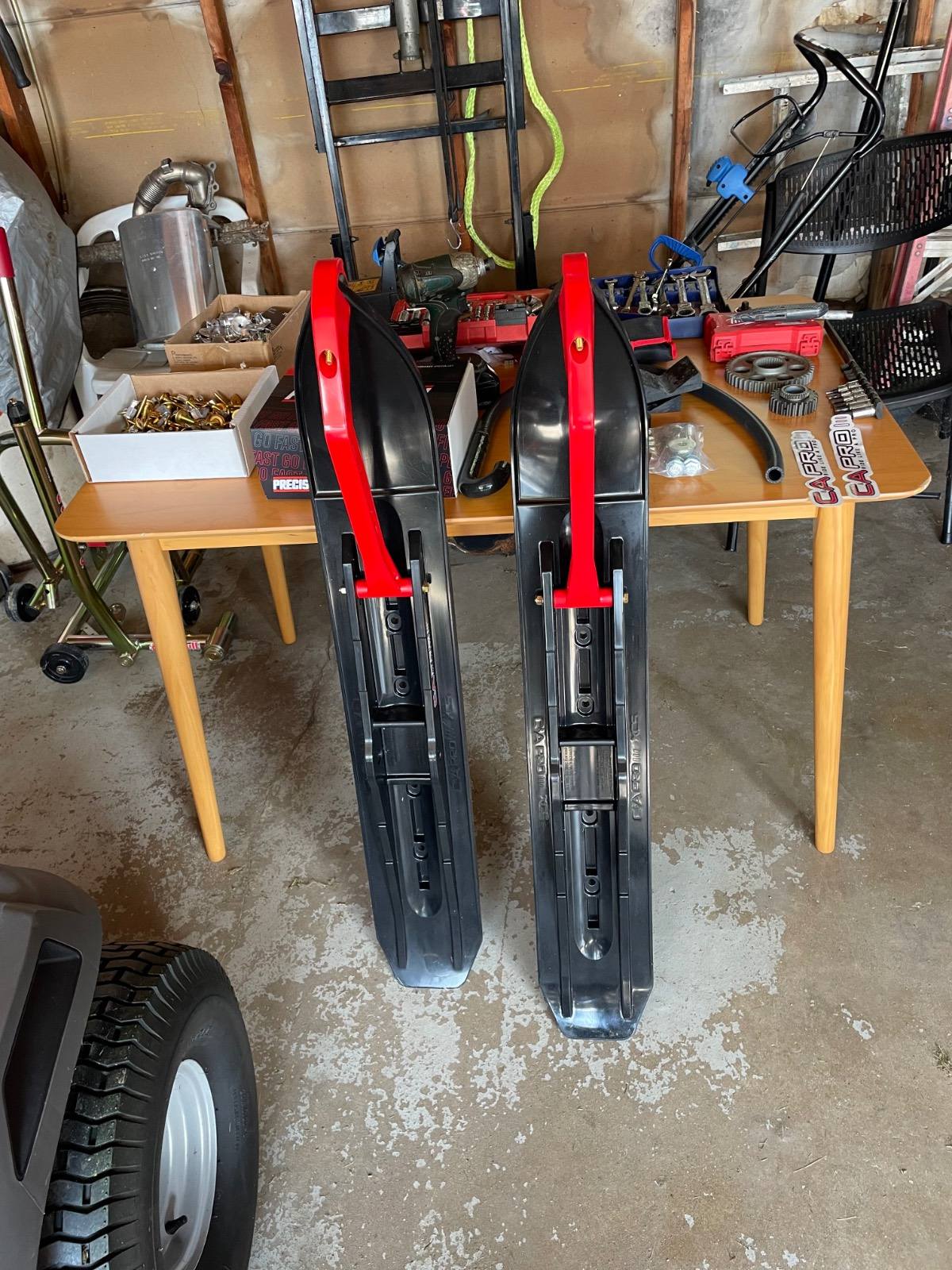
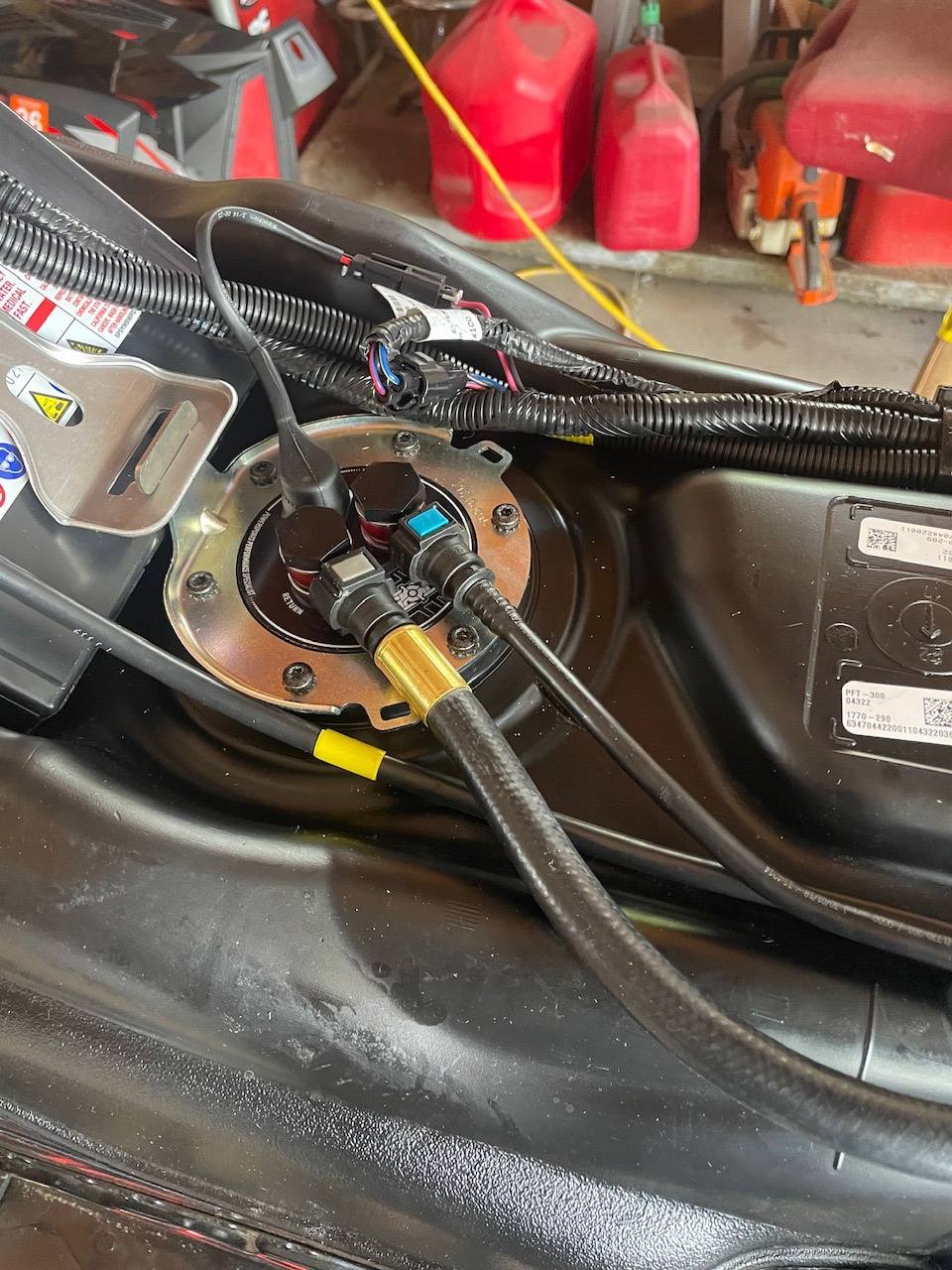
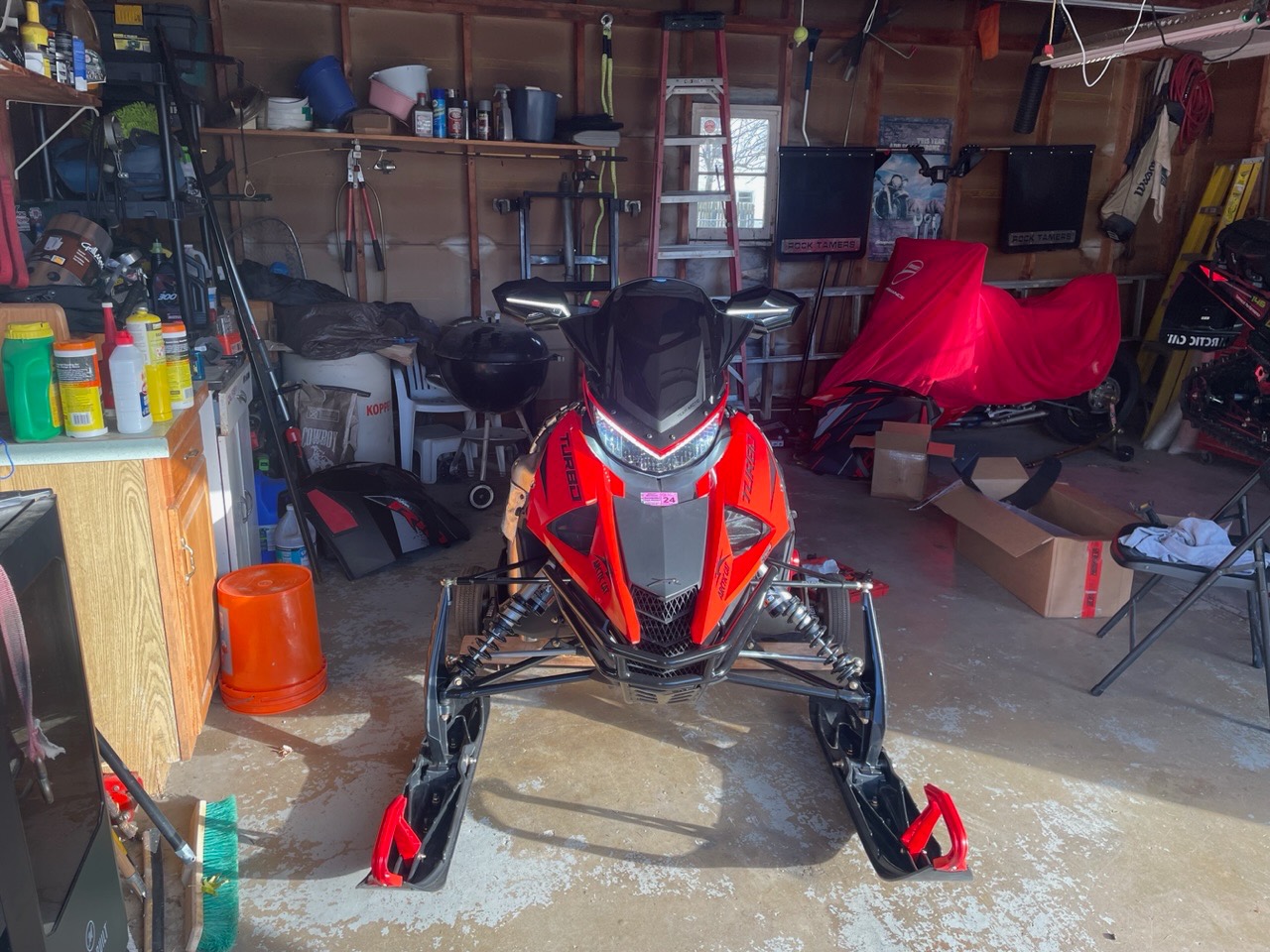
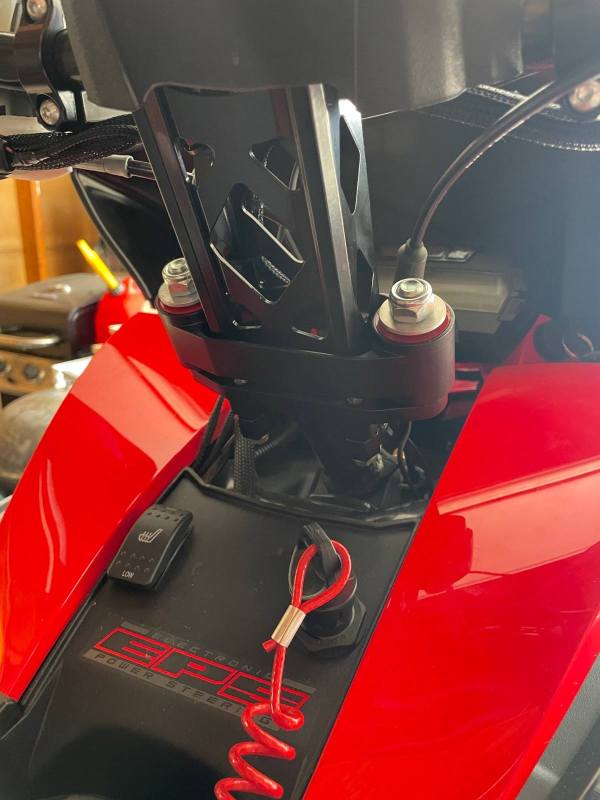
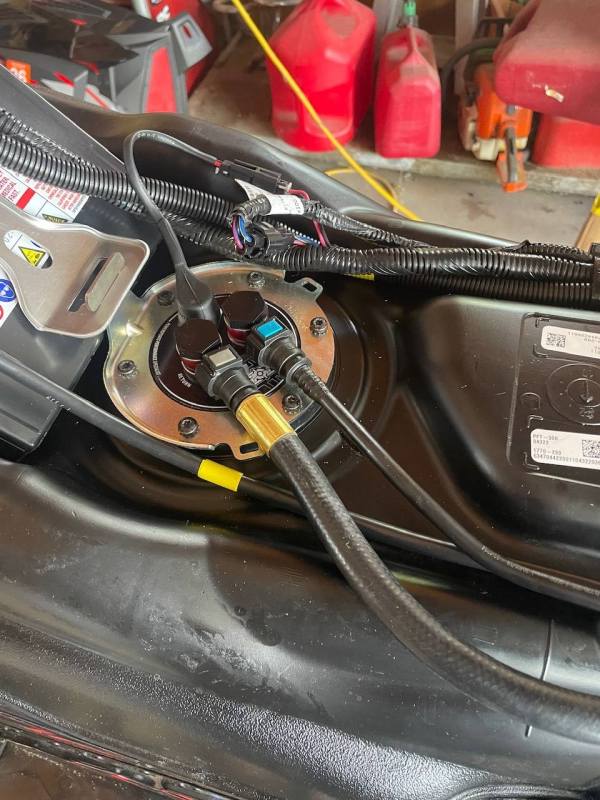
Got some goodies in, iso -vibe installed , need a different axle for the C&A skis , gears , fuel pump , studs with star stud backers , gotta square the ski alignment out cuz they must never looked at it , roll over valve delete chain case skid and adjuster, precision efi upgrade fuel pump installed,
-
You guys squirt soapy water on?
-
Ty guys for the info, red or blue?
-
I’m doing the star studs on one of my riots, did you use loctite on yours?
-
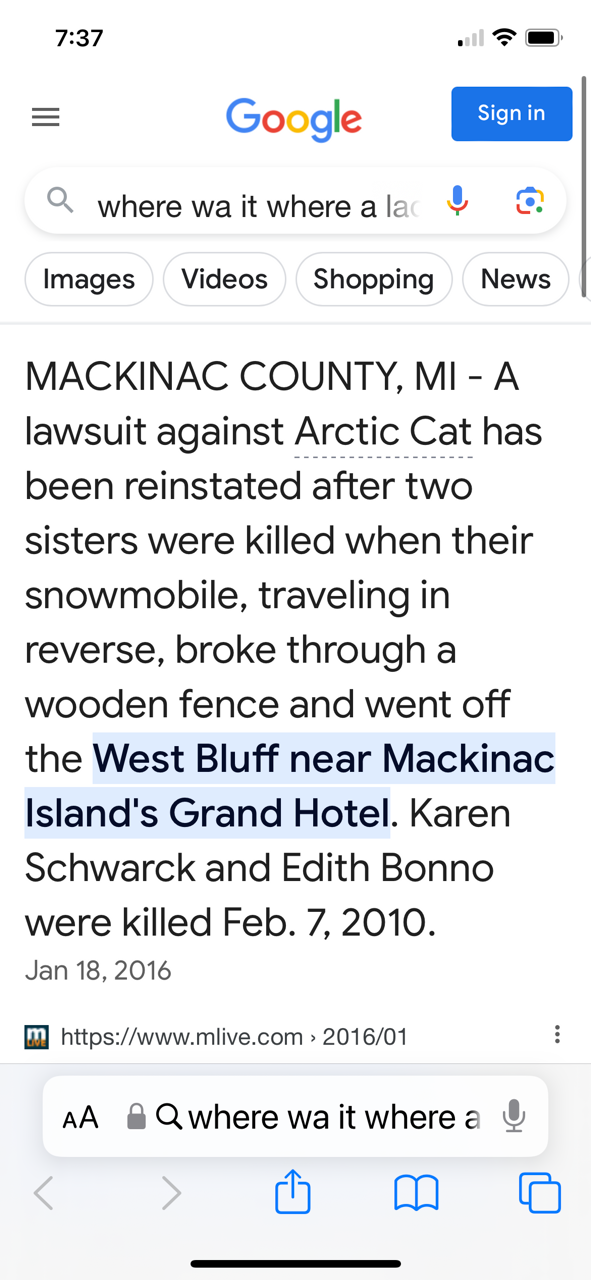
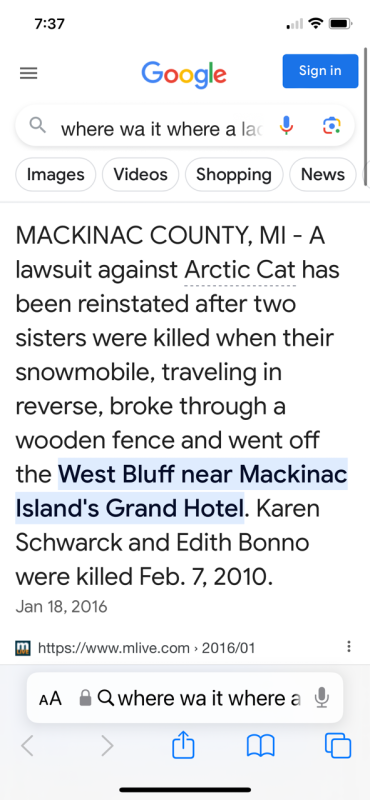
I remember seeing this news
-
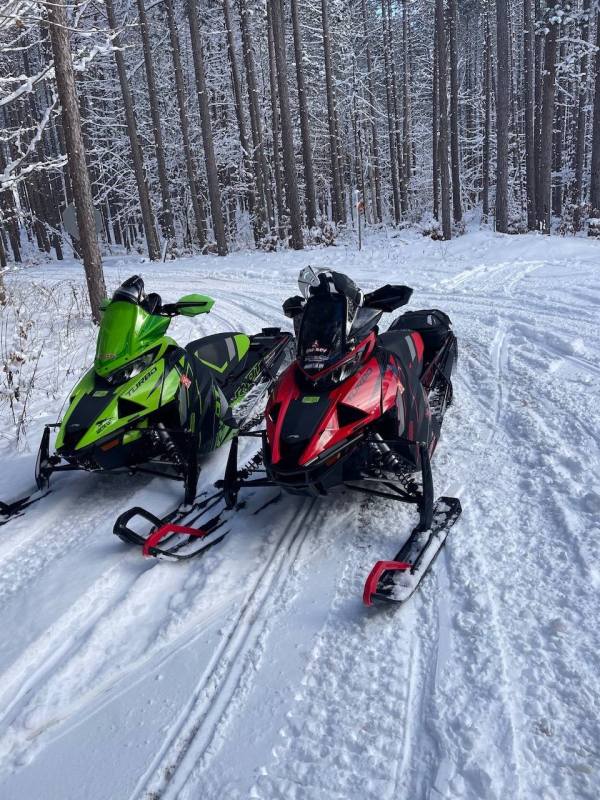
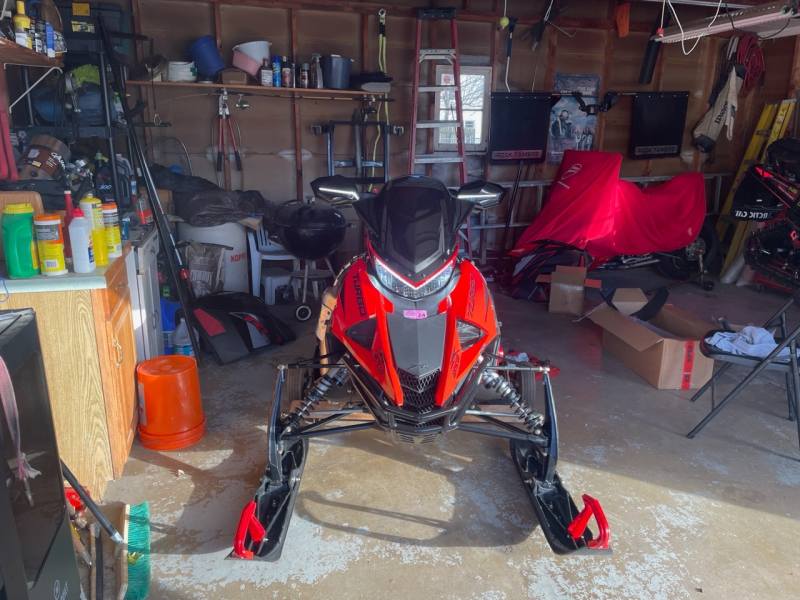
O red got dolled up with some tunes and exhaust, she’s ready to roll,
-
-
Thanks Bontz,
-
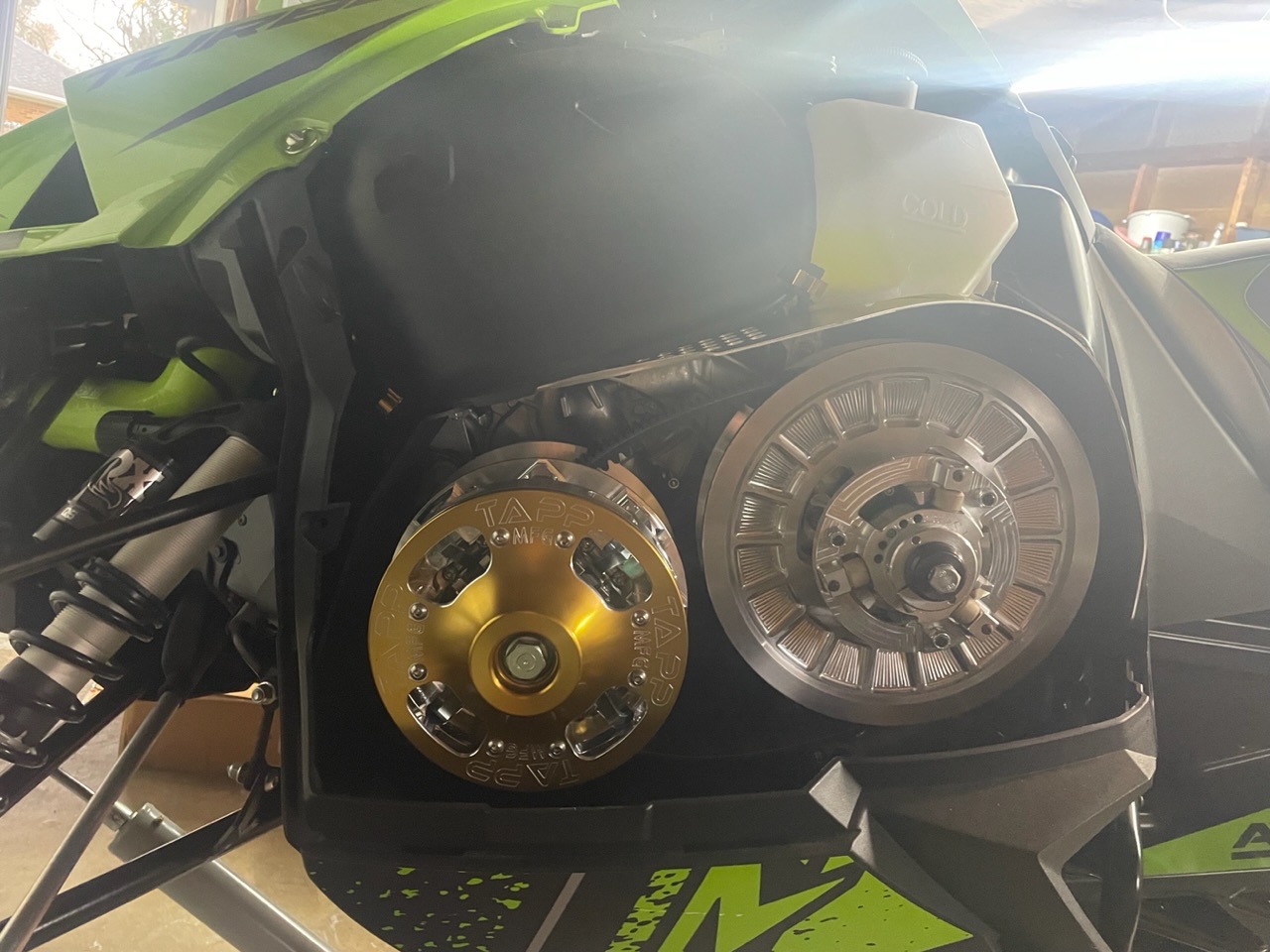
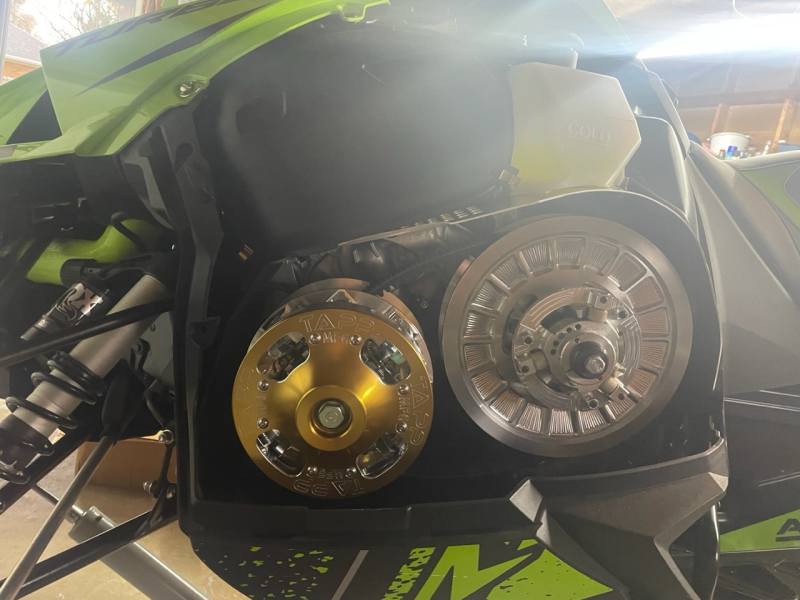
Got the green one setup too, these clutches just flat out work
-
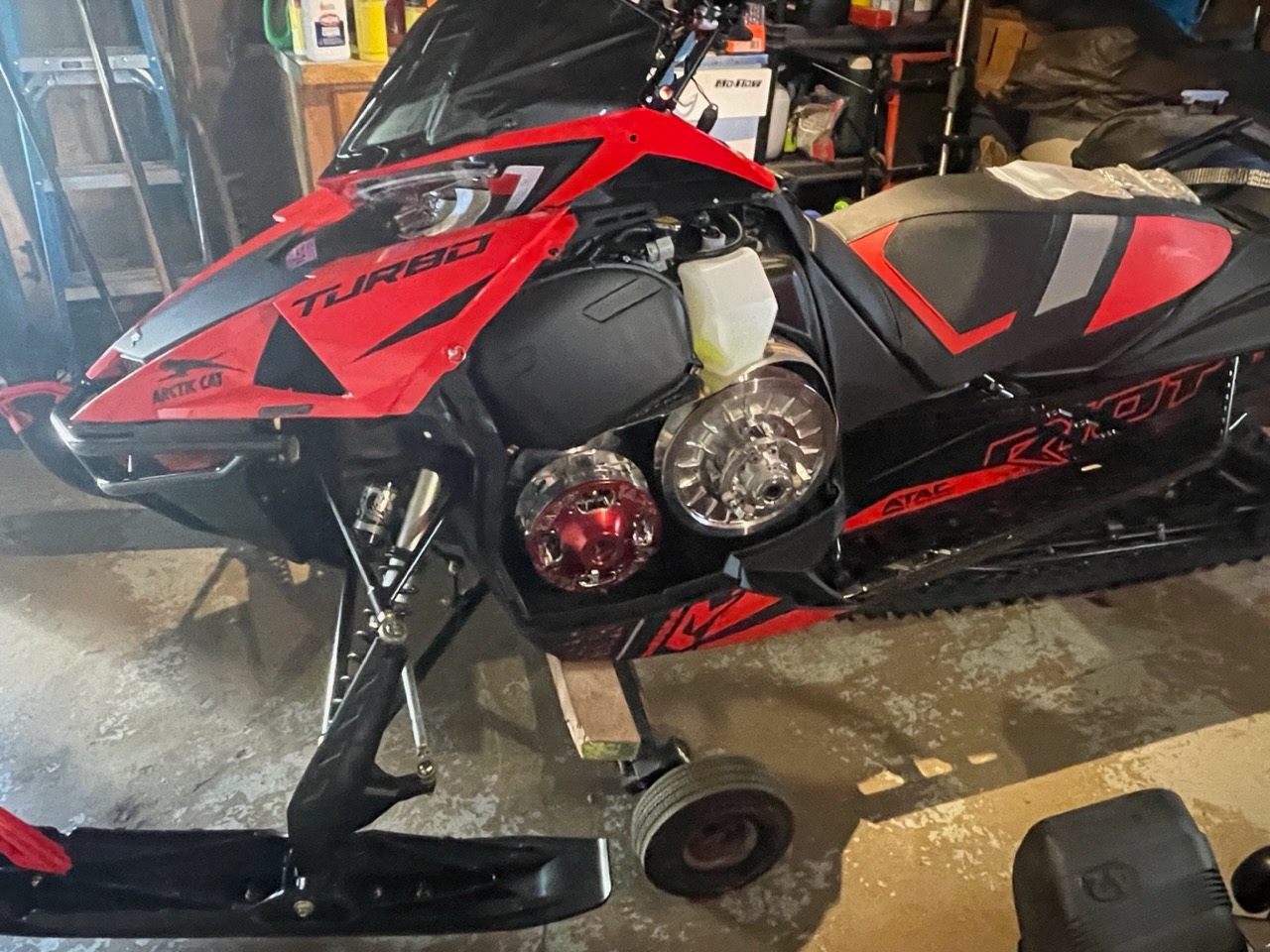
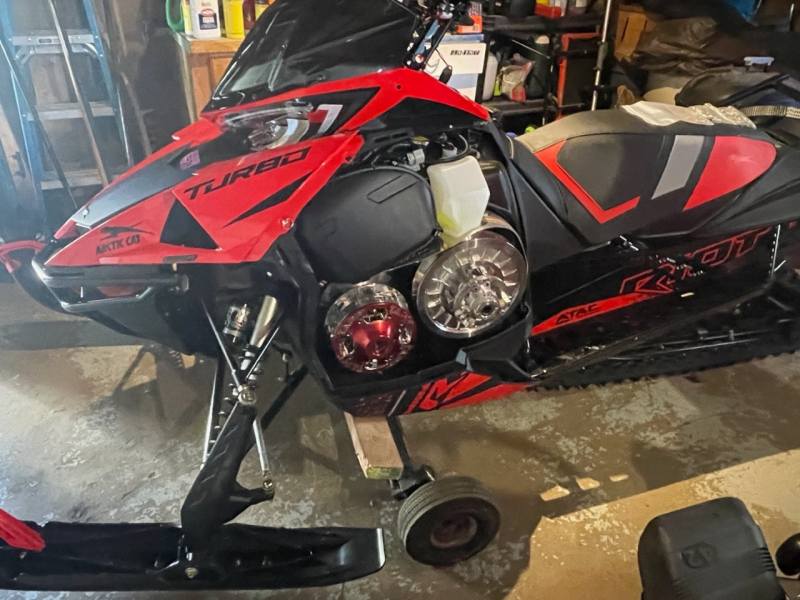
Getting the red head setup with some clutch work
-
Add another 10 grand in exhaust, tunes , clutching.
-
Nothing on Mickey Thompson. tires , I may try the Baja Boss or legend, I’ve been running bf KO2 on all my rigs, great tire and wears well,