shimxtr1
Members
-
Joined
-
Last visited
-
 I love it! Mine is the 7.5 wide with the taller ceiling. The box is 20 ft with a 5' v nose and front door. I can fit 4 137 sleds in it if I stagger them. They are more money then most depending on how you option them but once you start looking at build quality you will see why.
Not sure what your budget is but I went with a ProLine. They are NH based family owned and made to order. Top notch customer service and exceptionally well built. I went with the 7.5 inline in the event I end up with a SXS it will still fit. Proline Products LLCAluminum Enclosed Trailer Company - Proline Products LLCPROLine Products hand builds top quality aluminum trailers customized to your needs. Check out our Aluminum Enclosed Trailer Company page!
My wifes 2016 Explorer had a similar issue. The dealer replaced the module twice under warranty...broke again out of warranty not going to bother to fix it. Apparently there is a bigger issue causing the module to fail and I dont feel like paying out of pocket.
My CTEC 800 developed a bog/stutter off idle to about 5400 RPM. Starts and idles fine but in that range it runs like a fouled plug or plain falls on its face if you grab the throttle quick then hits 5400 RPM and runs like normal to max rpm. The sled just rolled past 7k miles. I swapped plugs and compression is dead even at 122. Has anyone experienced a similar issue? Next steps I think Ill try to bore scope reeds for chipped petals and then send out the injectors to be tested?
AI generated
George StuffsAcockinhisass
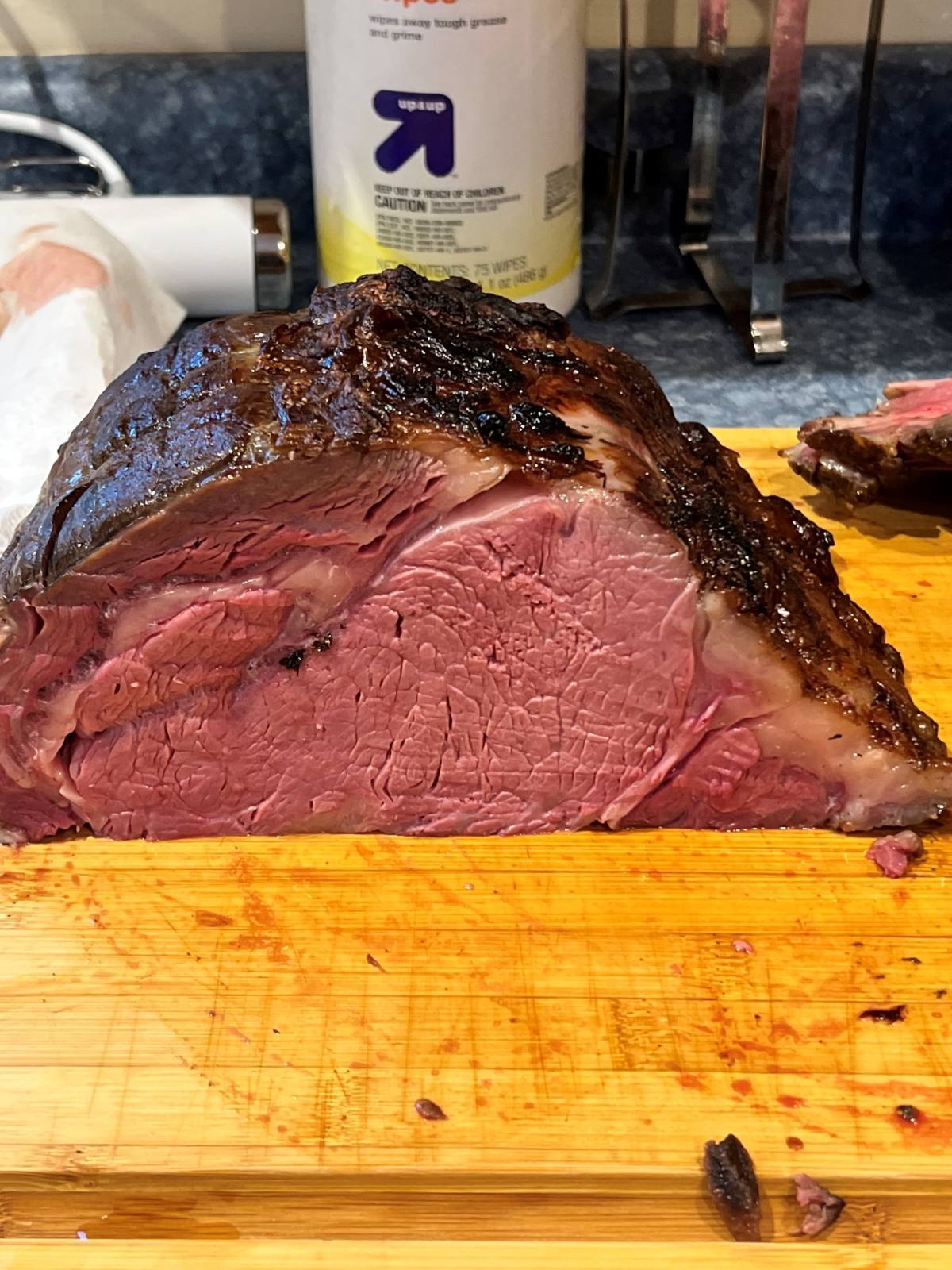
I do this for steaks and prime rib. The prime rib is a 24 hour cook at 130 and then under the broiler.
I love it! Mine is the 7.5 wide with the taller ceiling. The box is 20 ft with a 5' v nose and front door. I can fit 4 137 sleds in it if I stagger them. They are more money then most depending on how you option them but once you start looking at build quality you will see why.
Not sure what your budget is but I went with a ProLine. They are NH based family owned and made to order. Top notch customer service and exceptionally well built. I went with the 7.5 inline in the event I end up with a SXS it will still fit. Proline Products LLCAluminum Enclosed Trailer Company - Proline Products LLCPROLine Products hand builds top quality aluminum trailers customized to your needs. Check out our Aluminum Enclosed Trailer Company page!
My wifes 2016 Explorer had a similar issue. The dealer replaced the module twice under warranty...broke again out of warranty not going to bother to fix it. Apparently there is a bigger issue causing the module to fail and I dont feel like paying out of pocket.
My CTEC 800 developed a bog/stutter off idle to about 5400 RPM. Starts and idles fine but in that range it runs like a fouled plug or plain falls on its face if you grab the throttle quick then hits 5400 RPM and runs like normal to max rpm. The sled just rolled past 7k miles. I swapped plugs and compression is dead even at 122. Has anyone experienced a similar issue? Next steps I think Ill try to bore scope reeds for chipped petals and then send out the injectors to be tested?
AI generated
George StuffsAcockinhisass
I do this for steaks and prime rib. The prime rib is a 24 hour cook at 130 and then under the broiler.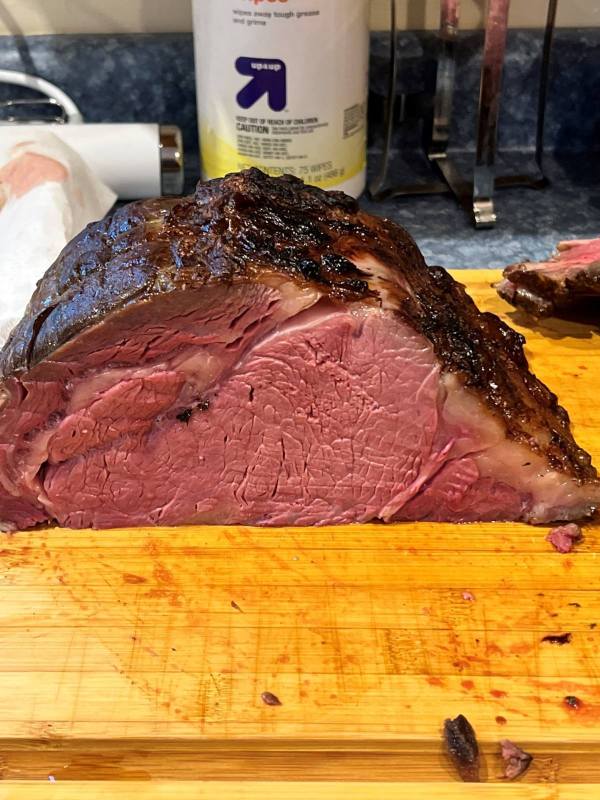 Felt it here in SWNH...