Jump to content
View in the app

A better way to browse. Learn more.

FreedomSledder.com

A full-screen app on your home screen with push notifications, badges and more.

To install this app on iOS and iPadOS
  1. Tap the Share icon in Safari
  2. Scroll the menu and tap Add to Home Screen.
  3. Tap Add in the top-right corner.
To install this app on Android
  1. Tap the 3-dot menu (⋮) in the top-right corner of the browser.
  2. Tap Add to Home screen or Install app.
  3. Confirm by tapping Install.
Posted

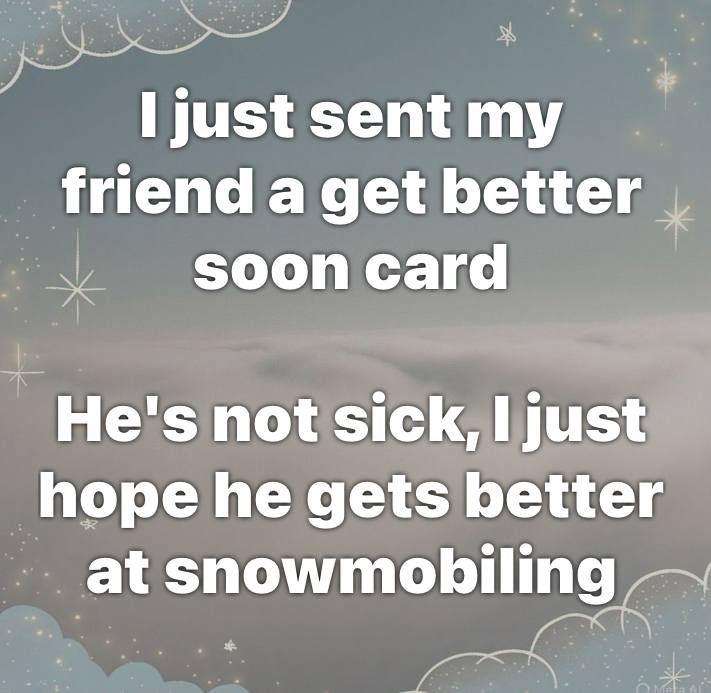
Screenshot_20231006_211940_Facebook.jpg

  • Replies 220
  • Views 22k
  • Created
  • Last Reply

Top Posters In This Topic

Most Popular Posts

Posted Images

Featured Replies

  • USA Donating Member
On 1/30/2025 at 5:14 PM, Doug said:

Screenshot_20250130_171213_Facebook.jpg

We see this all the time up the shore!!

have pushed a few out!!

  • 2 weeks later...
  • USA Donating Member

True!

IMG_8122.jpeg

  • USA Donating Member

Can't argue with the science.

FB_IMG_1739536501428.jpg

  • 3 weeks later...
  • USA Donating Member

FB_IMG_1741951734283.jpg

  • 3 weeks later...
  • Gold Donating Member

IMG_7380.png

  • 5 weeks later...
  • USA Donating Member

.

IMG_8023.jpeg

  • USA Donating Member

.

FB_IMG_1746969259078.jpg

  • 1 month later...
  • USA Donating Member
  • 2 weeks later...
  • USA Donating Member

.

FB_IMG_1751290083671.jpg

  • USA Donating Member

.

IMG_9451.jpeg

  • 4 weeks later...
  • USA Donating Member

1754948164689733049993220484166.jpg

  • 2 months later...
  • Platinum Donating Member

May be an image of text that says 'Girlfriend: "Do these jeans make me look fat?" Me: "Do you promise not to get mad no matter what I say?" Girlfriend: "Yes I promise" Me: SNOWOBILINO SNOWOBILING IHAD A FEW TOO MANY BEERS WITH THE GUYS YESTERDAY, HN WENT OUT AND BOUGHT A NEW SLED'

Join the conversation

You can post now and register later. If you have an account, sign in now to post with your account.
Note: Your post will require moderator approval before it will be visible.

Guest
Reply to this topic...

Recently Browsing 0

  • No registered users viewing this page.

Configure browser push notifications

Chrome (Android)
  1. Tap the lock icon next to the address bar.
  2. Tap Permissions → Notifications.
  3. Adjust your preference.
Chrome (Desktop)
  1. Click the padlock icon in the address bar.
  2. Select Site settings.
  3. Find Notifications and adjust your preference.