
Rigid1
Platinum Donating Member
-
Joined
-
Last visited
-
 I've never had that problem
-
-
My daughter had it a while ago and told me it was really good, I love a good traditional pot roast, so figured id give this a try. Recipe is interesting and not something I would think of making, it's all done, just waiting on the GF to get here...As usual..... https://www.allrecipes.com/recipe/260697/mississippi-pot-roast/
-
Have a Mississippi pot roast going in the crockpot, first time trying, I can say my house smells really good..lol
-
Ha! Beat me to it!
You two going to play tummy sticks next...Wtf...
After the past 7 friggin days of snow straight, it's a grilled cheese and soup night, fuck I'm whooped
Well Karen is like 13 deep Into the PBR's... Pull up a seat, we can watch a full blown TDS melt down front and center..
Did you think anything less would happen?? Karen the typical lib says one thing, then does the opposite ..
Happy New year to you and yours!
Damn Karen, quite the display of superior intellect, you really owned Pete with that post!!
Butt hurt noted..Get some Desitin for that adult diaper rash..
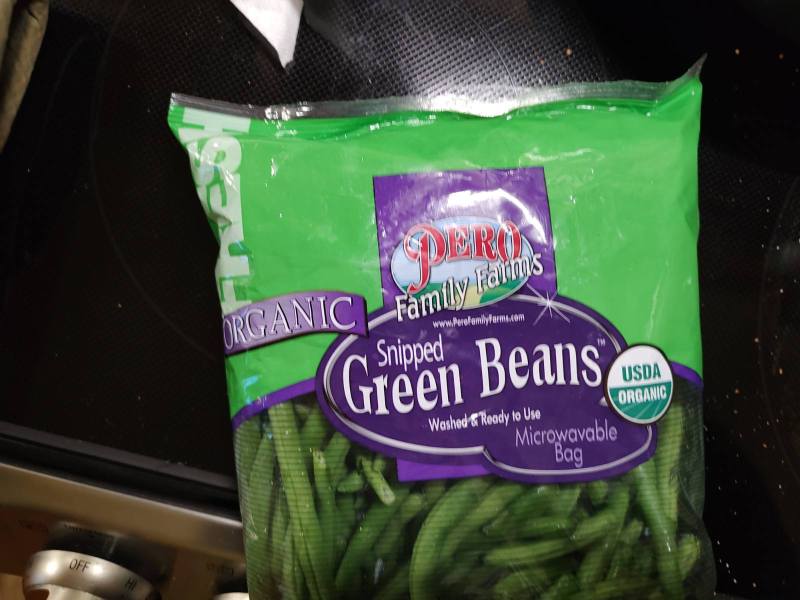
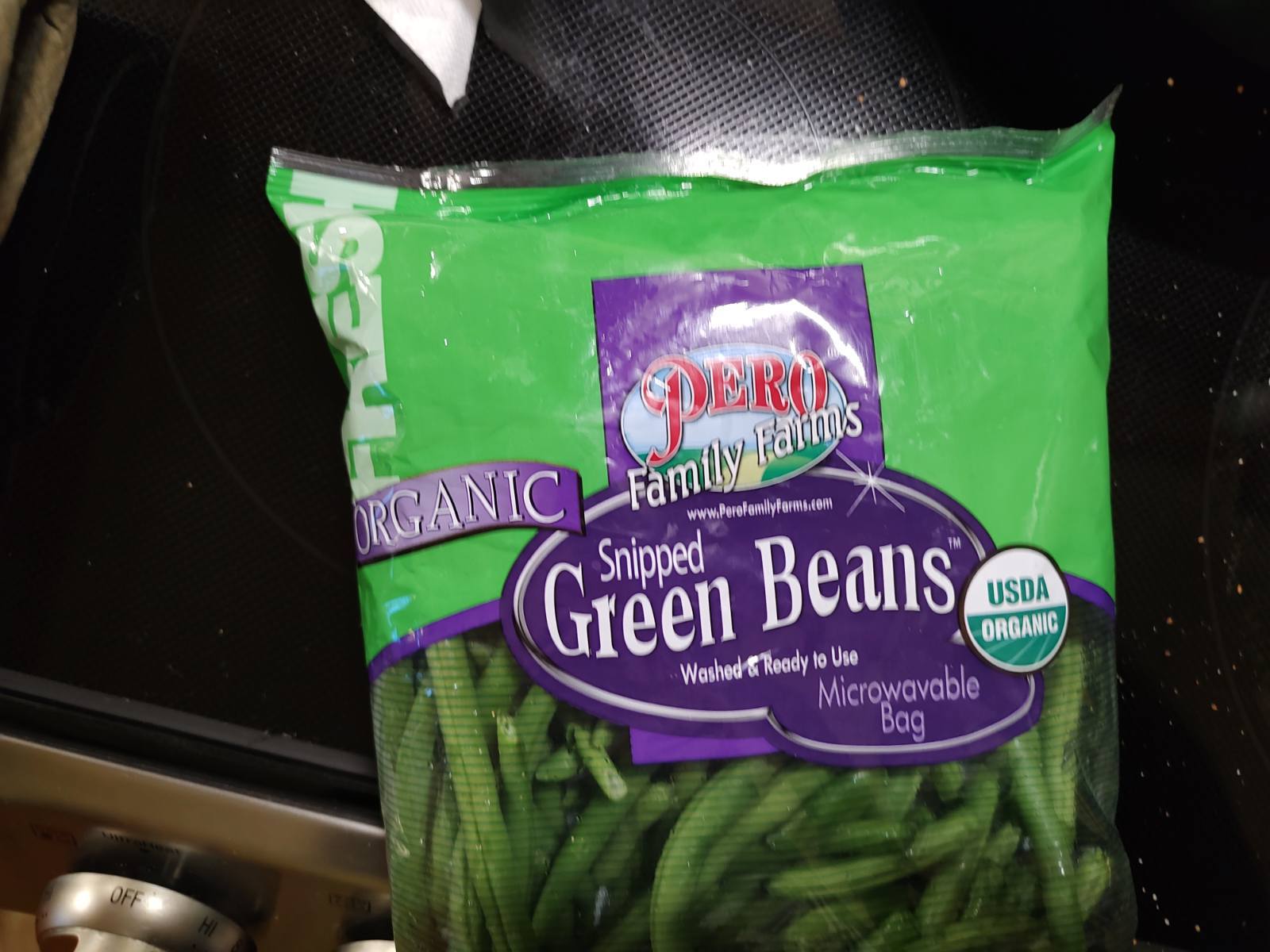
$5.99 for organic(that's what I got), $4.99 for non-organic from the same company. Tossed them in some garlic and soy sauce over high heat,..Crisp and saucy, were Delicious
Was at the wholesale club today, grabbed some green beans..