Jerr2Star
Members
-
Joined
-
Last visited
-
 42.3094385, -113.6580149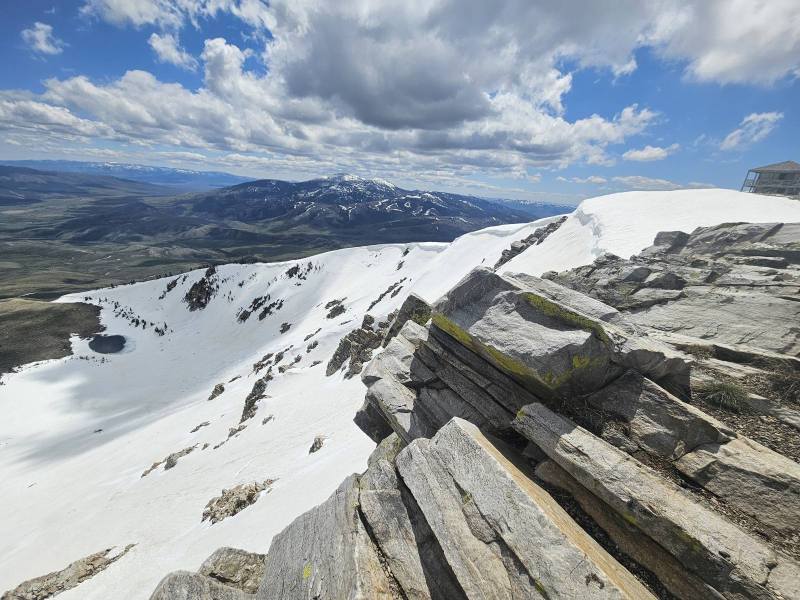
-
Additional photo
-
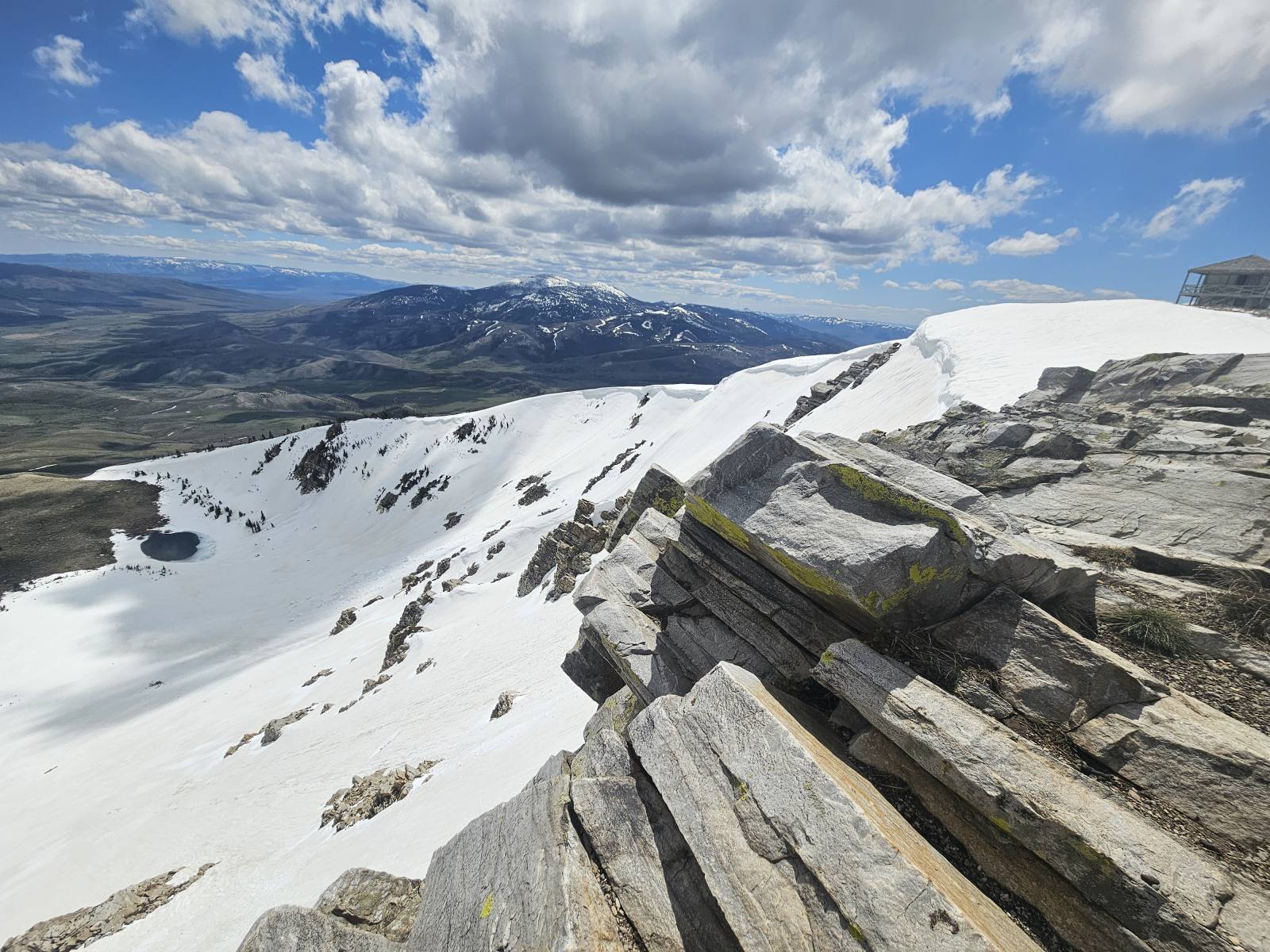
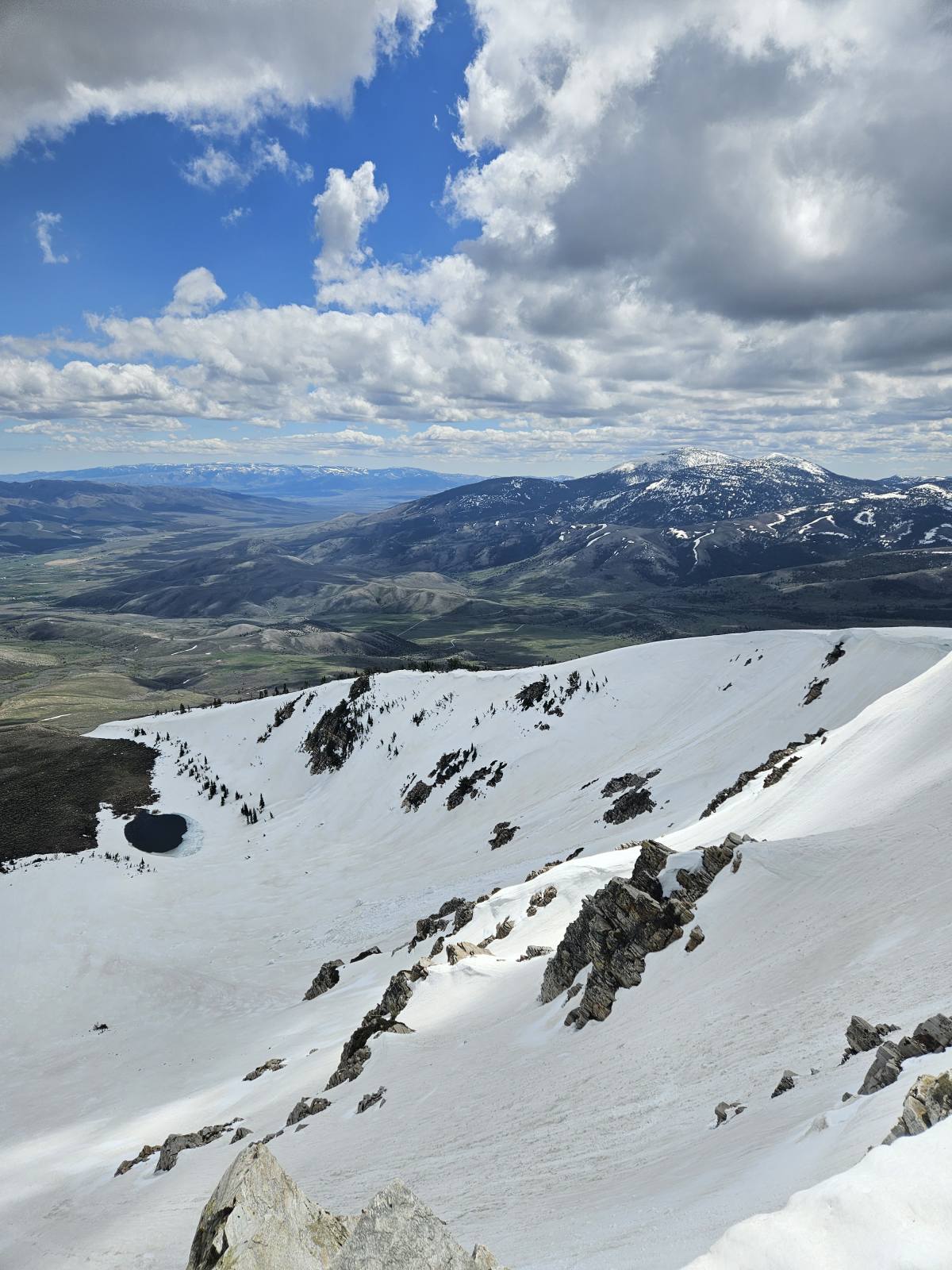
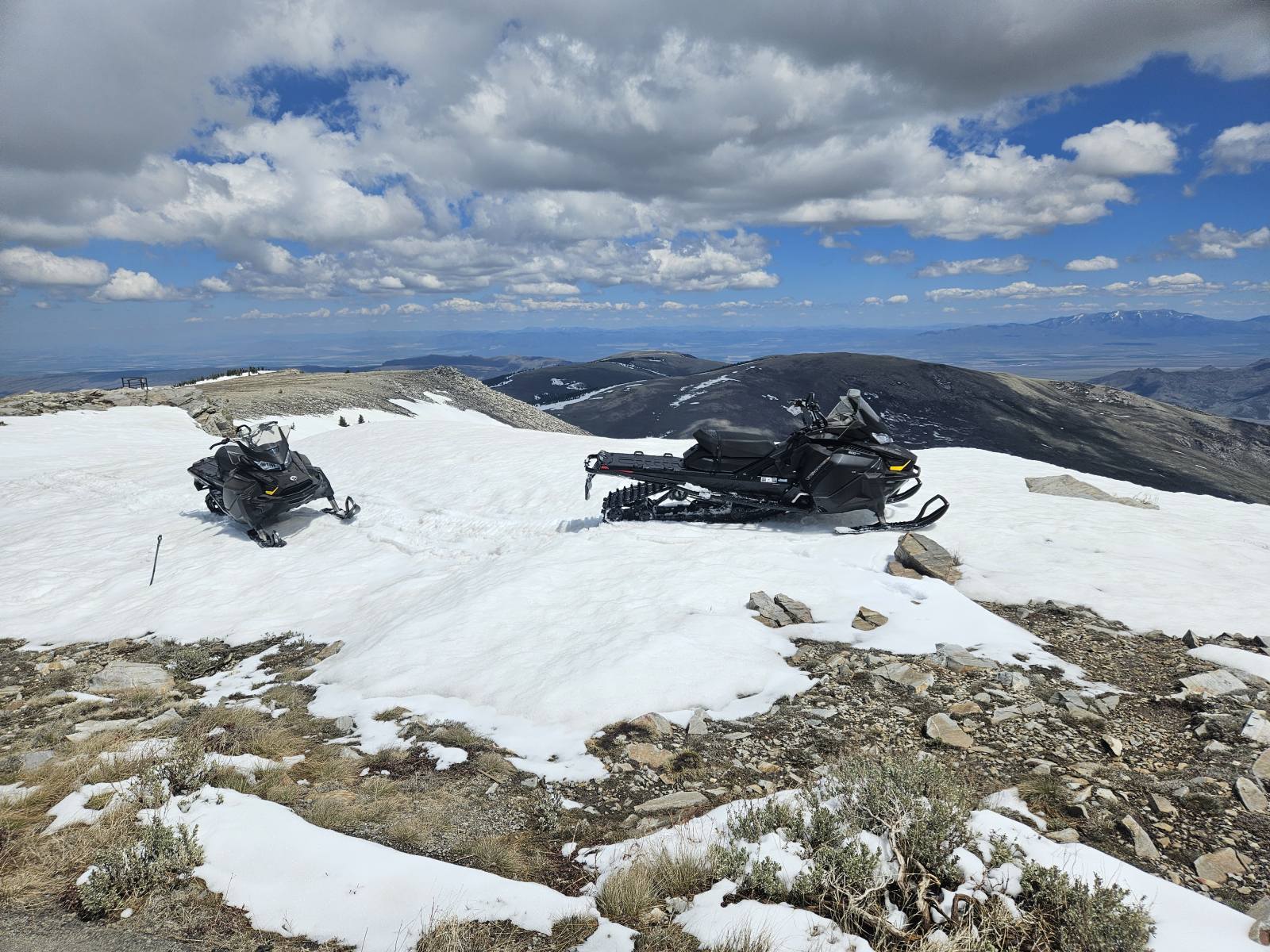
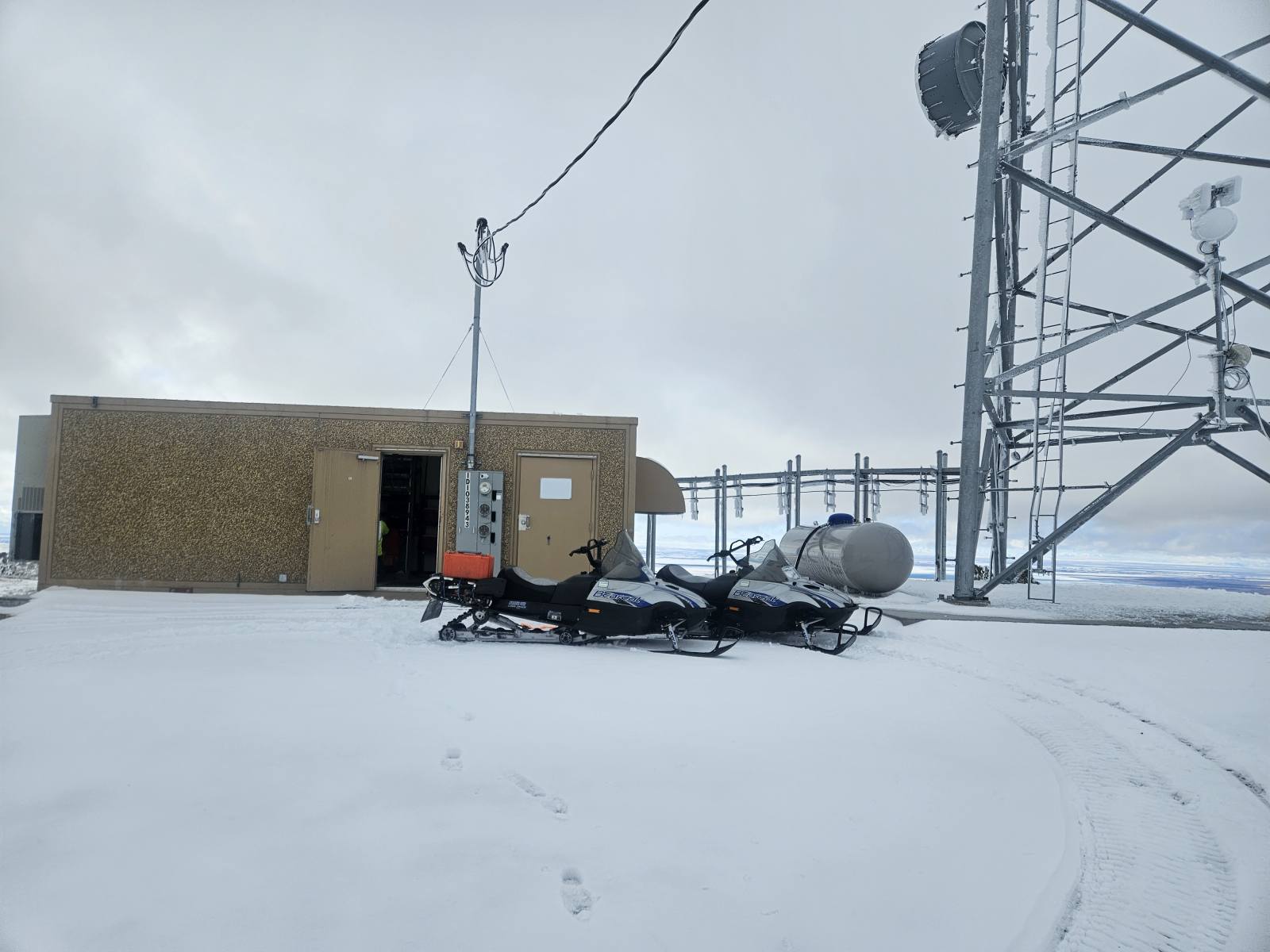
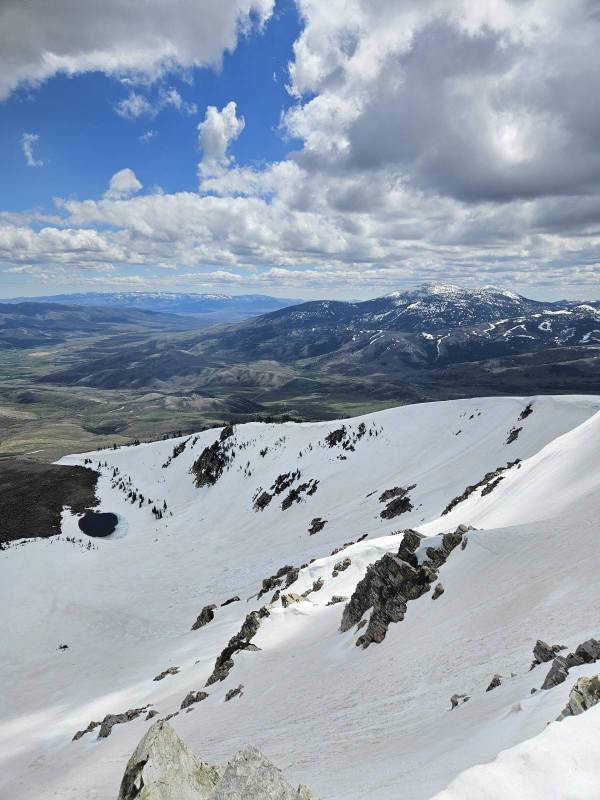
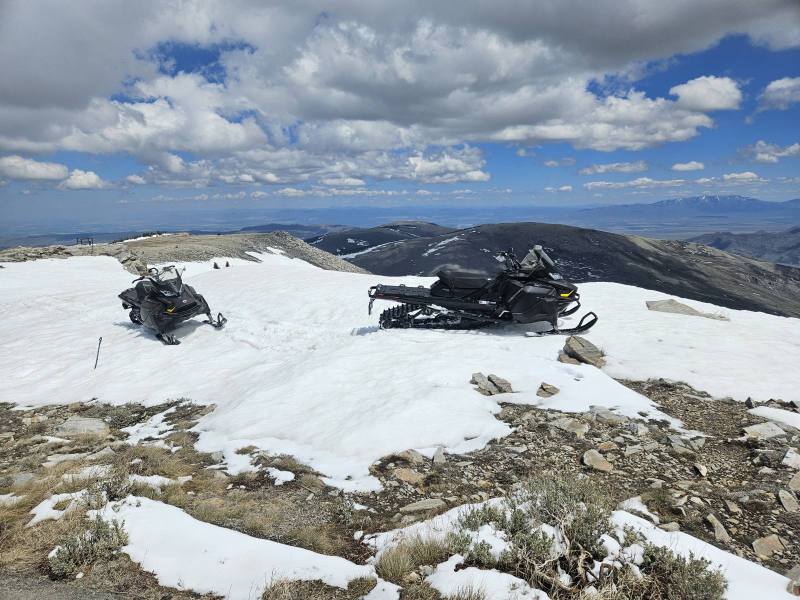
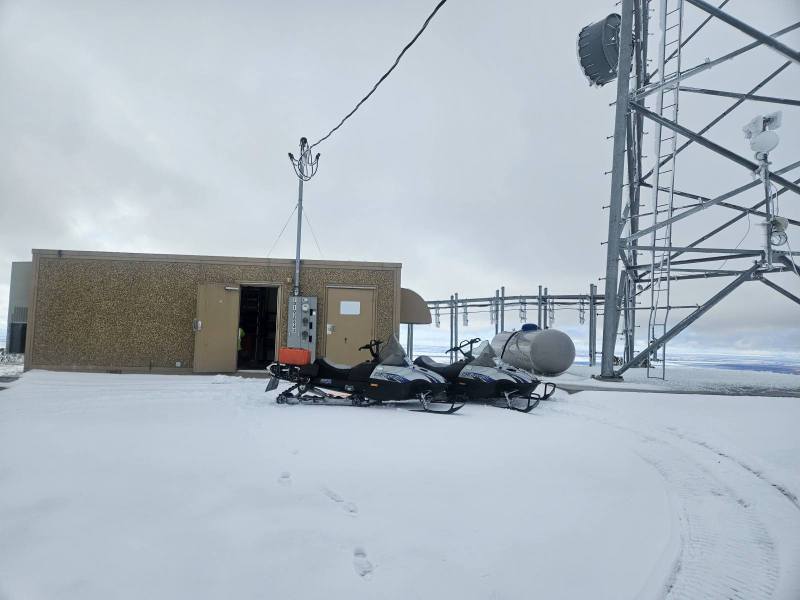
Boss wanted us to test out the stiffer springs on one of our new Tundras, was able to find snow at the top of Mt Harrison in Southeastern Idaho yesterday. No difference in how the sled rode but it was a crisp 60° at the 9260' summit.
-
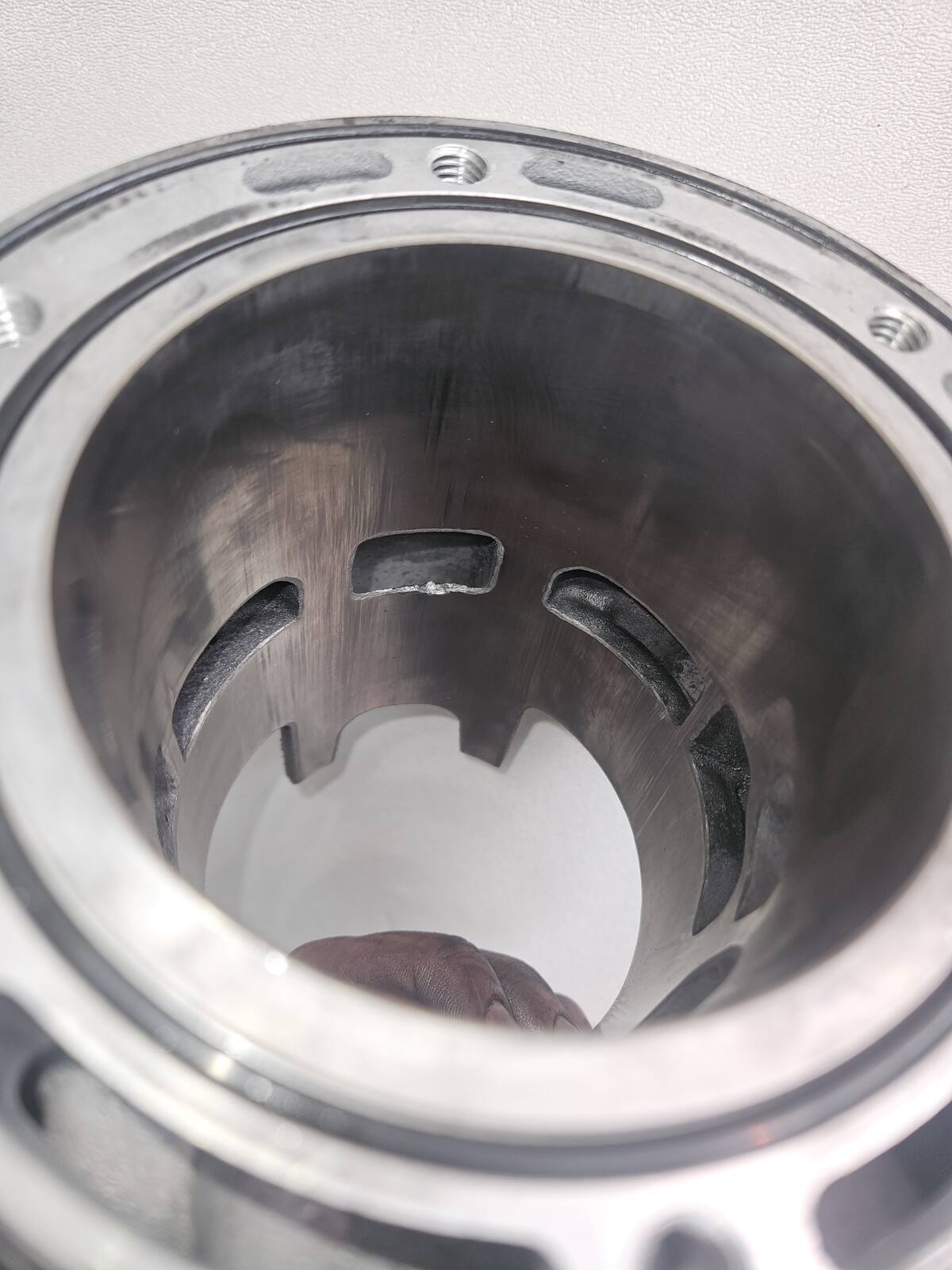
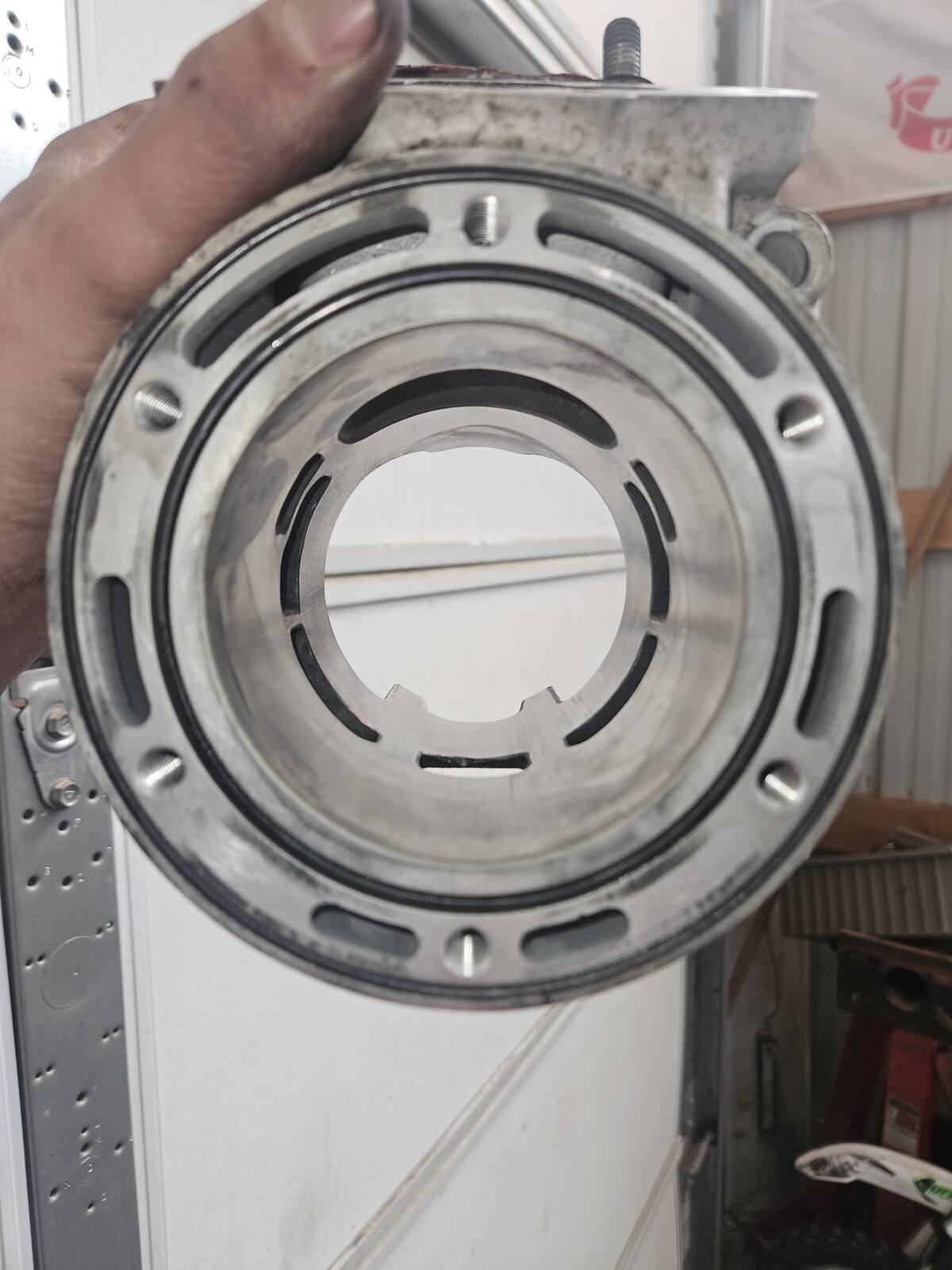
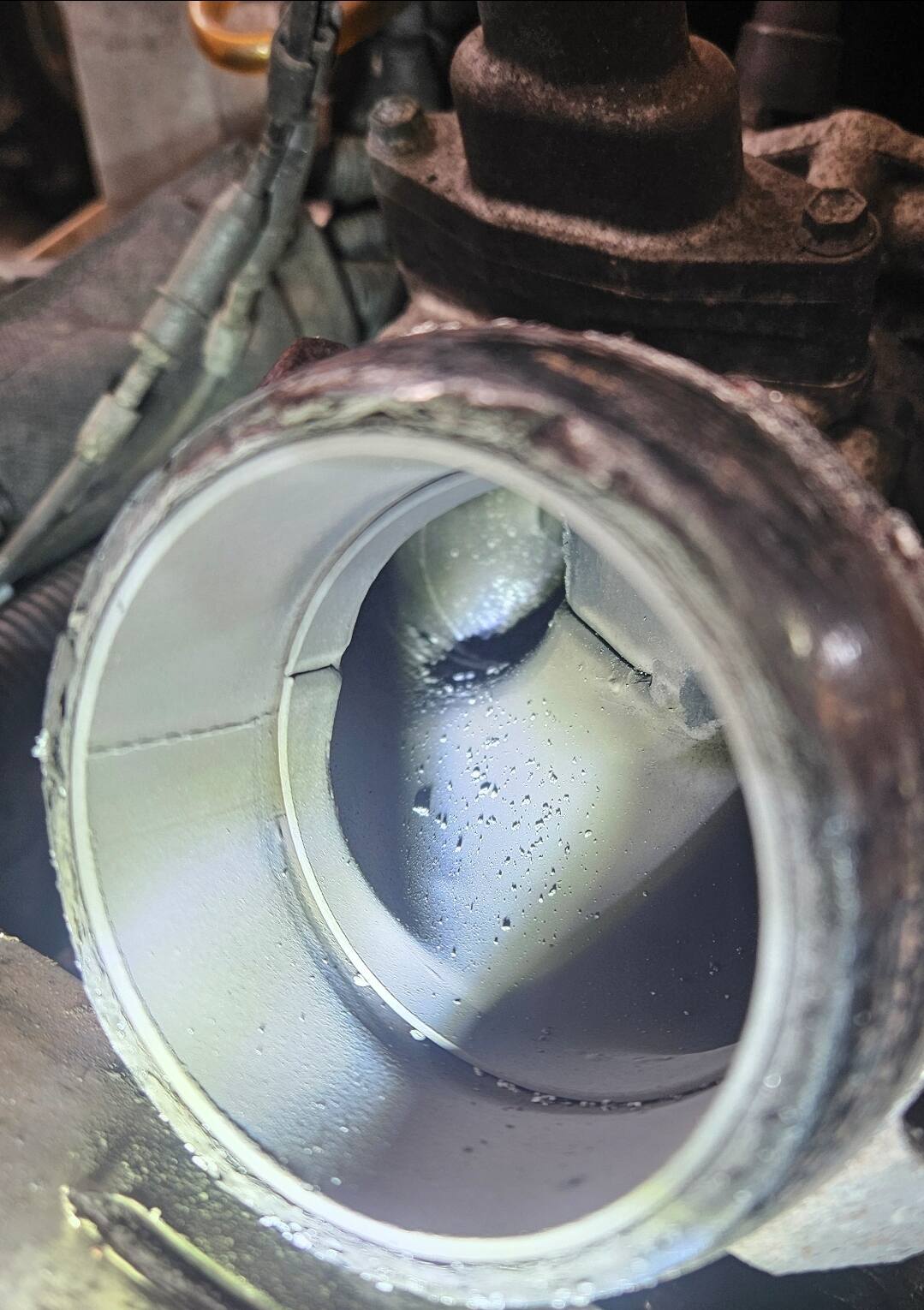
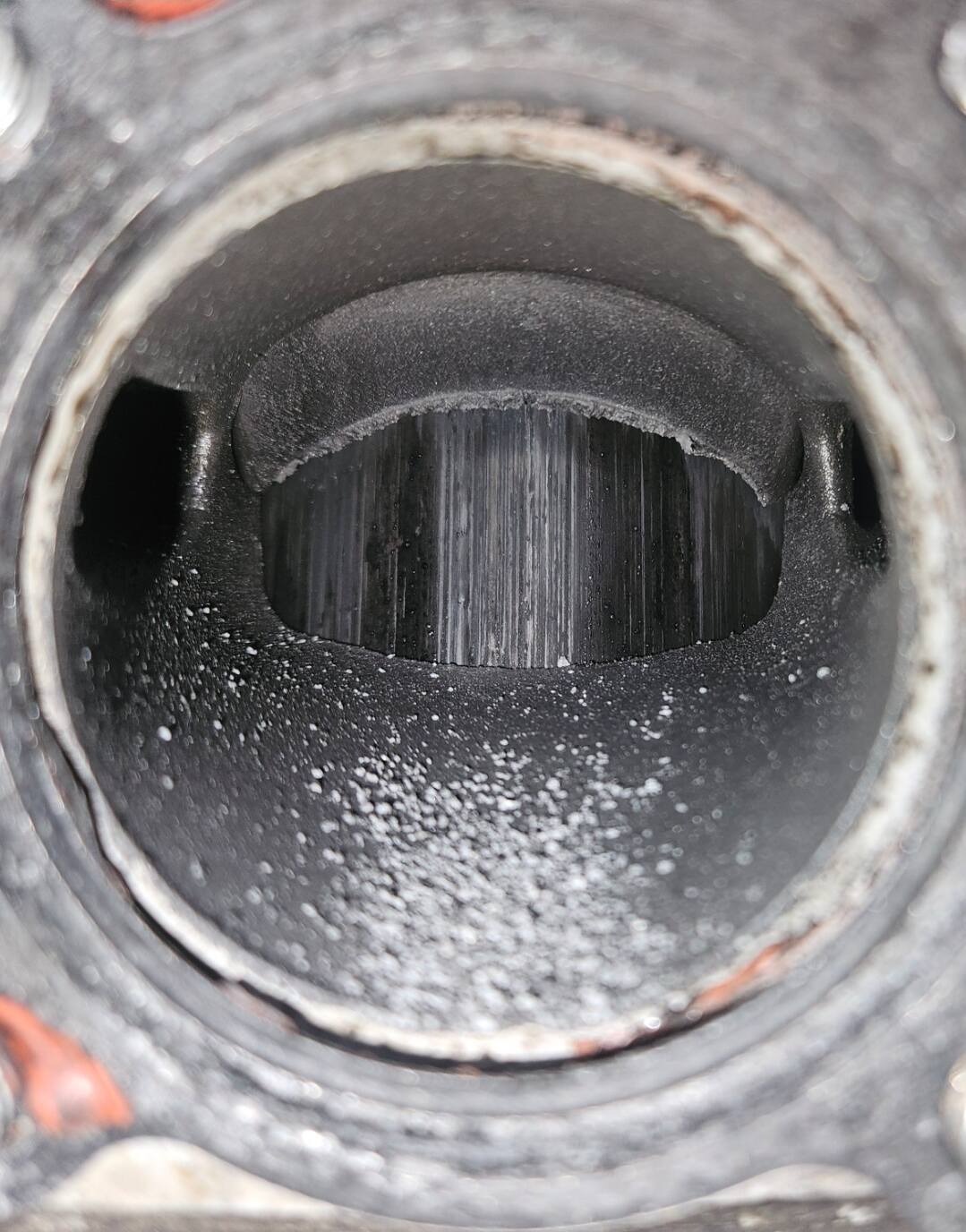
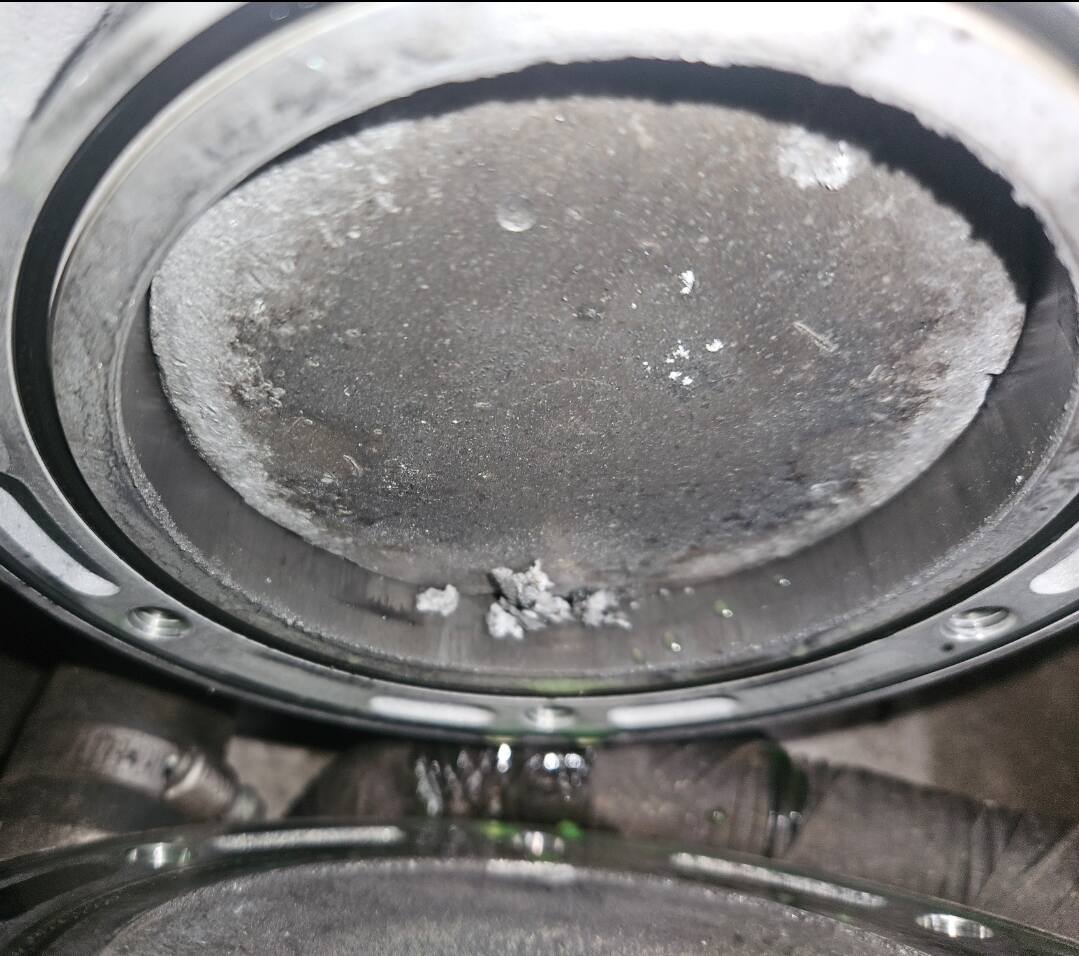
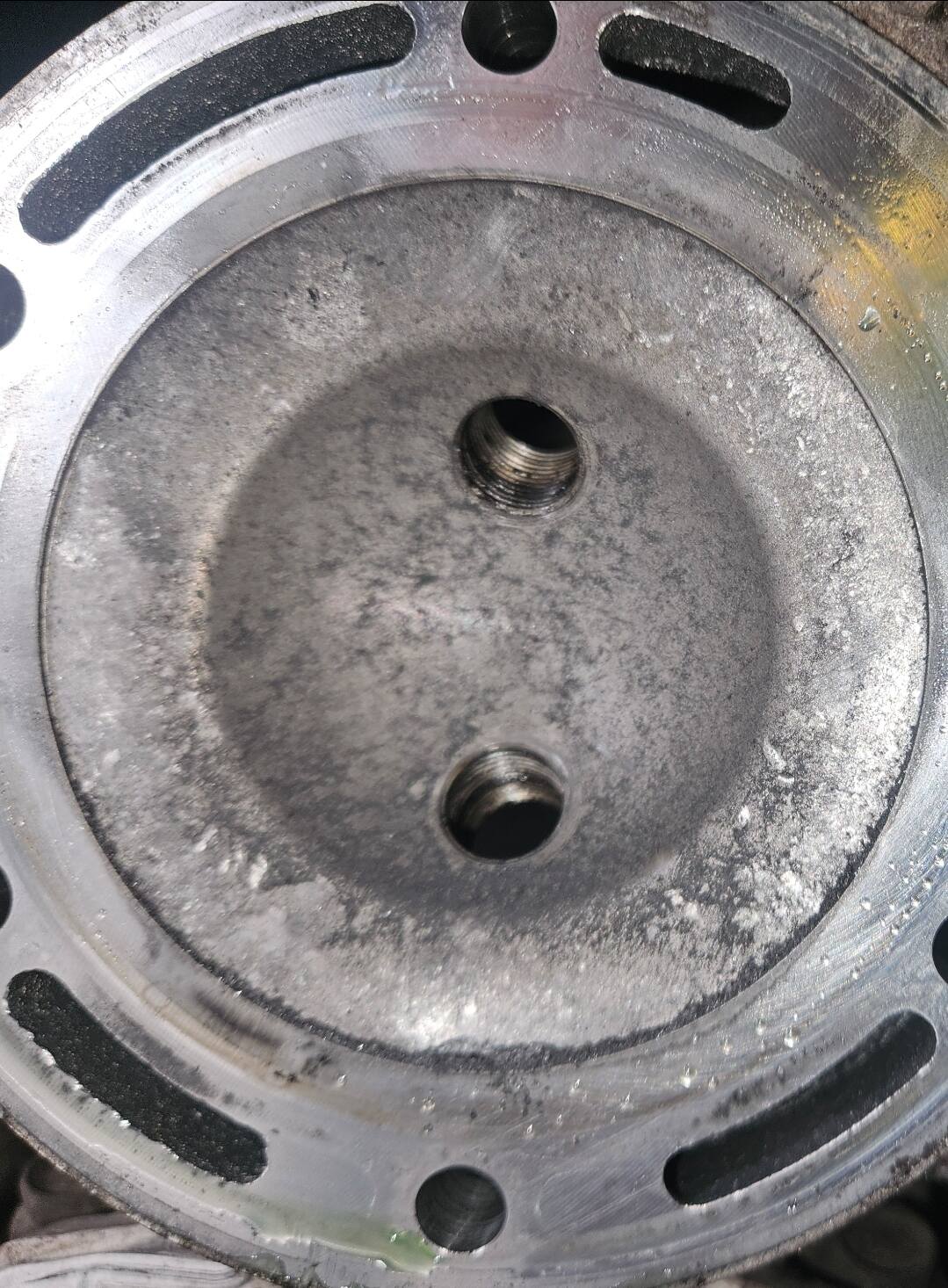
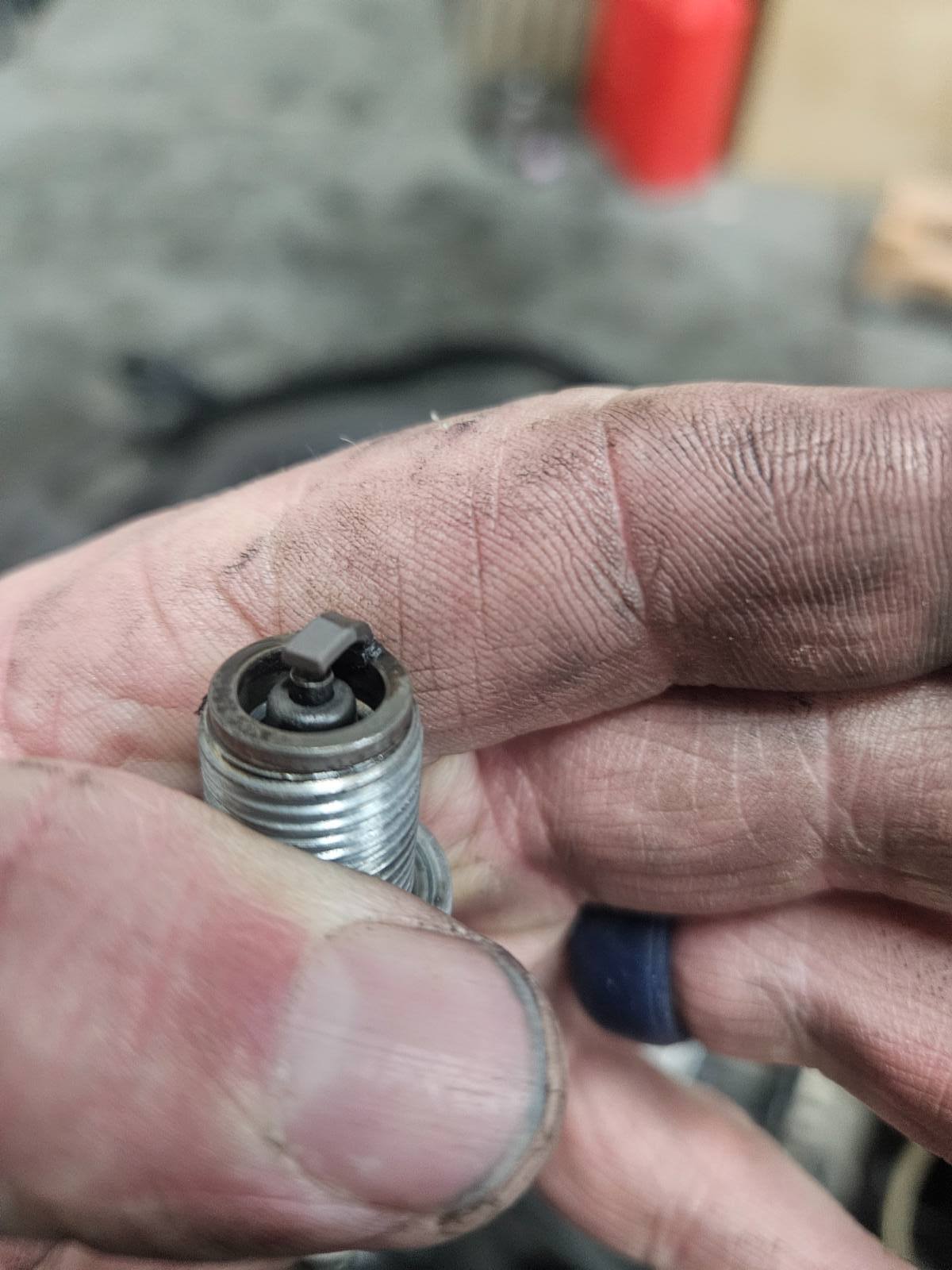
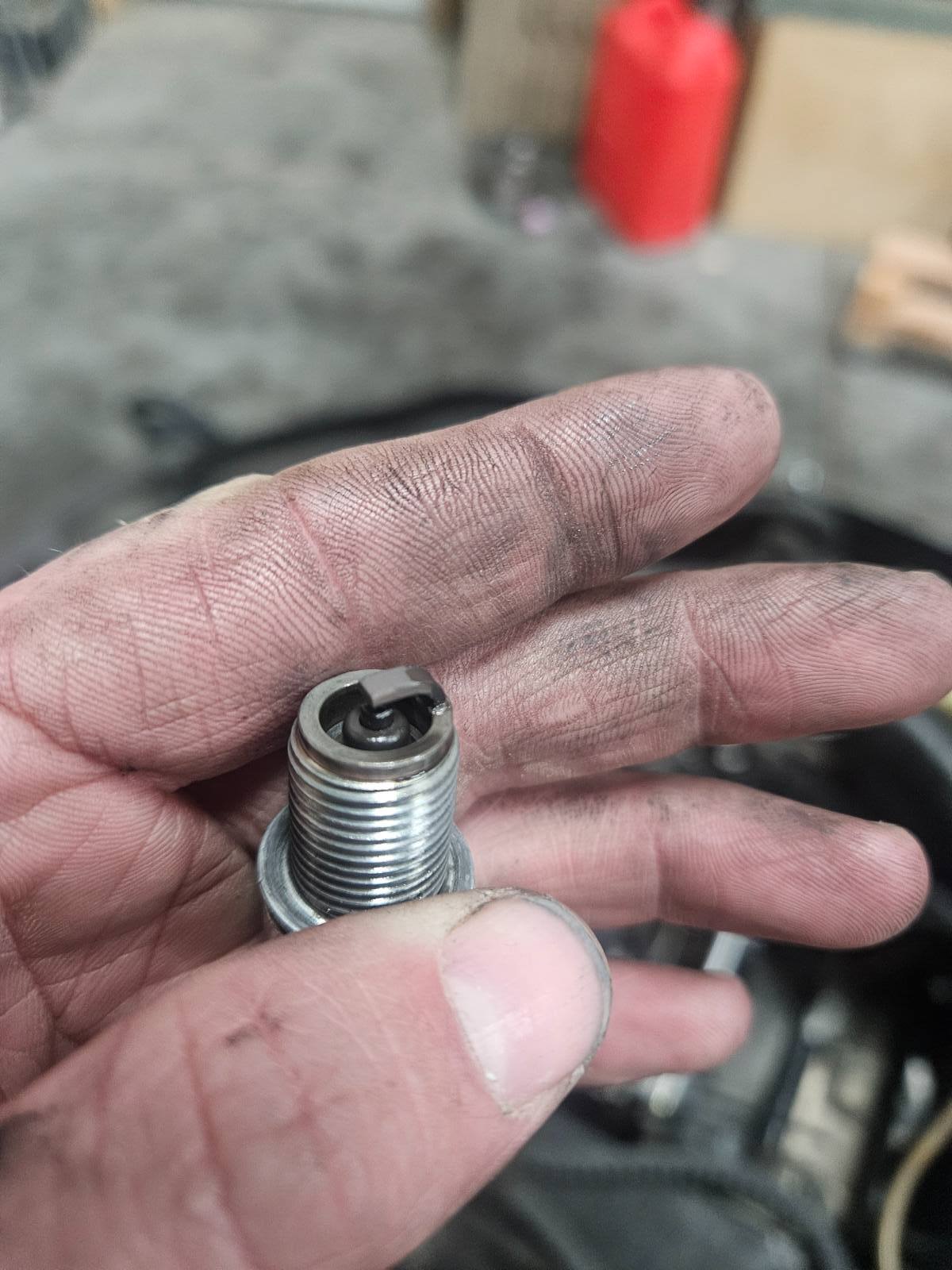
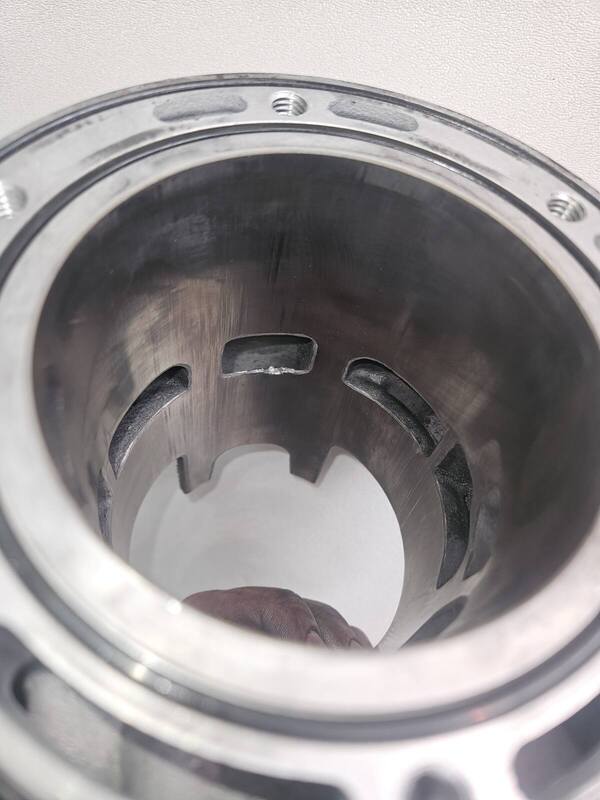
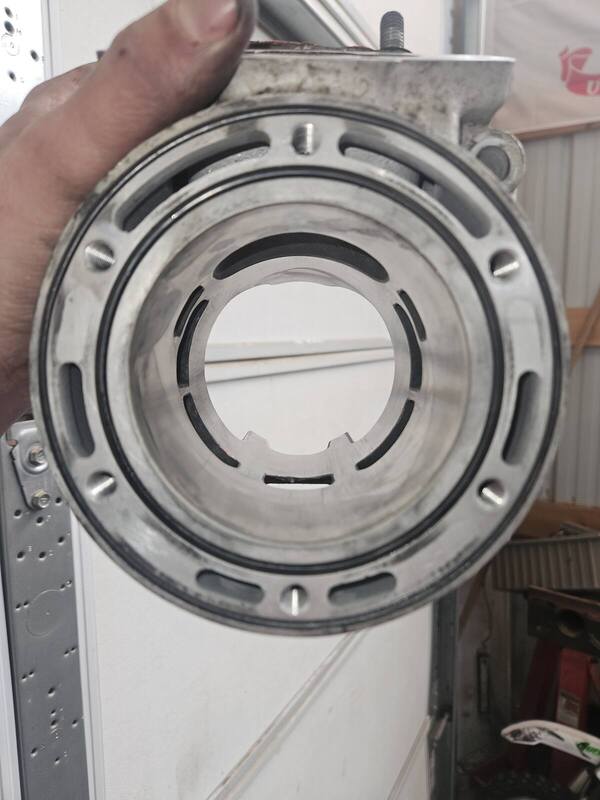
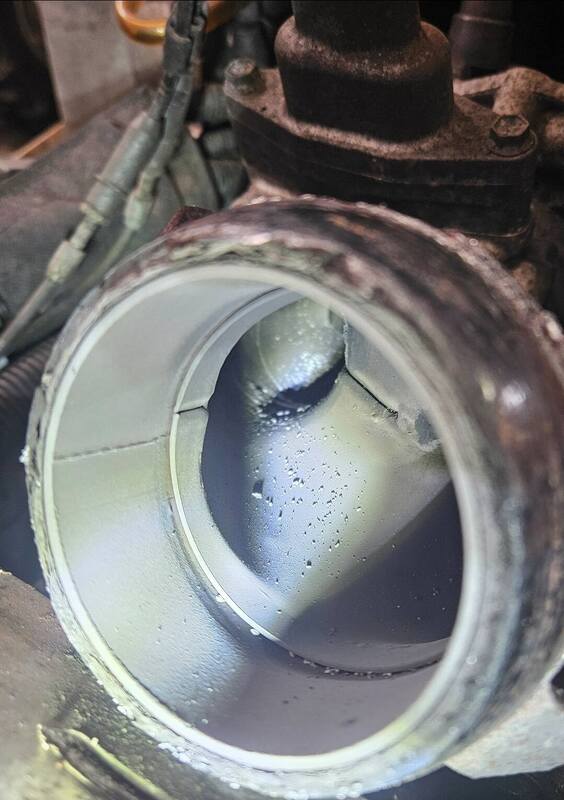
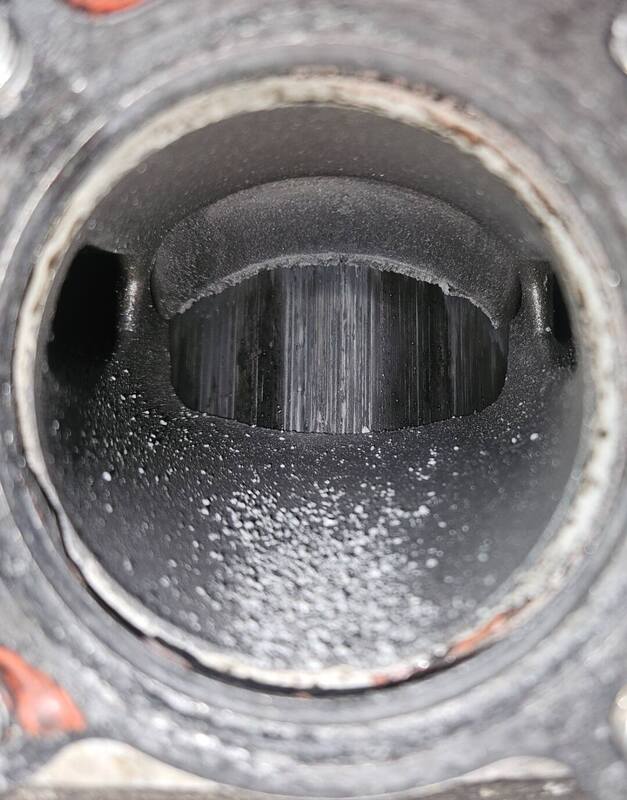
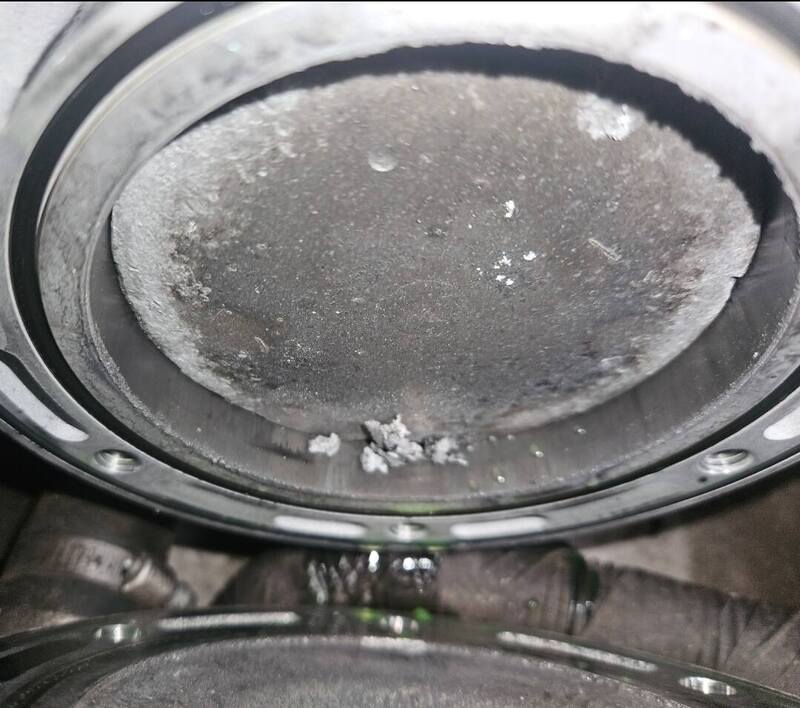
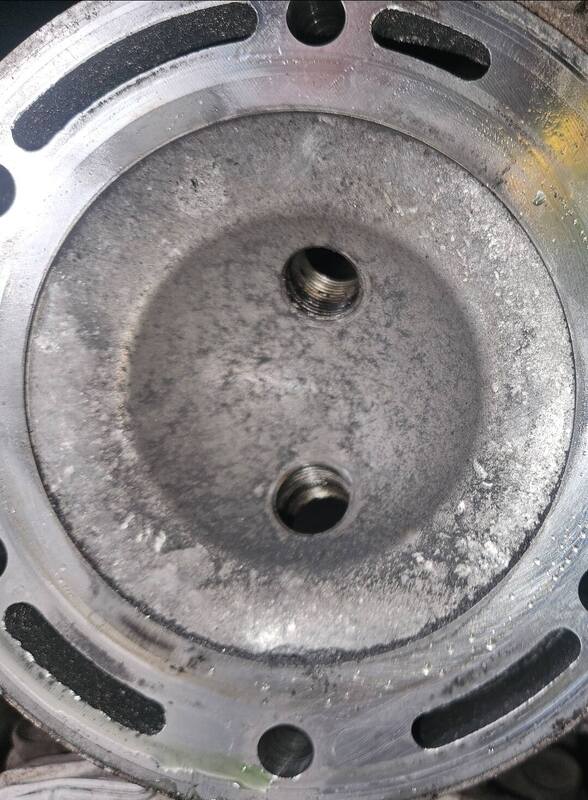
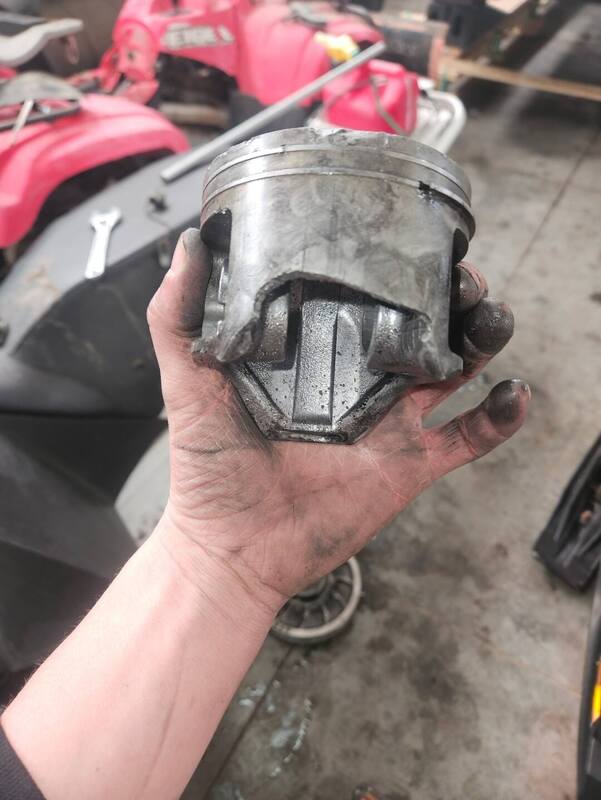
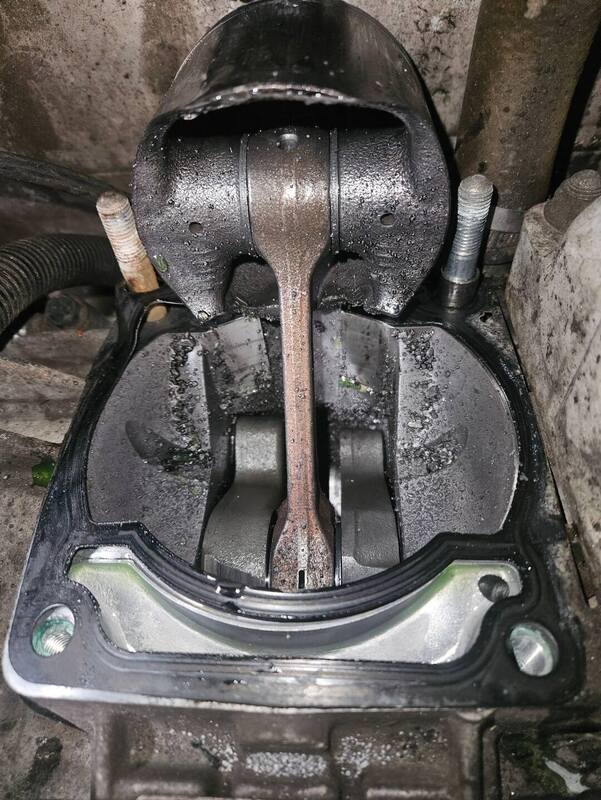
Expected more damage to the cylinder.
-
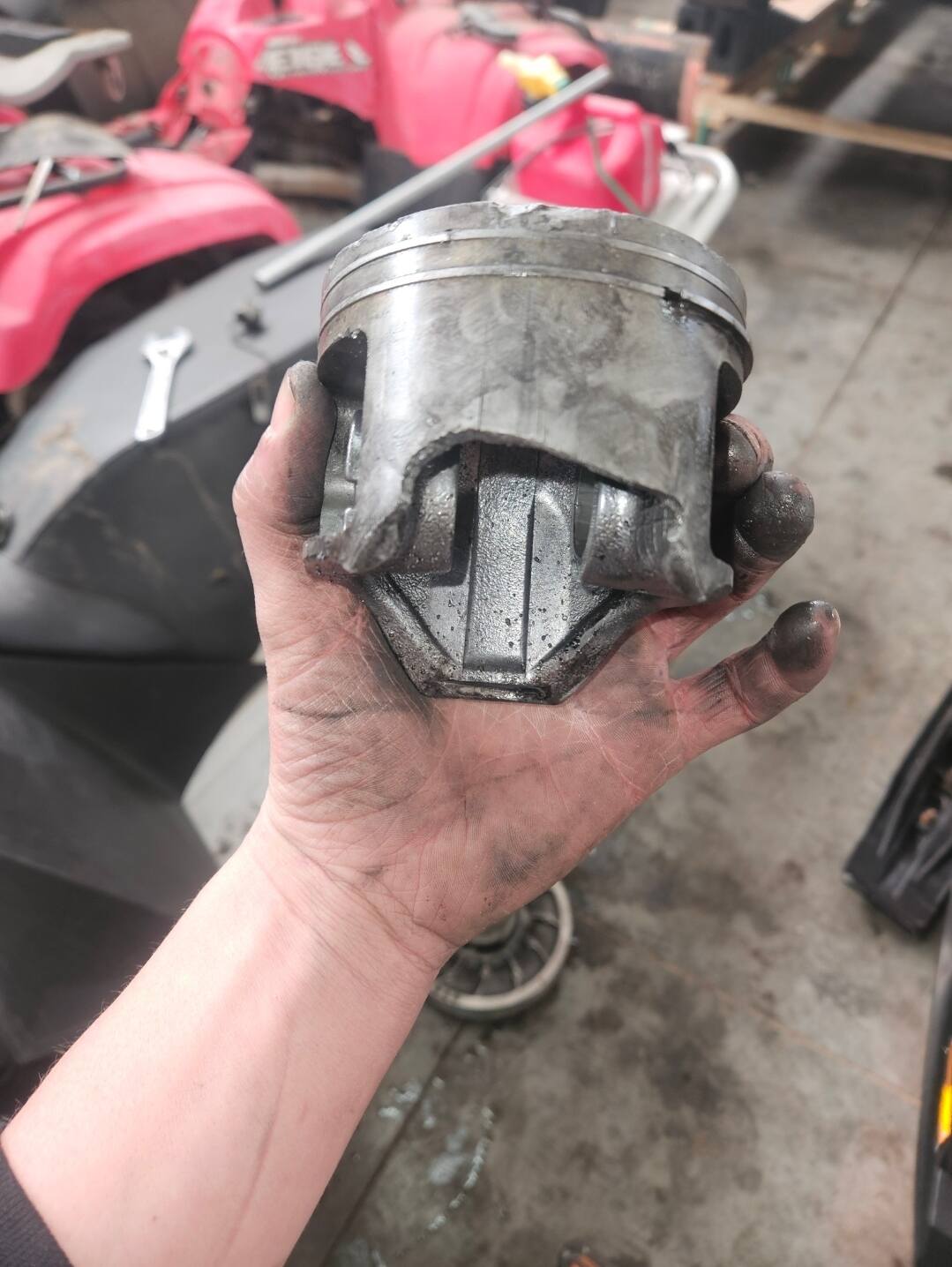
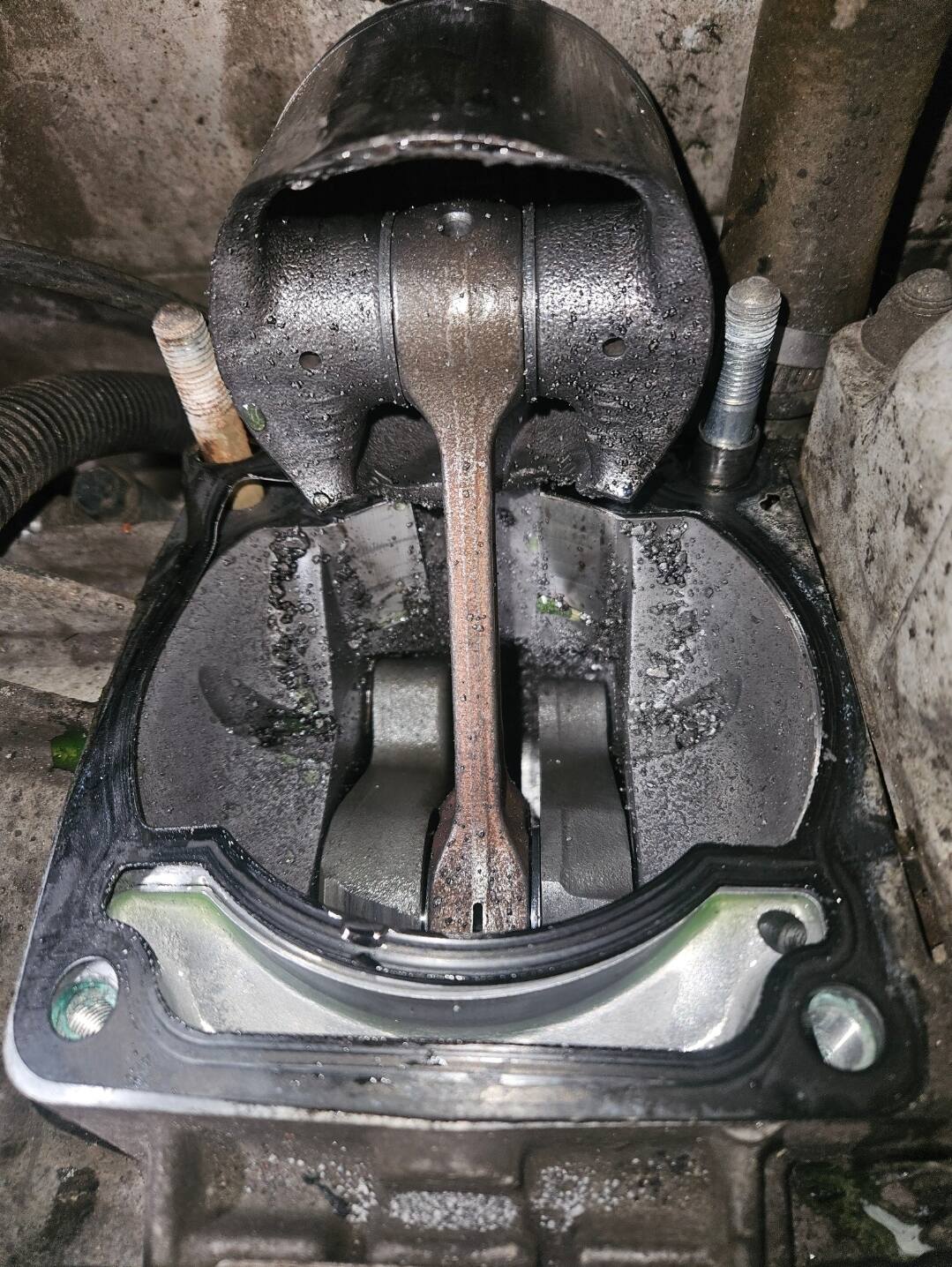
Mag side skirt explosion.
-
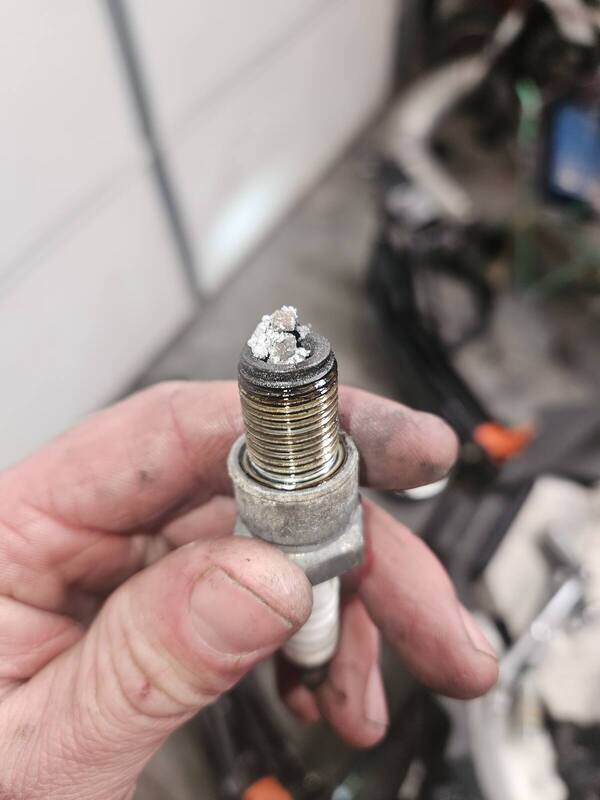
On todays episode of guess what broke on the 2013 M800....
-
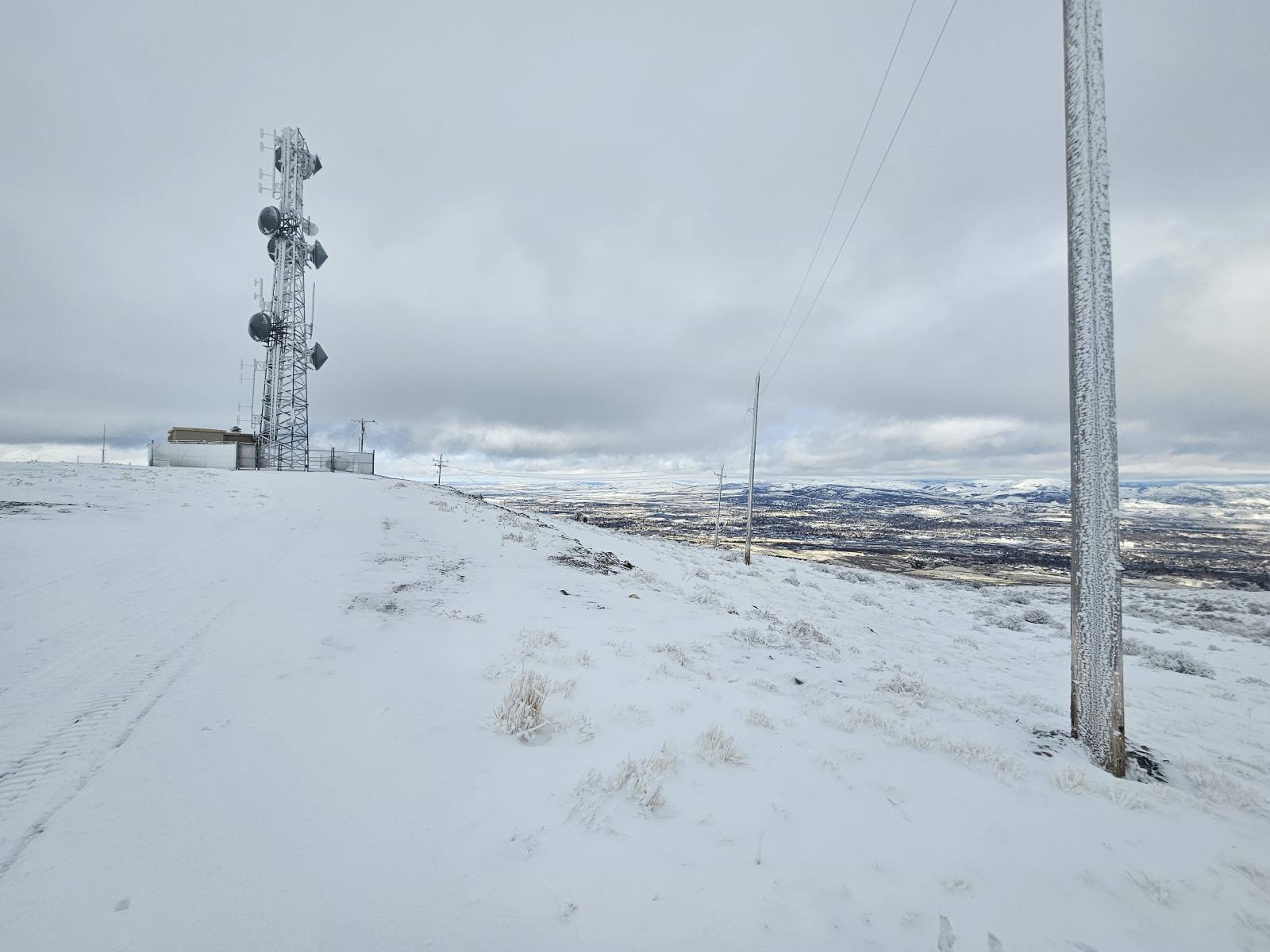
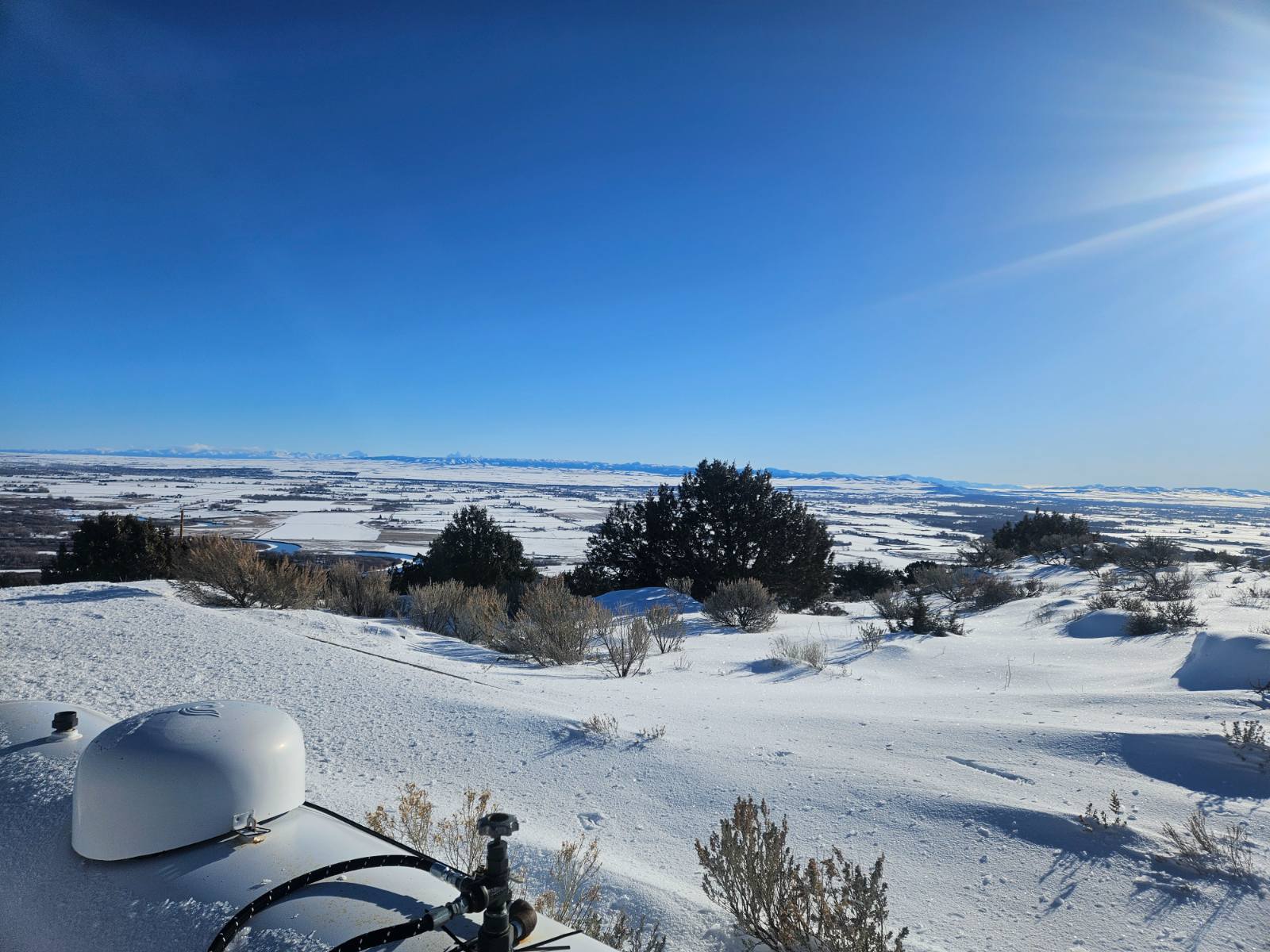
That was the view from Howard Mountain on the West side of Pocatello, ID.
-
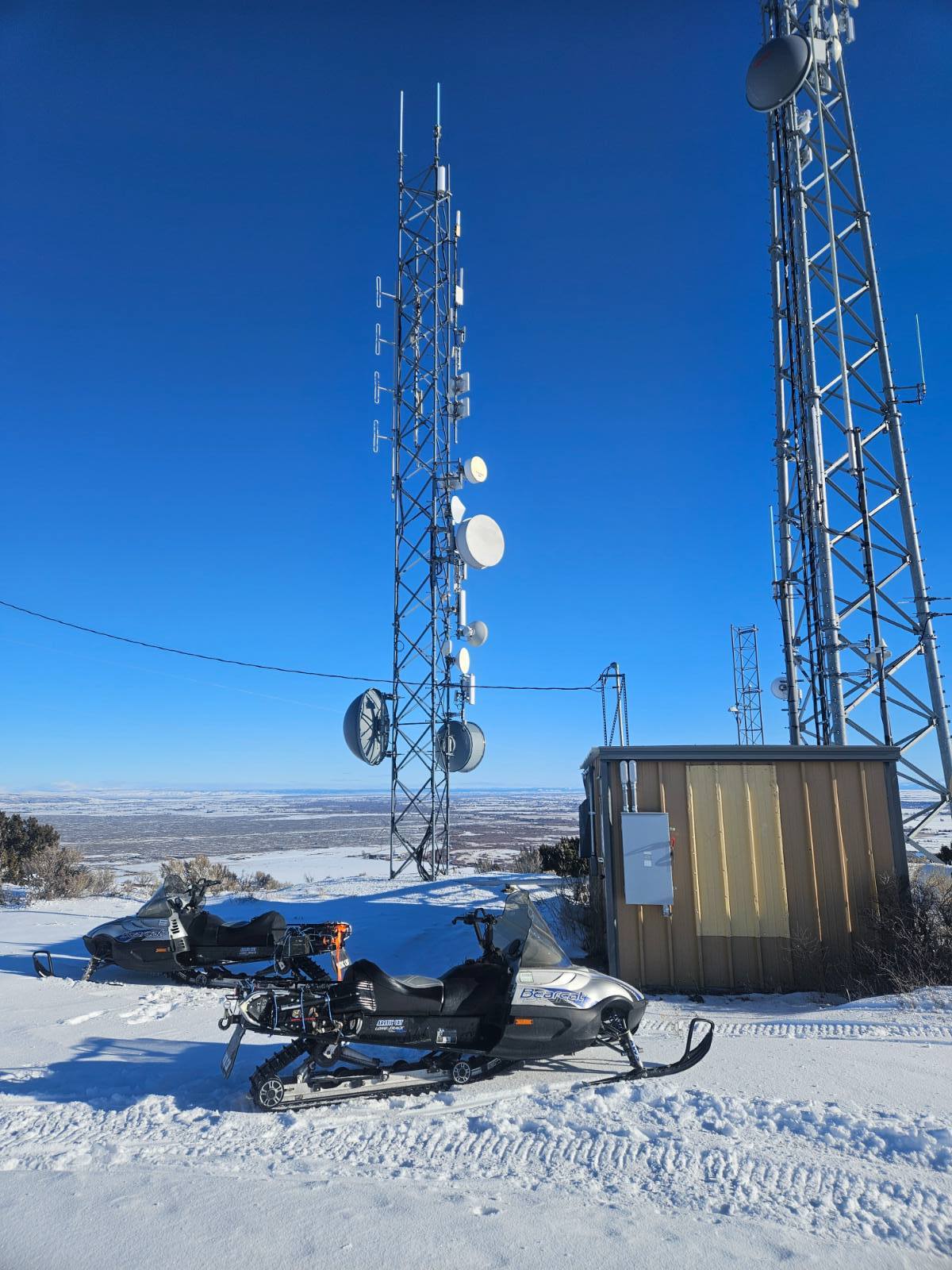
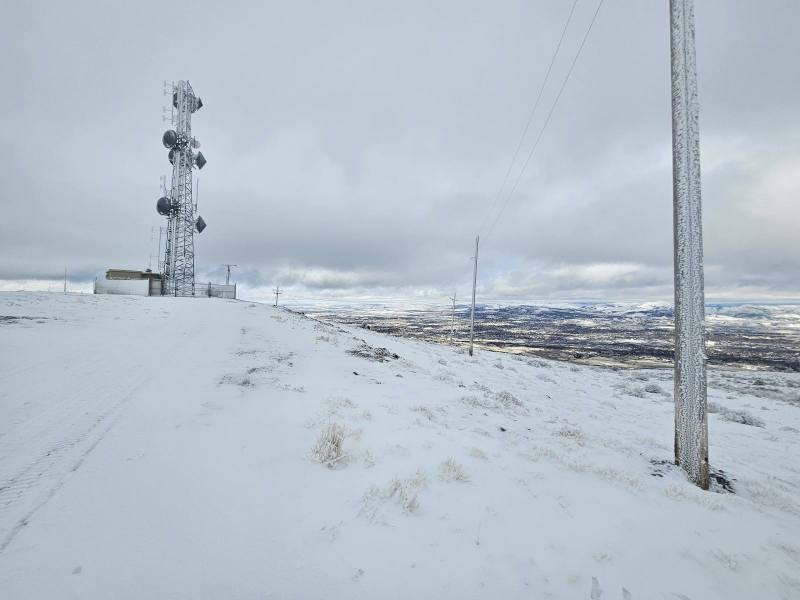
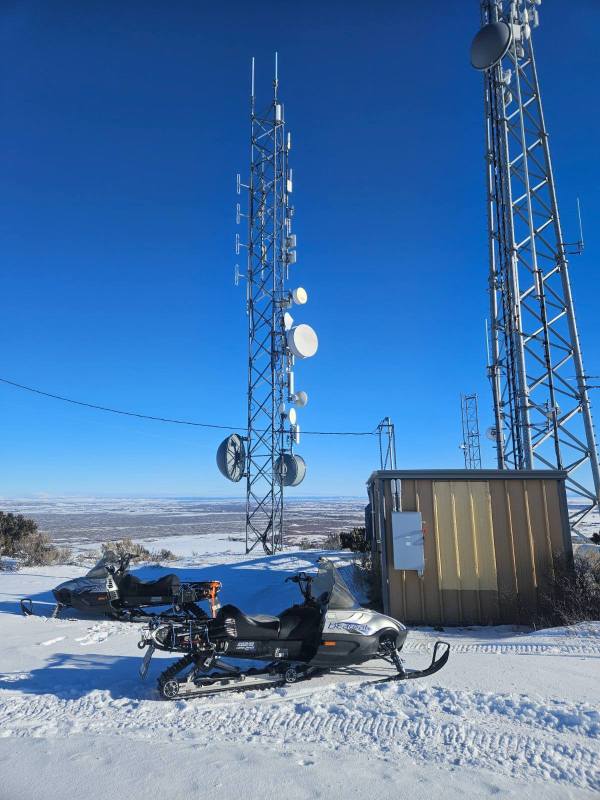
Another site repaired, would never take personal sled up to this location with all the large rocks on the road up.
-
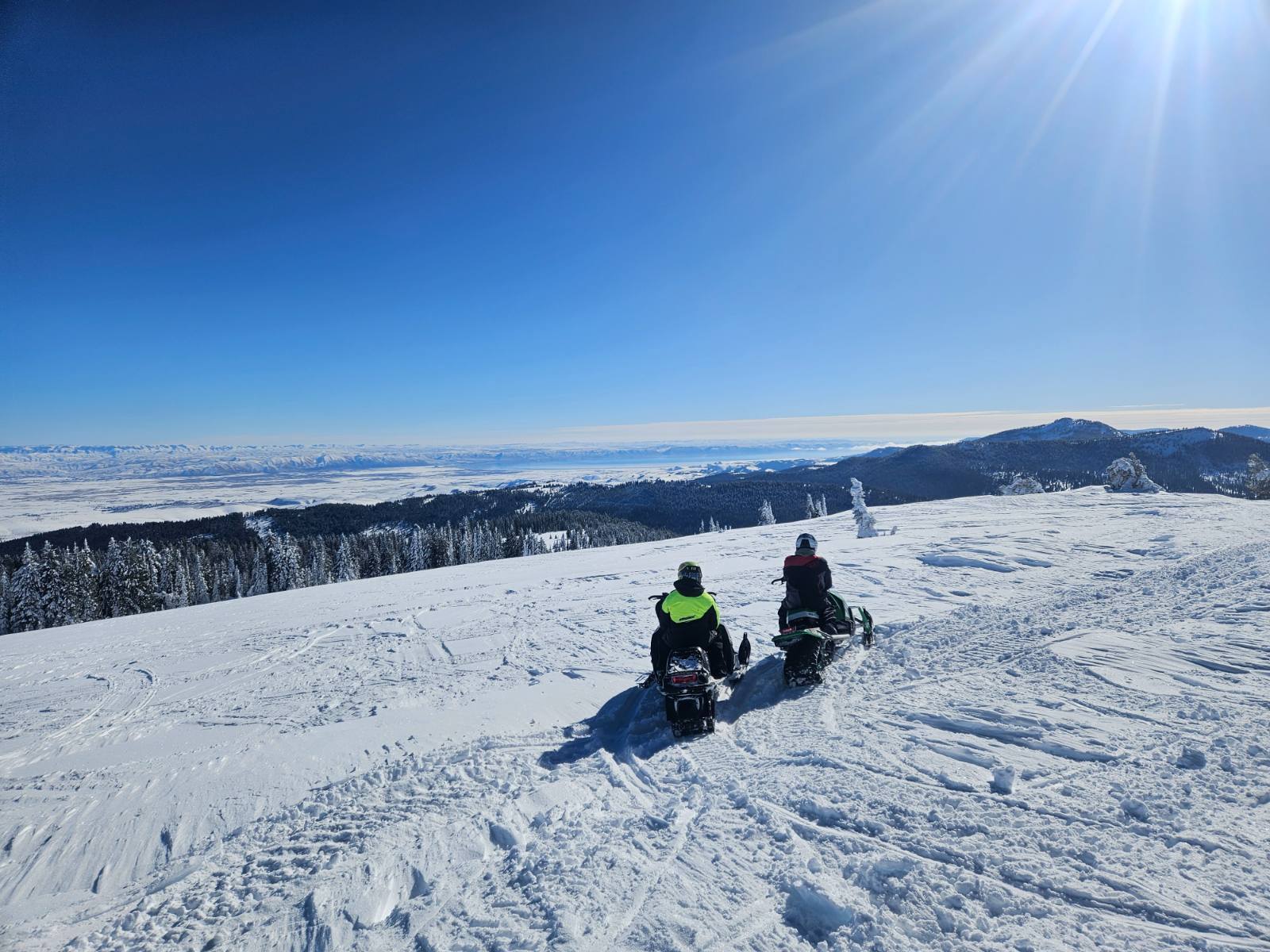
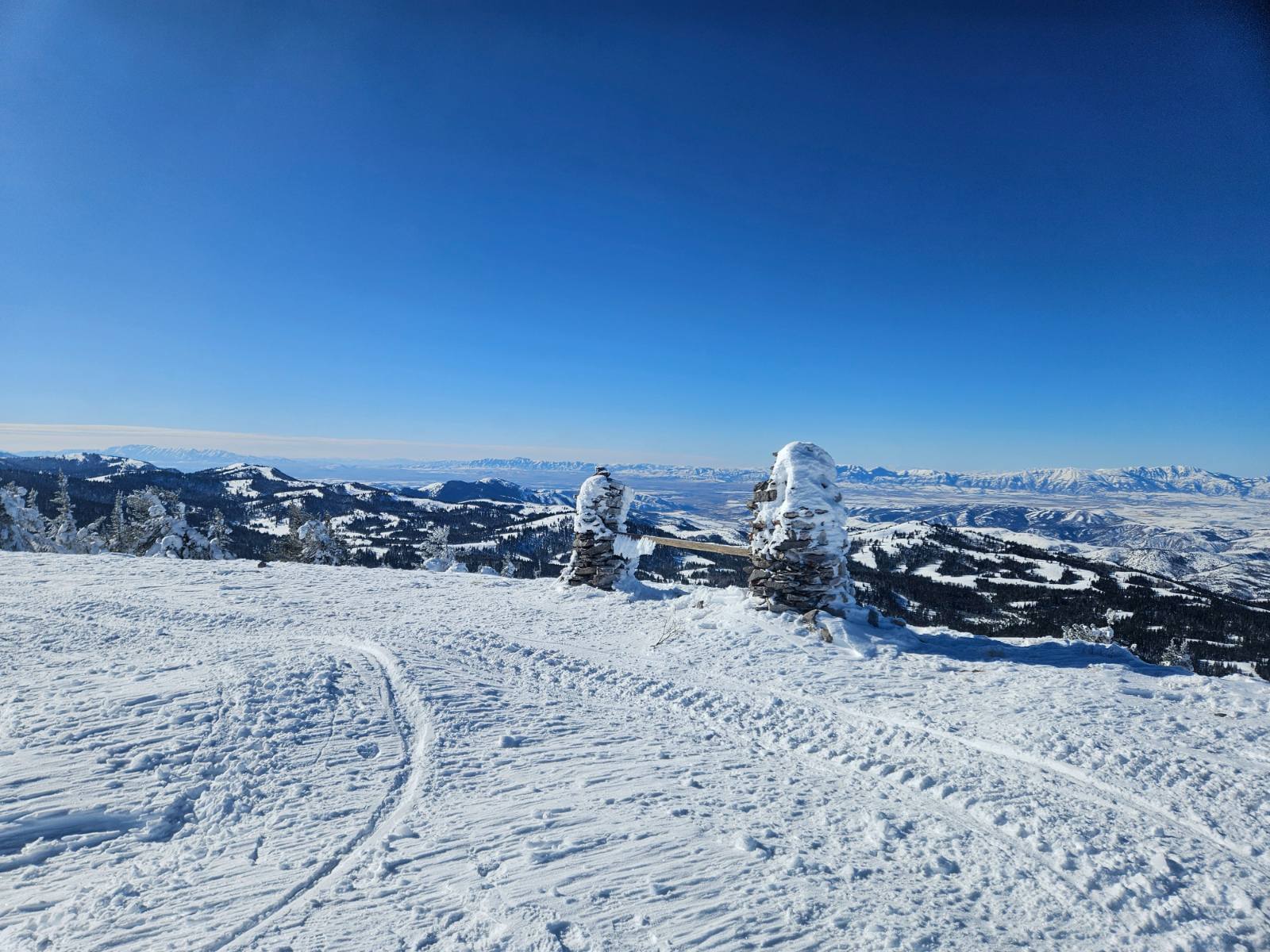
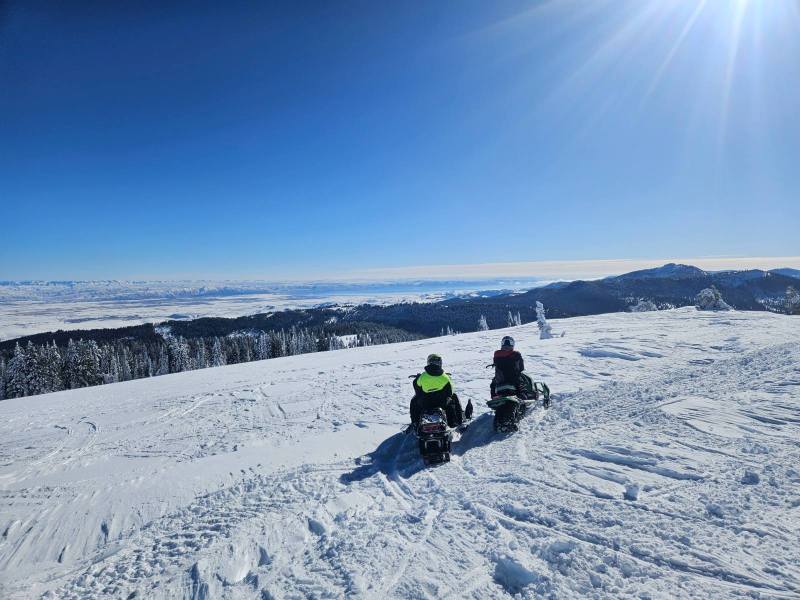
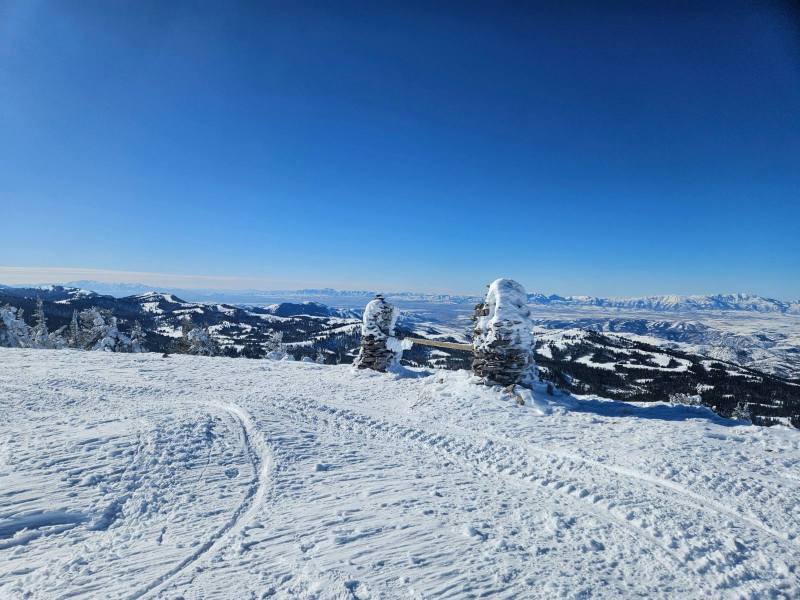
Bear lake as viewed from Midnight Mountain, ID https://maps.app.goo.gl/sbAnB8bSnmMccuD8A Looking southwest towards Preston, ID
-
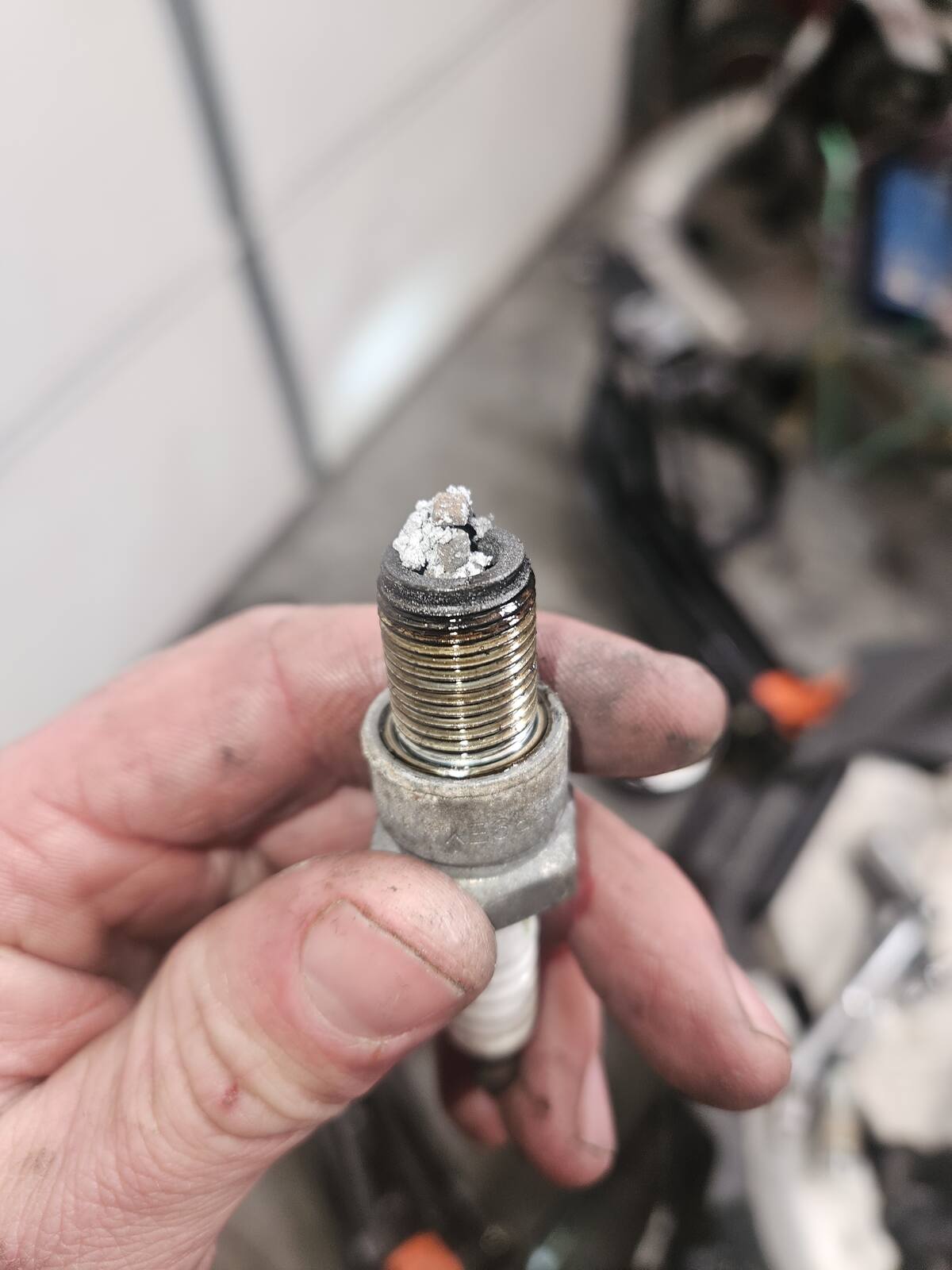
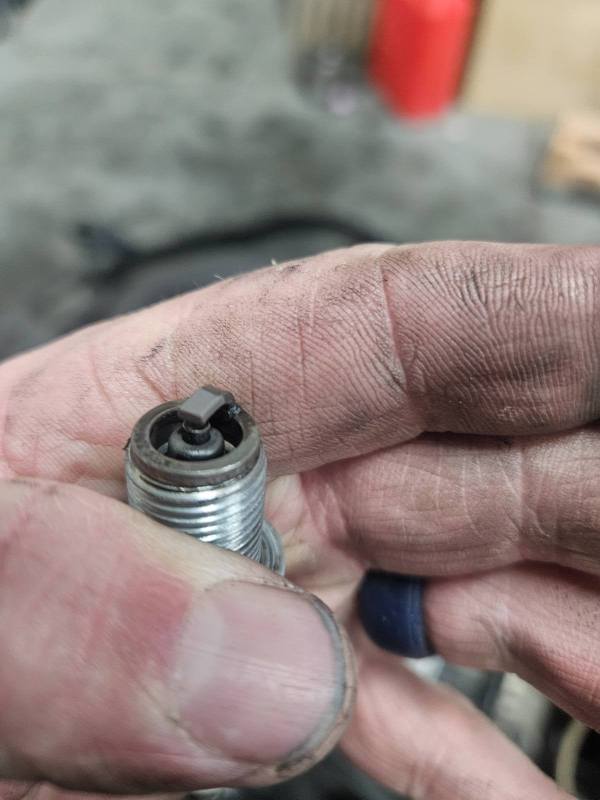
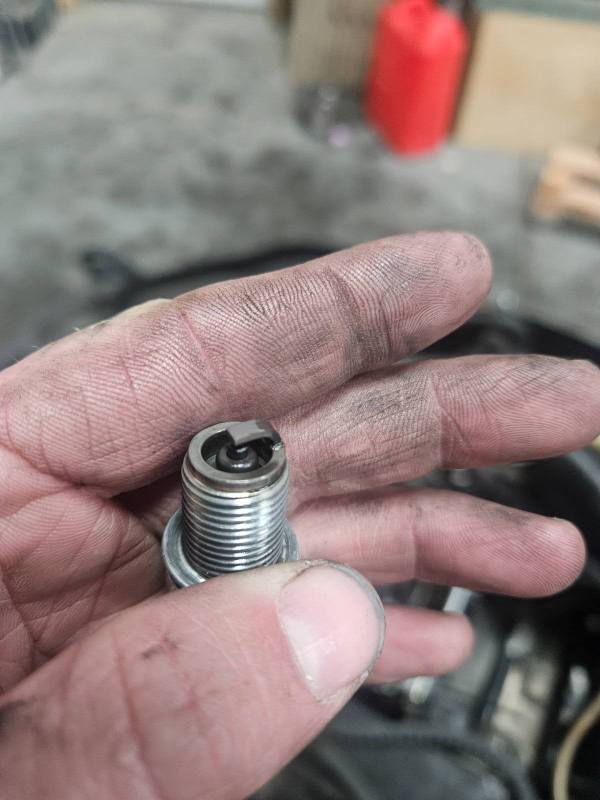
With the single pipe on having the needle on the center clip seemed too rich so if I revert back to that I could drop the needle. Previous owner of the engine had 20 spark plugs in the seat so I'm sure he fouled alot with what it was at.
-
Wasn't really looking to run pod filters but we'll see how it goes, raised the needles one clip position to start, seems rich so I ordered a set of jets to go from there.
-
Posted December 20th 2024....
.jpg.d7ca6b14180de7eab0afbbfde6ba7a0d.jpg)
-
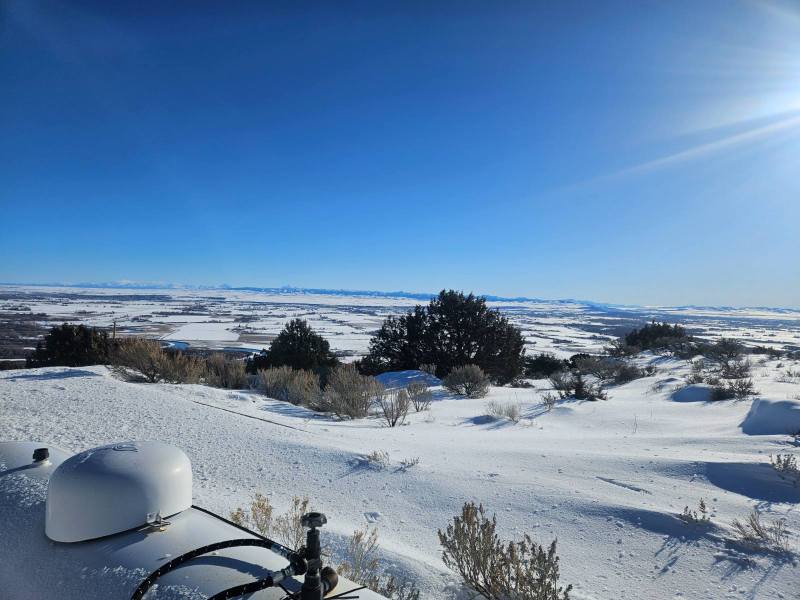
Menan butte Idaho looking north at the St Anthony sand dunes. Looking East at The Teton range. Was up replacing a microwave radio.
-
The blonde was driving the ford truck, the chevy traverse and the green van were there when I went in.