Jump to content
View in the app

A better way to browse. Learn more.

FreedomSledder.com

A full-screen app on your home screen with push notifications, badges and more.

To install this app on iOS and iPadOS
  1. Tap the Share icon in Safari
  2. Scroll the menu and tap Add to Home Screen.
  3. Tap Add in the top-right corner.
To install this app on Android
  1. Tap the 3-dot menu (⋮) in the top-right corner of the browser.
  2. Tap Add to Home screen or Install app.
  3. Confirm by tapping Install.

dz246

USA Donating Member
  • Joined

  • Last visited

  1. dz246 replied to SSFB's topic in Current Events
  2. dz246 replied to SSFB's topic in Current Events
  3. It's been a few years since you've gone on a drunken rant about @f7ben Can you stop back in around Christmas time
  4. Couldn't possibly be muslims!!!! And it is....
  5. dz246 replied to SSFB's topic in Current Events
  6. They never made much money on Victory. I don't know why they thought adding another motorcycle brand was a good idea.
  7. J6

    dz246 replied to ArcticCrusher's topic in Current Events
    We're running out of "conspiracy theories"
  8. Until the next shooting of a semi famous political figure.
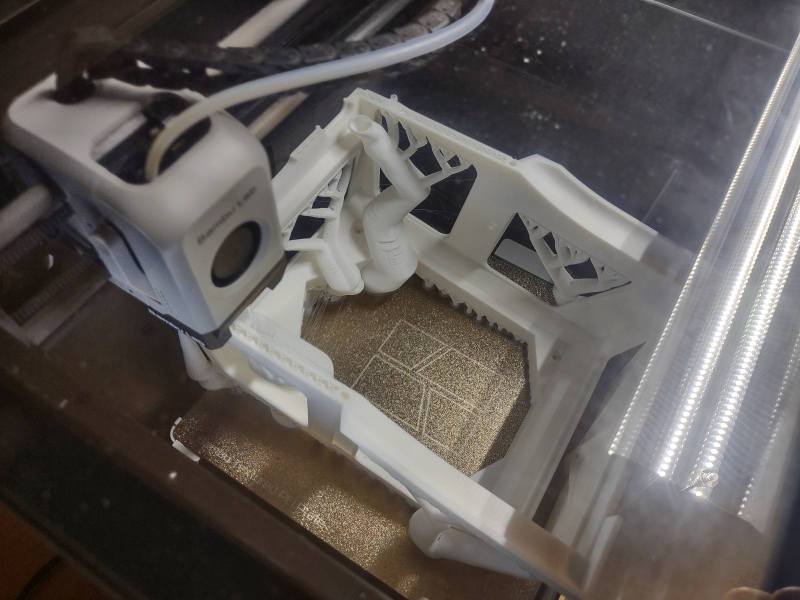
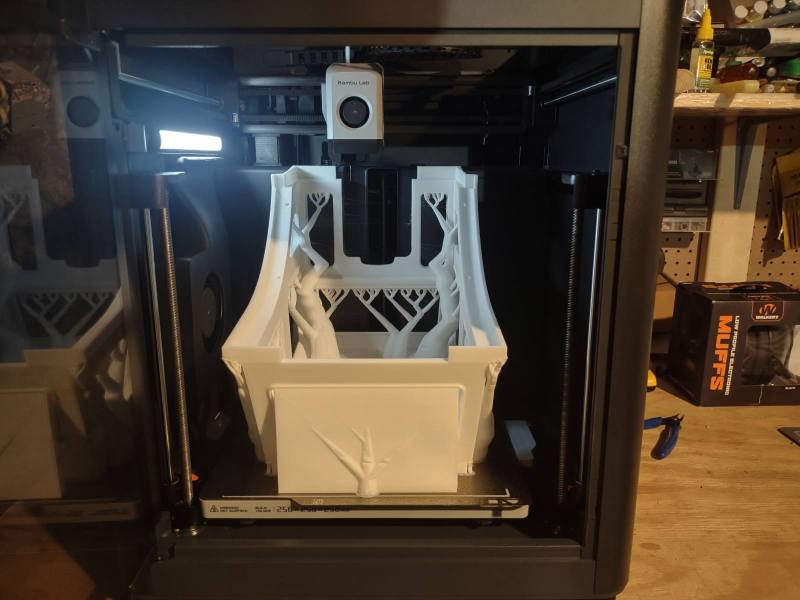
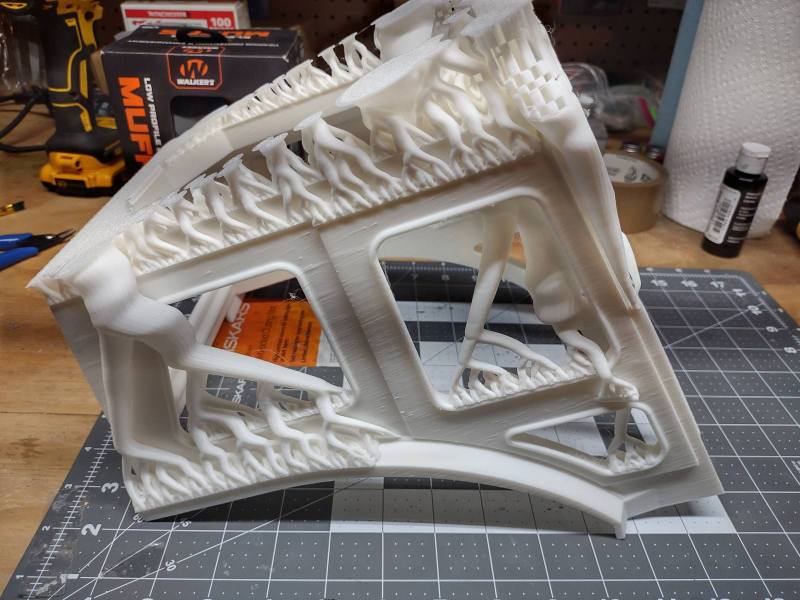
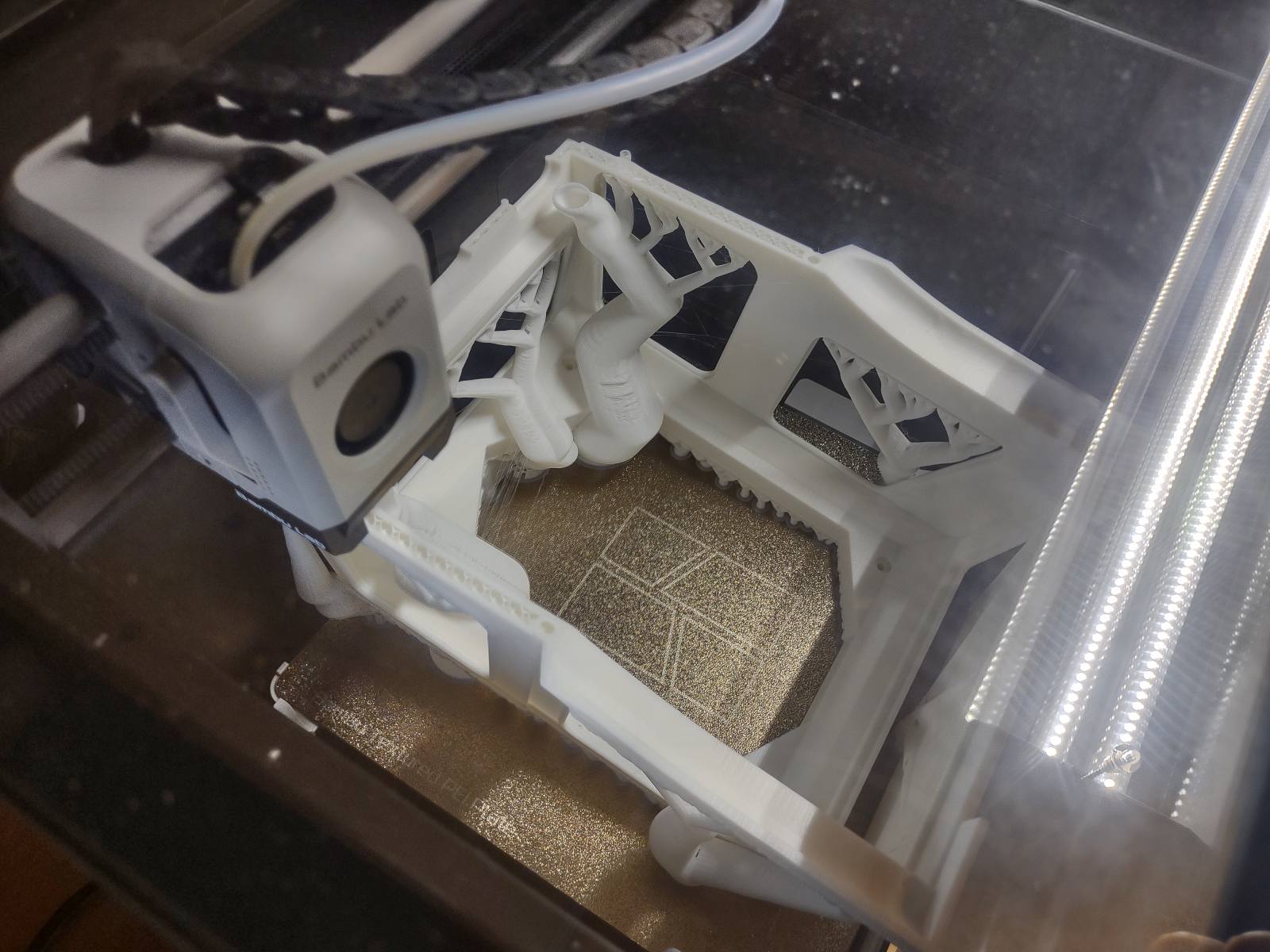
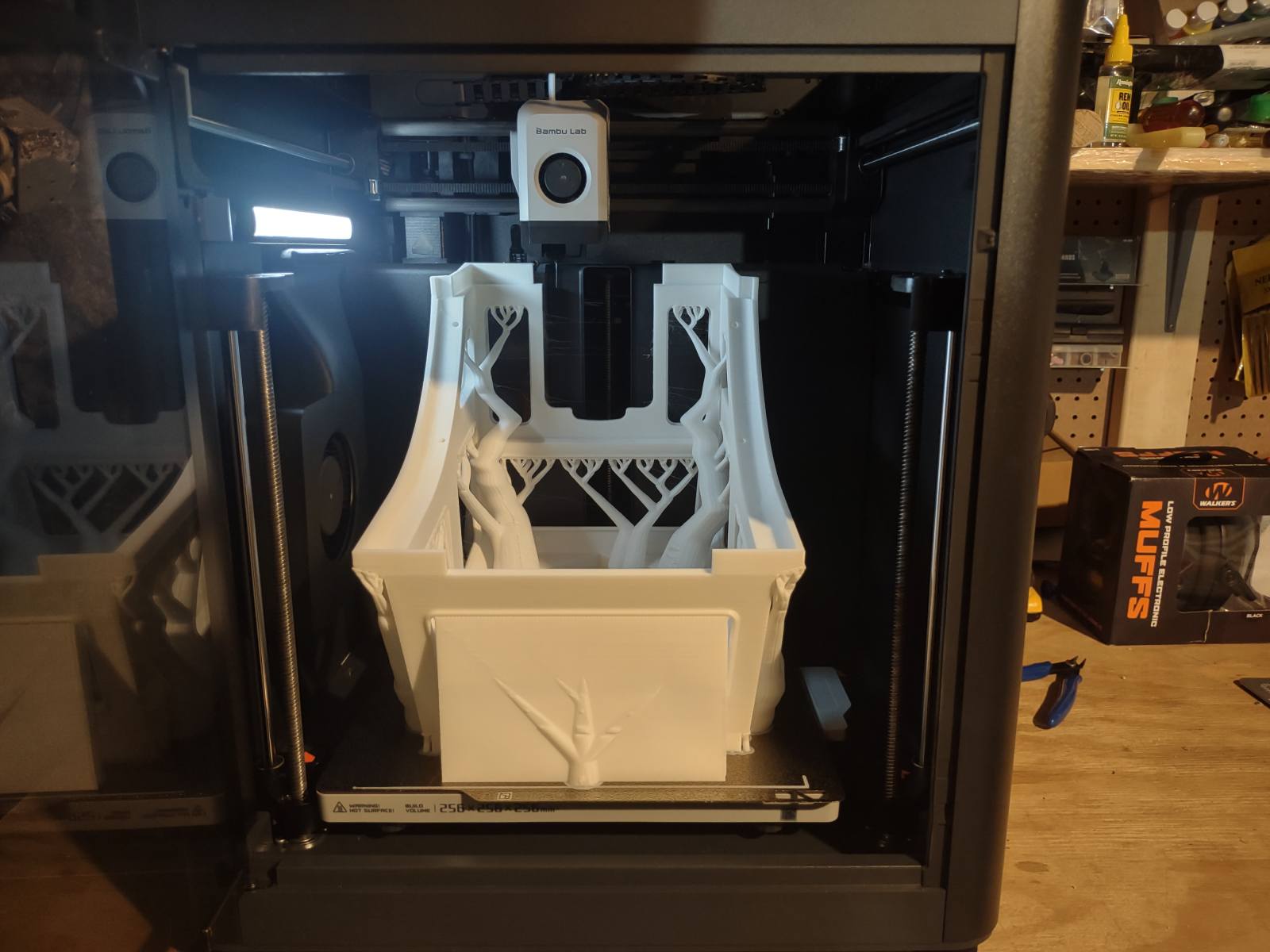
  9. P1S has been great. Only issue I've had was a corrupted SD card. Prints started not sticking and spaghetti everywhere. I think the update outrage was overblown. Bambu was blocking 3rd party slicers, such as Orca slicer from sending prints directly to the printer. I never updated the firmware and use Bambu slicer anyway so not a big deal to me. I would like to try a Bambu H2S. I could use a larger print bed.
  10. UTV poker run yesterday. I won with a pair of kings Tractor pull today. Got rained out not long after I took this pic. Bad day to be driving the golf cart, got soaked
  11. dz246 replied to SSFB's topic in Current Events

Configure browser push notifications

Chrome (Android)
  1. Tap the lock icon next to the address bar.
  2. Tap Permissions → Notifications.
  3. Adjust your preference.
Chrome (Desktop)
  1. Click the padlock icon in the address bar.
  2. Select Site settings.
  3. Find Notifications and adjust your preference.