Skip to content
View in the app

A better way to browse. Learn more.

FreedomSledder.com

A full-screen app on your home screen with push notifications, badges and more.

To install this app on iOS and iPadOS
  1. Tap the Share icon in Safari
  2. Scroll the menu and tap Add to Home Screen.
  3. Tap Add in the top-right corner.
To install this app on Android
  1. Tap the 3-dot menu (⋮) in the top-right corner of the browser.
  2. Tap Add to Home screen or Install app.
  3. Confirm by tapping Install.

team ohio

Members
  • Joined

  • Last visited

  1. My brother and I were both infantry and we’re laughing our asses off at all the free meals they’re giving away to veterans in our area.
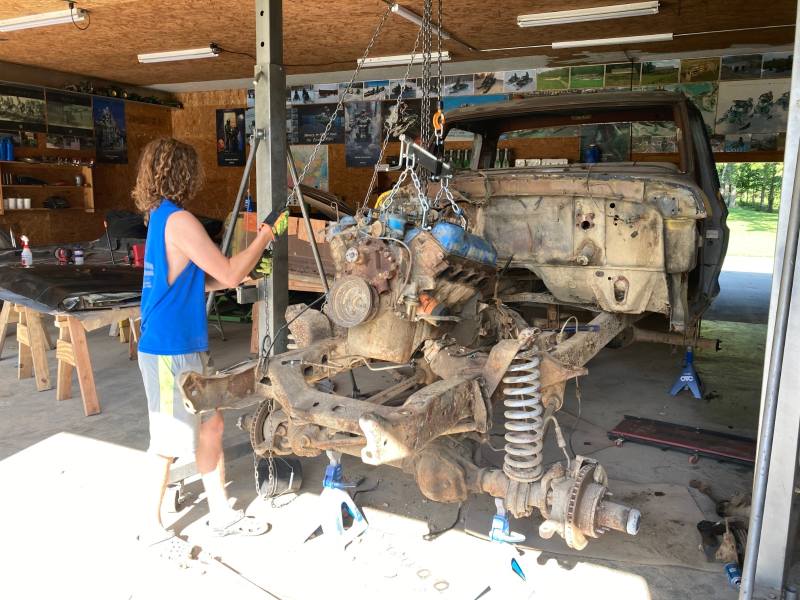
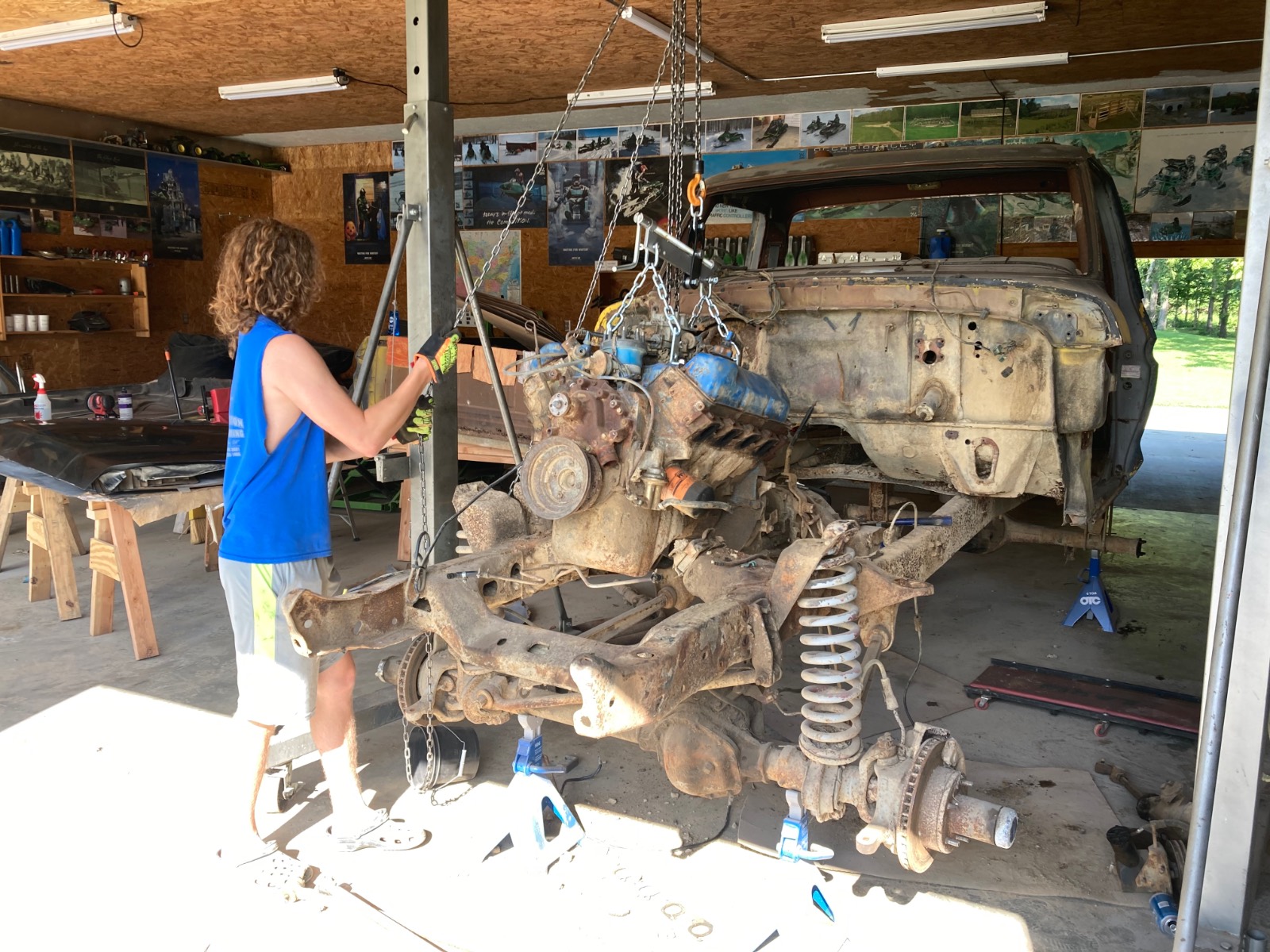
  2. Doing a frame up on this ‘78 with my son. Frame is going to the powder coater next week

  3. If your job can be done 100% from home it can be done from India or the next 3rd world shithole it becomes popular to outsource to.
  4. If you don’t put winter tires on your car it will make me crash
  5. They are getting ready to redefine the flood plains in our area based on global warming predictions
  6. So we get no credit for what we did 2 generations ago but are completely responsible for slavery?
  7. introduced by a Democrat & passed by a Democrat controlled congress
  8. team ohio posted a topic in New York
    Trying to head to Chatauqua in a week, any tips on cabin rentals or best hotels to stay at.

Account

Navigation

Search

Search

Configure browser push notifications

Chrome (Android)
  1. Tap the lock icon next to the address bar.
  2. Tap Permissions → Notifications.
  3. Adjust your preference.
Chrome (Desktop)
  1. Click the padlock icon in the address bar.
  2. Select Site settings.
  3. Find Notifications and adjust your preference.