dirtybeacher
Members
-
Joined
-
Last visited
-
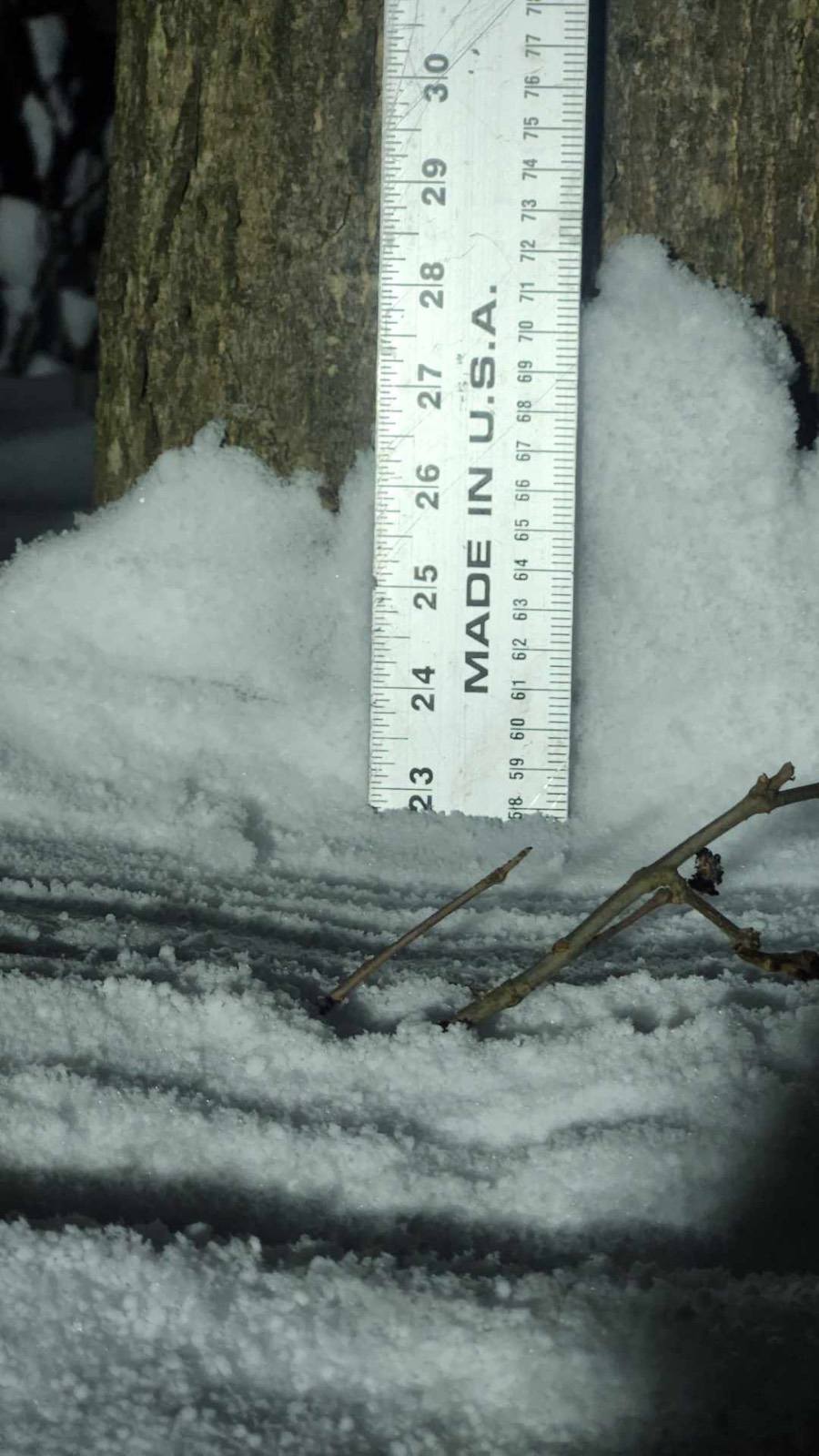
 Not too shabby for dec5 around here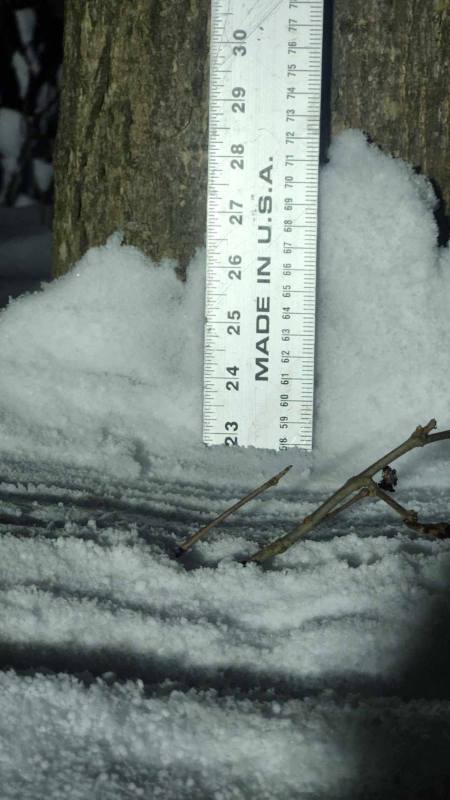
-
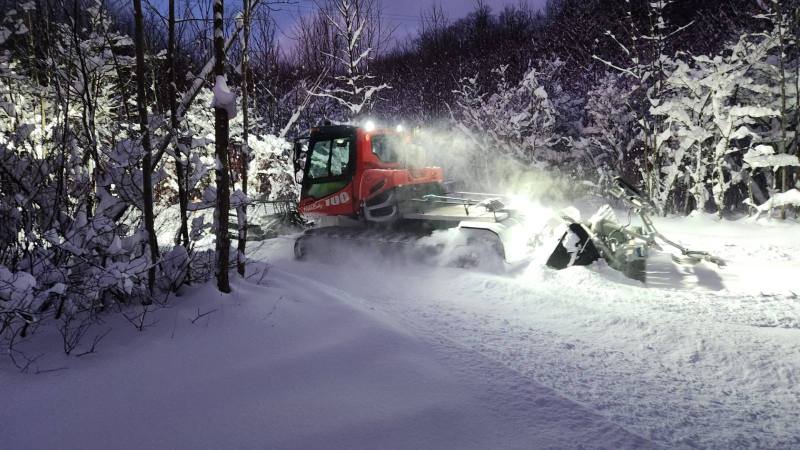
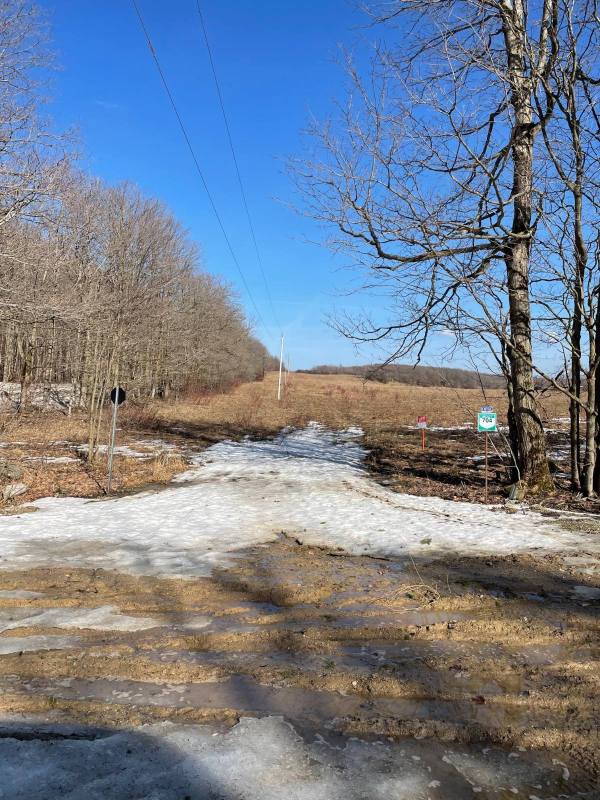
Today, just a few clicks from my house.
-
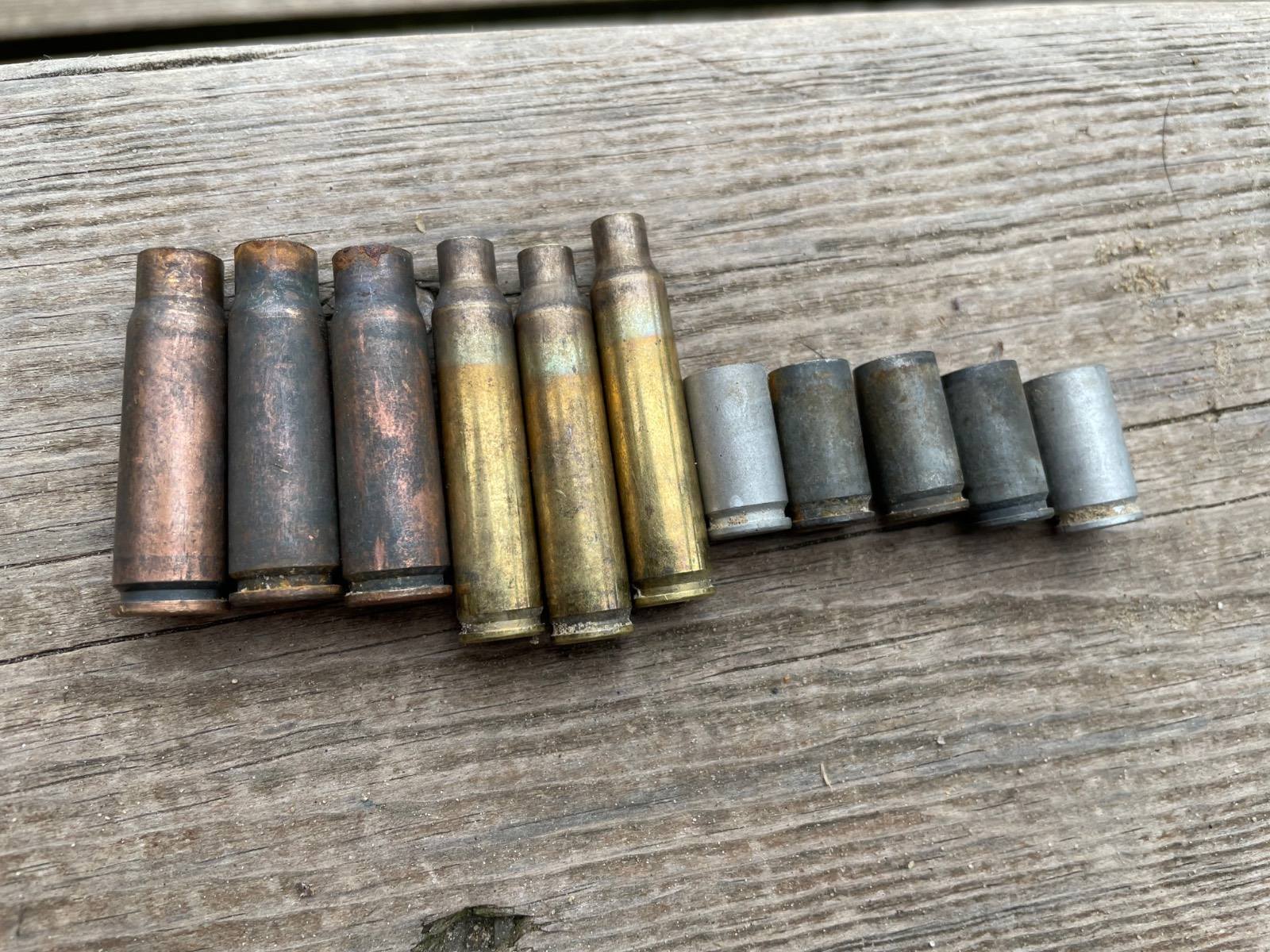
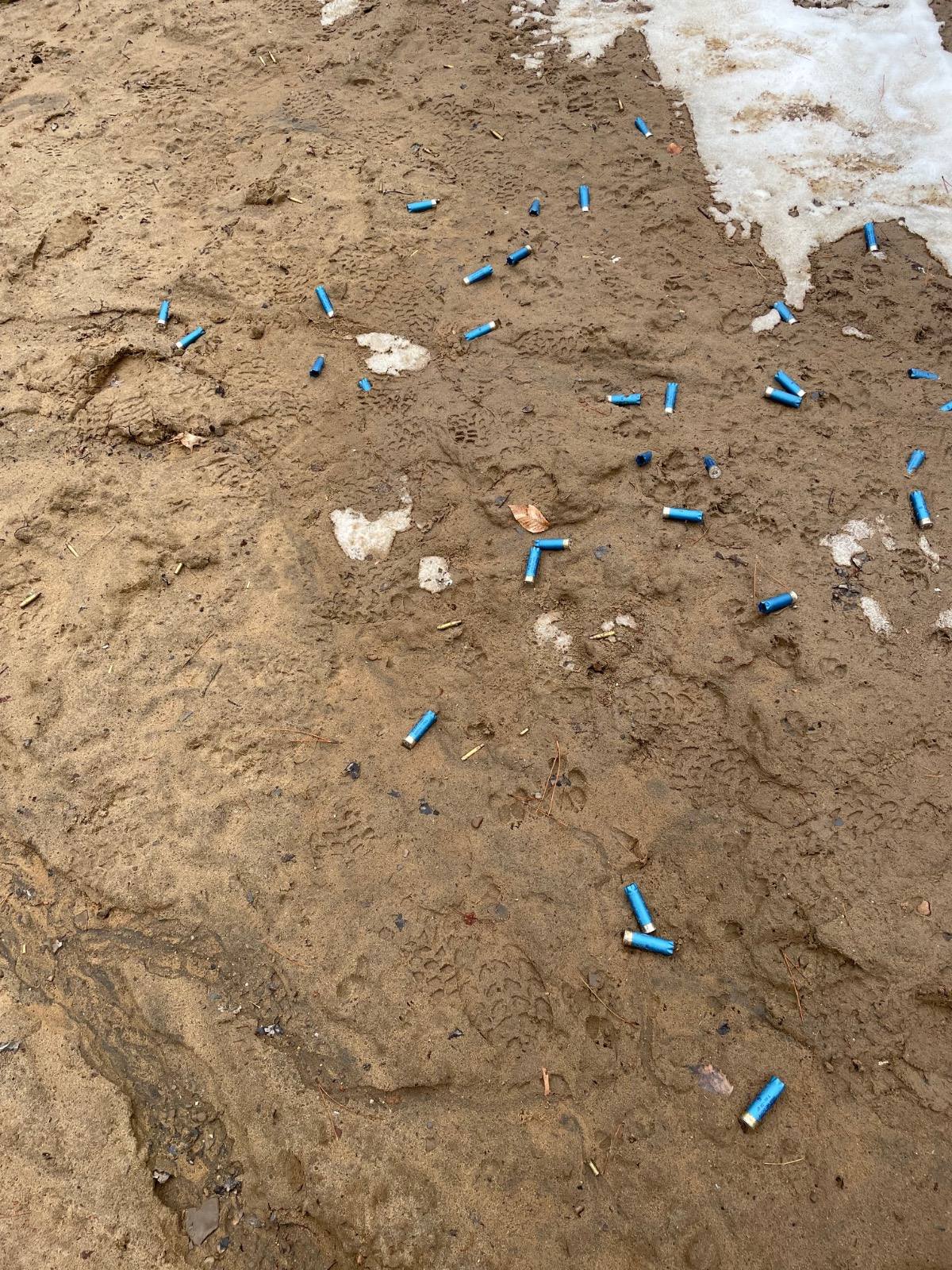
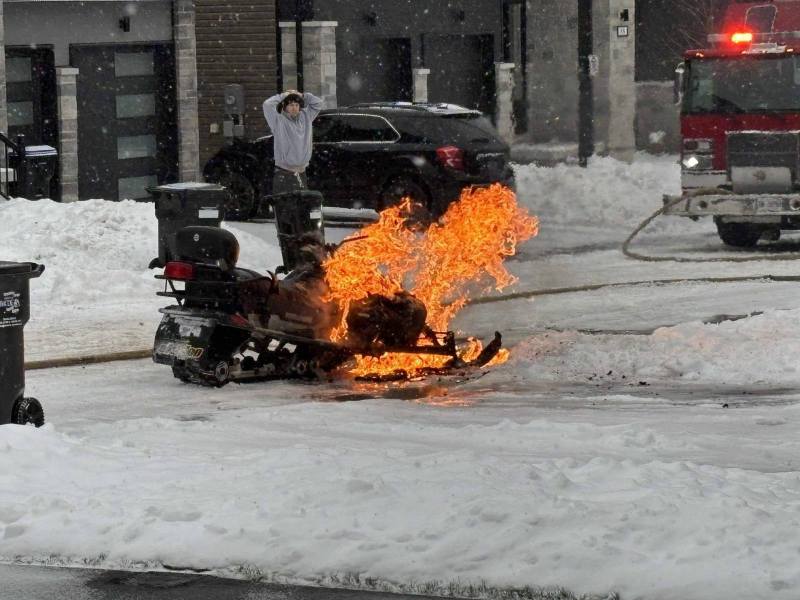
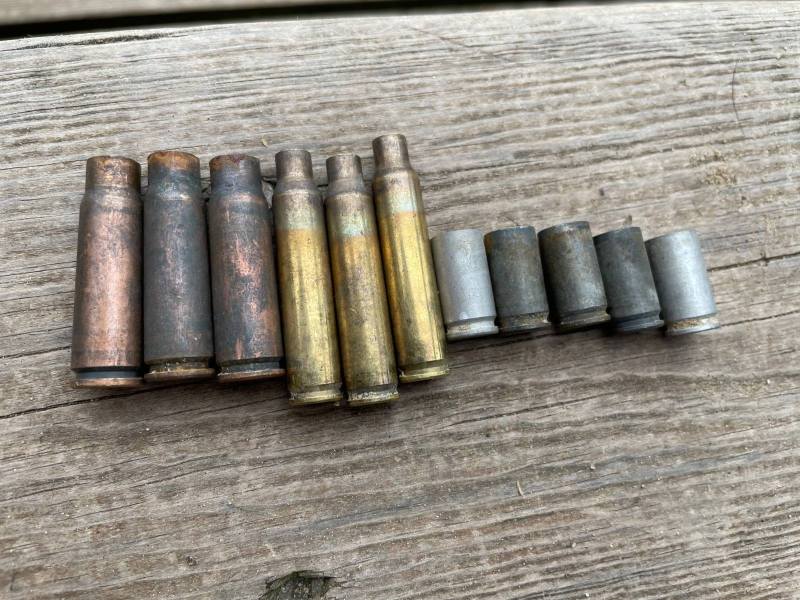
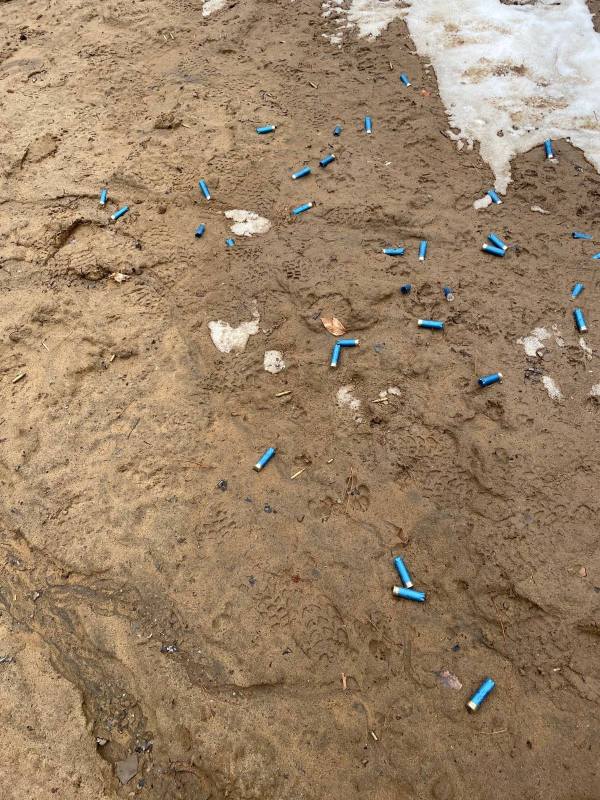
Some randoms from this week. Found a couple hundred recently spent casings on public land (shooting prohibited). Someone obviously doesn't give a fuck about Canadian gun laws.
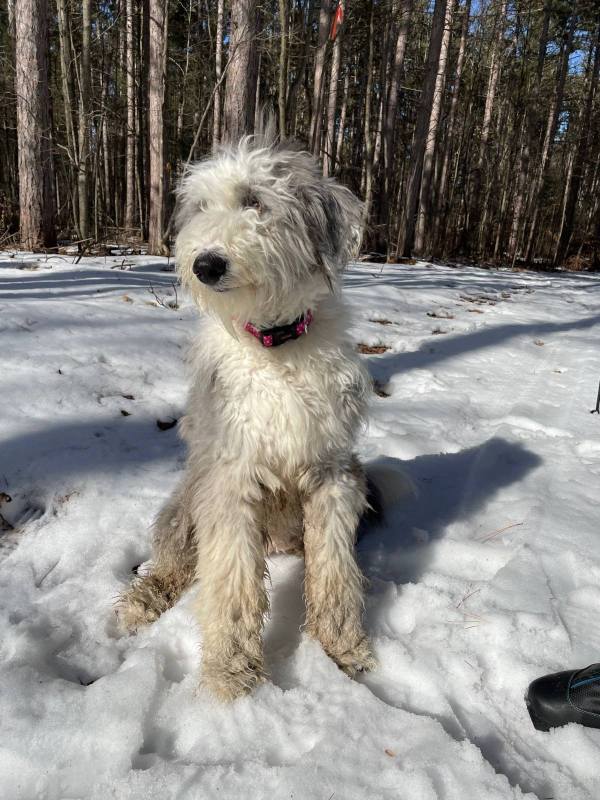
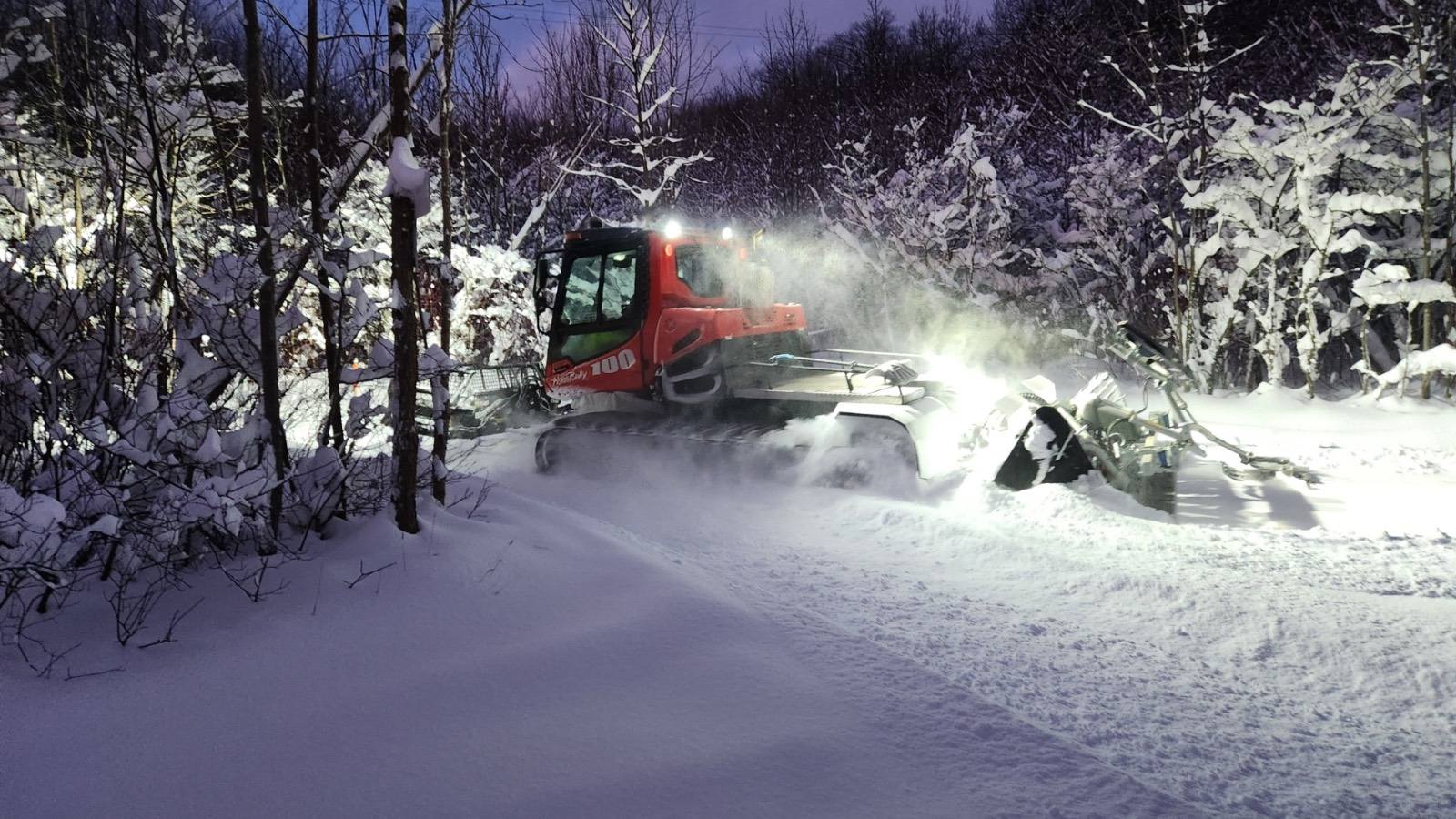
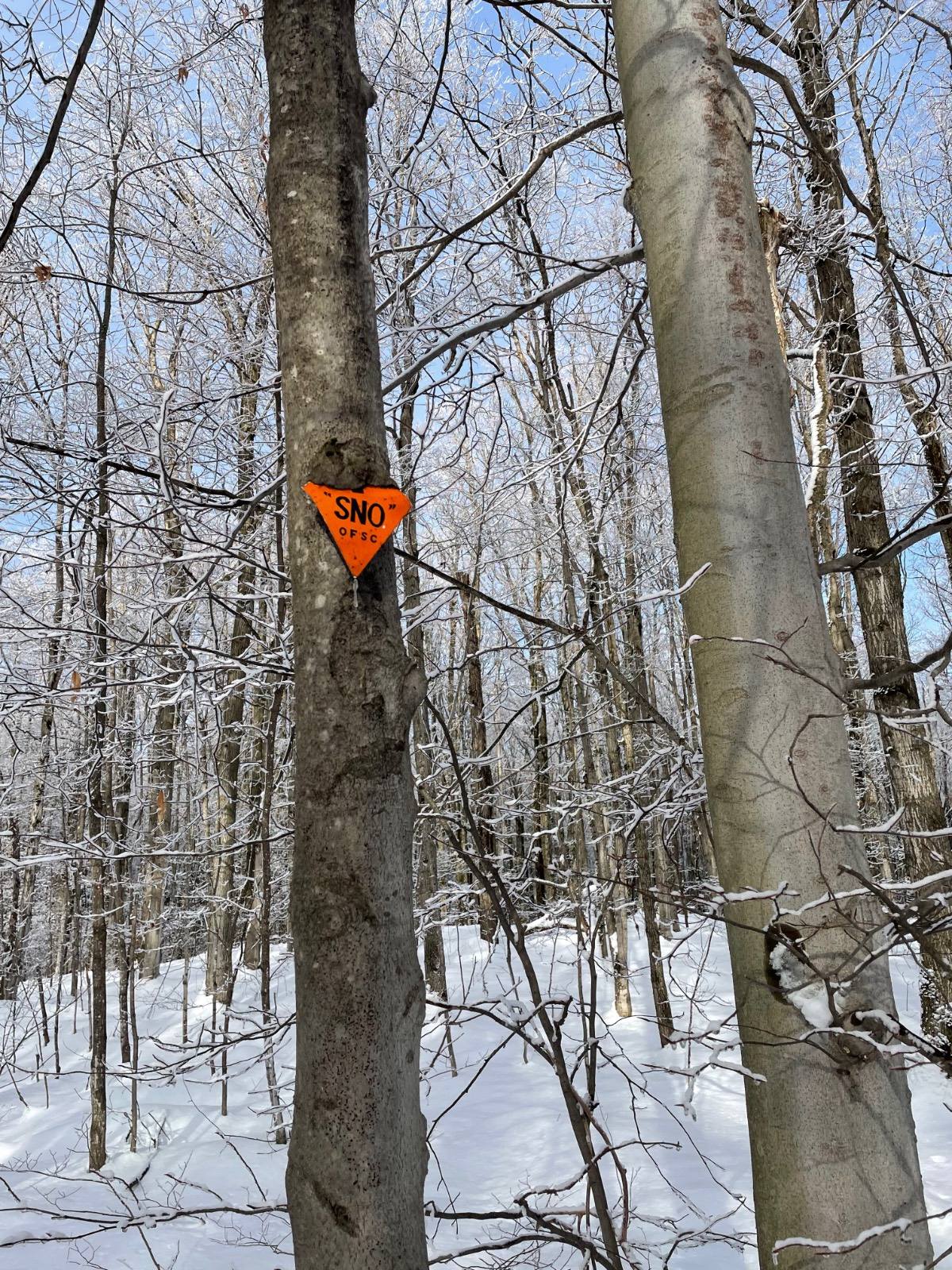
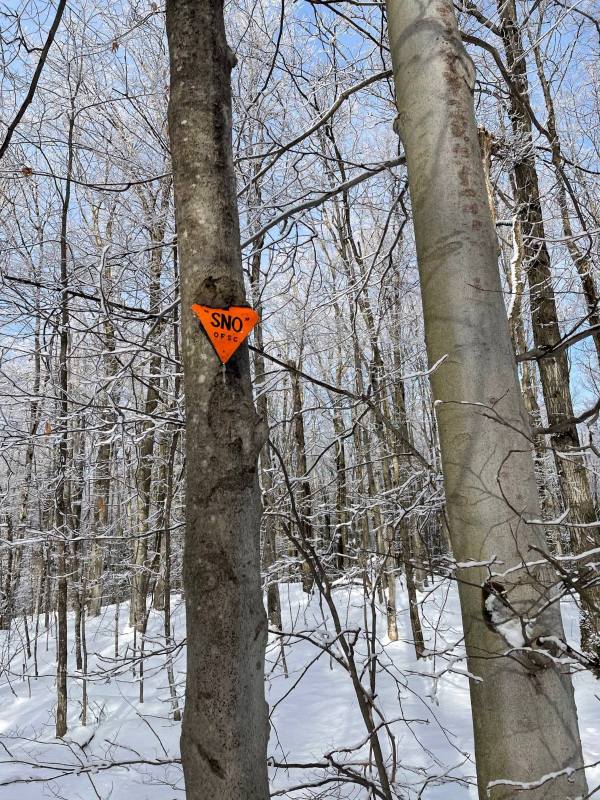
 Spotted this Nordic skiing yesterday.
 I can't be the only one here on the receiving end of this. I'm obviously at wits end if I'm posting this on fs. Seriously, wtf?
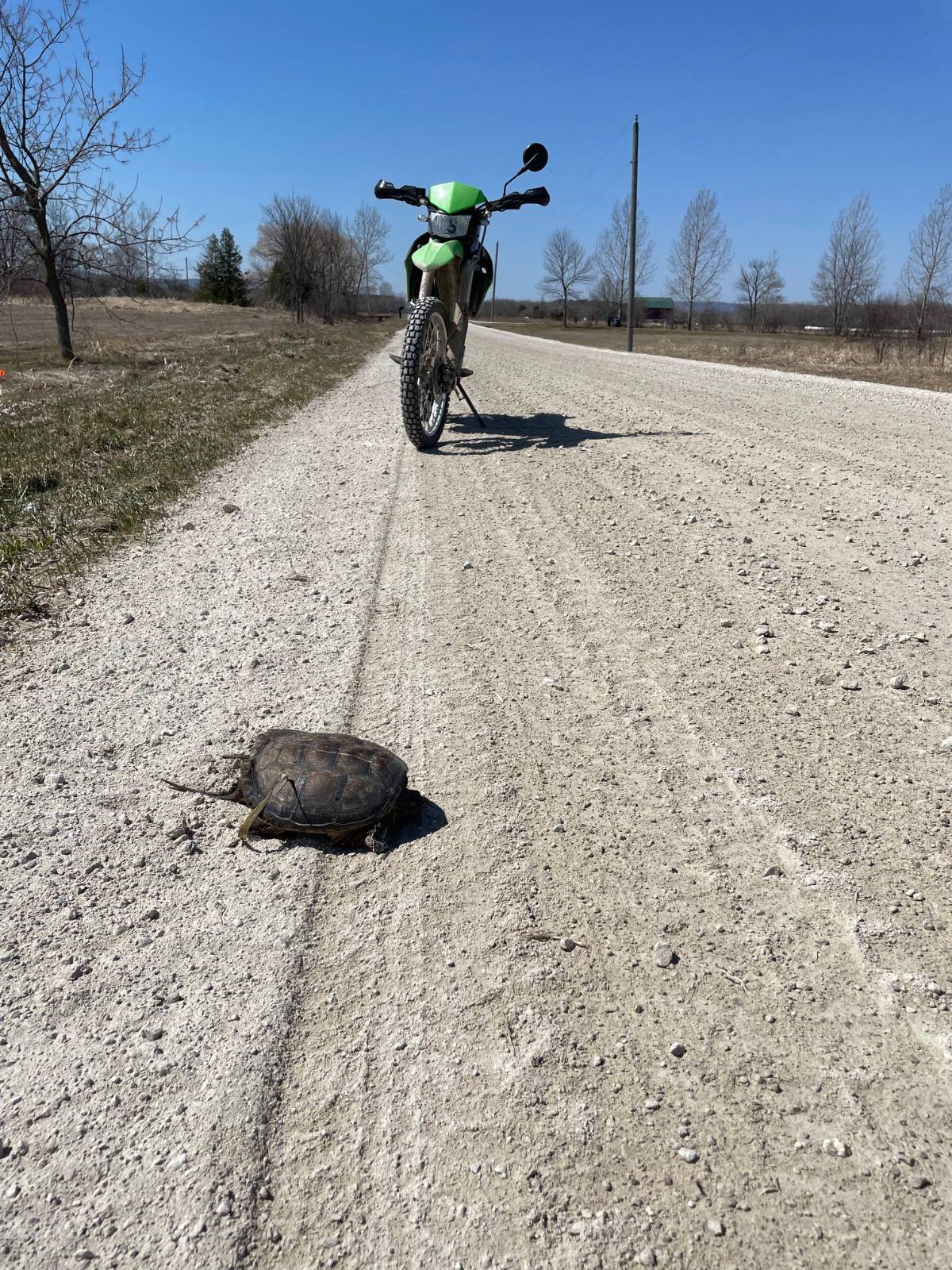
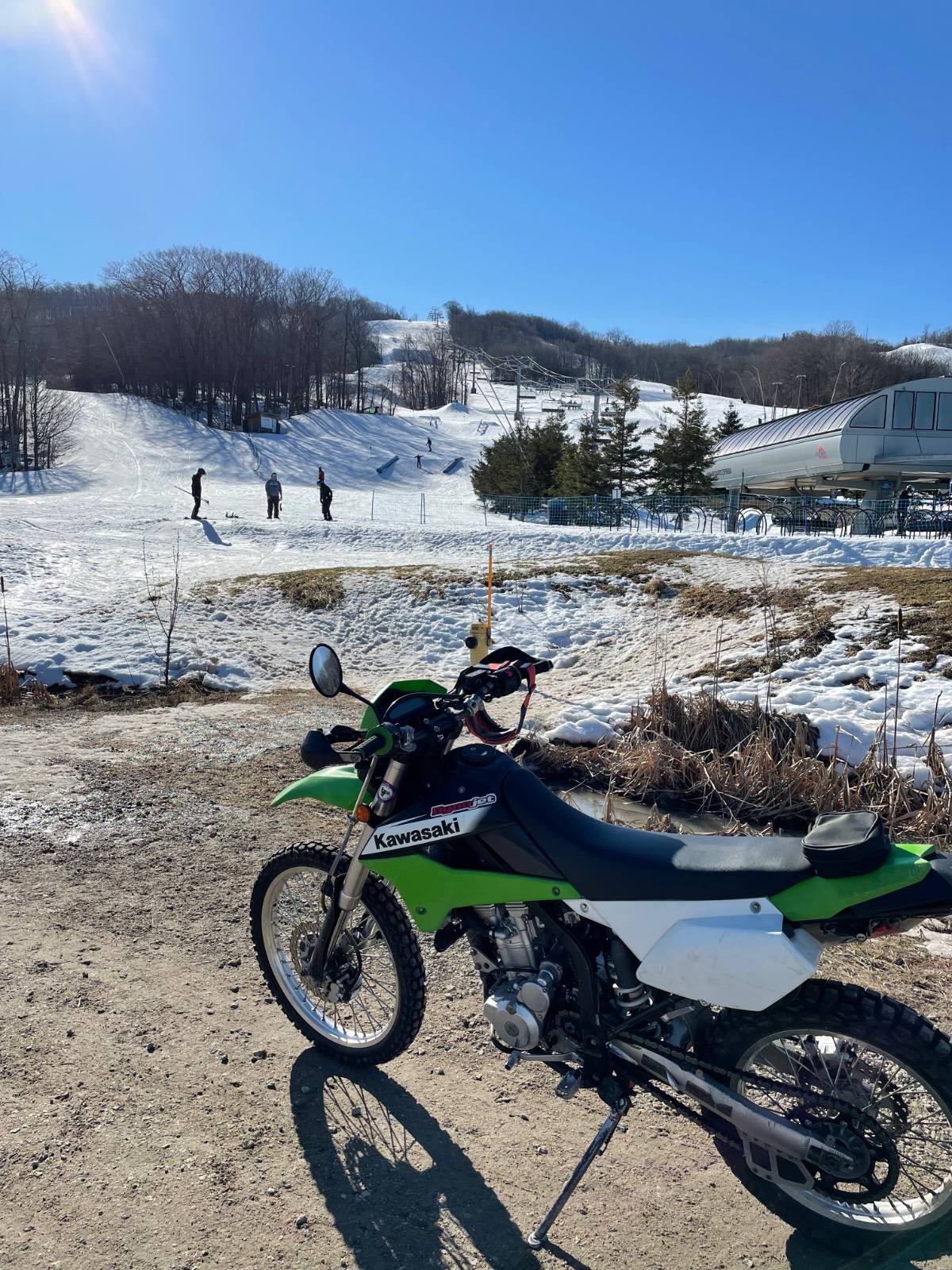
Amazing temps this week so far. Bought this bike for the wife last fall, still a bit tall for her and it has lowering kit. I never thought I’d like a dualsport, but I ride this thing anytime I can. 82mpg, pretty handy for quick grocery runs and going to work.
I can't be the only one here on the receiving end of this. I'm obviously at wits end if I'm posting this on fs. Seriously, wtf?
Amazing temps this week so far. Bought this bike for the wife last fall, still a bit tall for her and it has lowering kit. I never thought I’d like a dualsport, but I ride this thing anytime I can. 82mpg, pretty handy for quick grocery runs and going to work.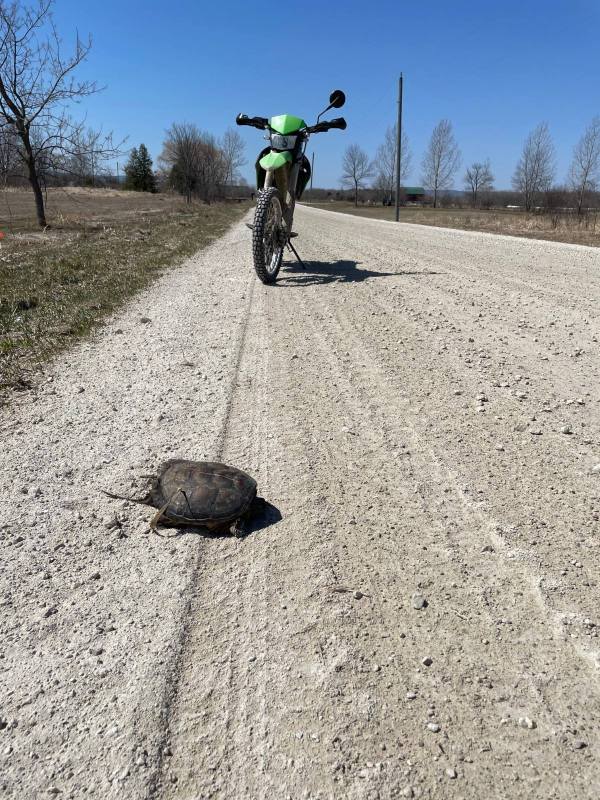 Guess it’s just not a patent anymore.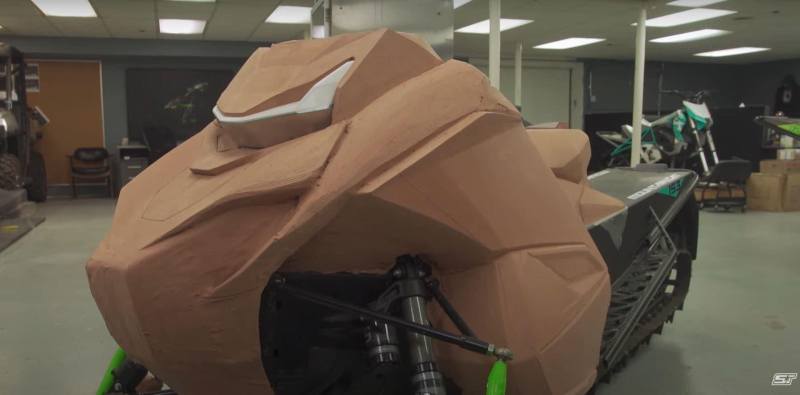
 Spoke to a ERT member today, he says it was a balloon. Also said first missle was heat seek and missed, subsequent middle was “manually aimed”.
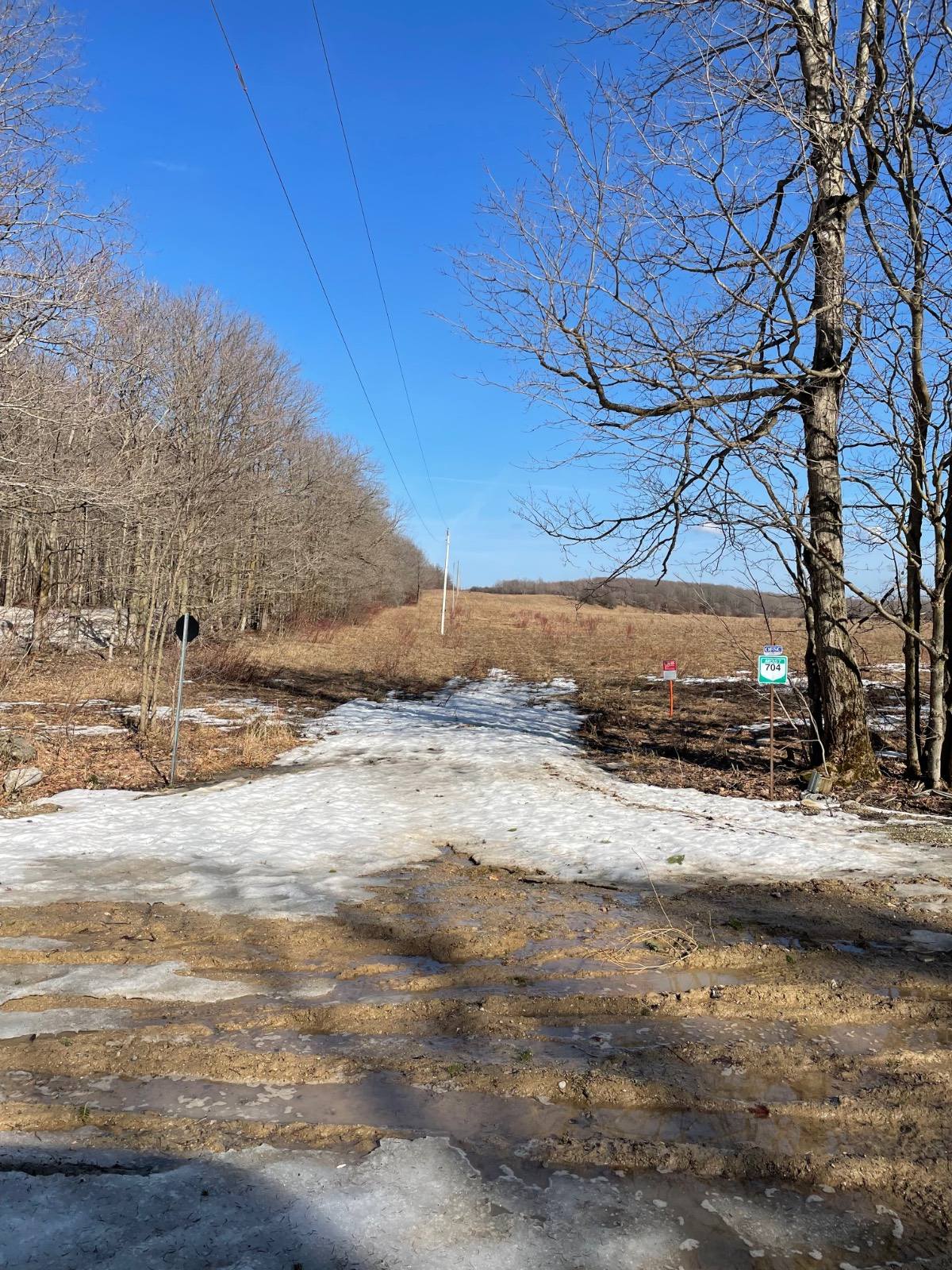
One week of trails open here this year. Worst I’ve seen in decade or more. Great day for a 2 wheel ride.
Spoke to a ERT member today, he says it was a balloon. Also said first missle was heat seek and missed, subsequent middle was “manually aimed”.
One week of trails open here this year. Worst I’ve seen in decade or more. Great day for a 2 wheel ride.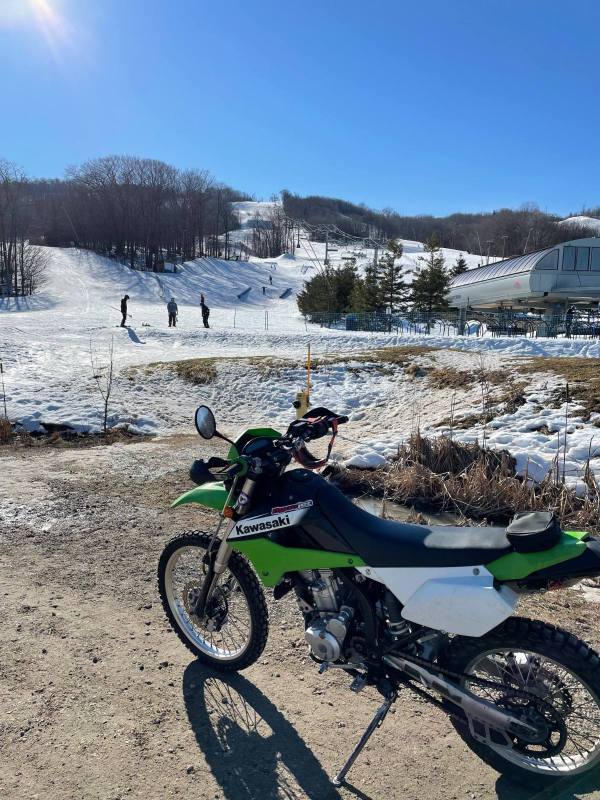 I live about 50 miles from crash site, I read a us Hercules is currently conducting a search. Good day for it, mostly clear sky’s.
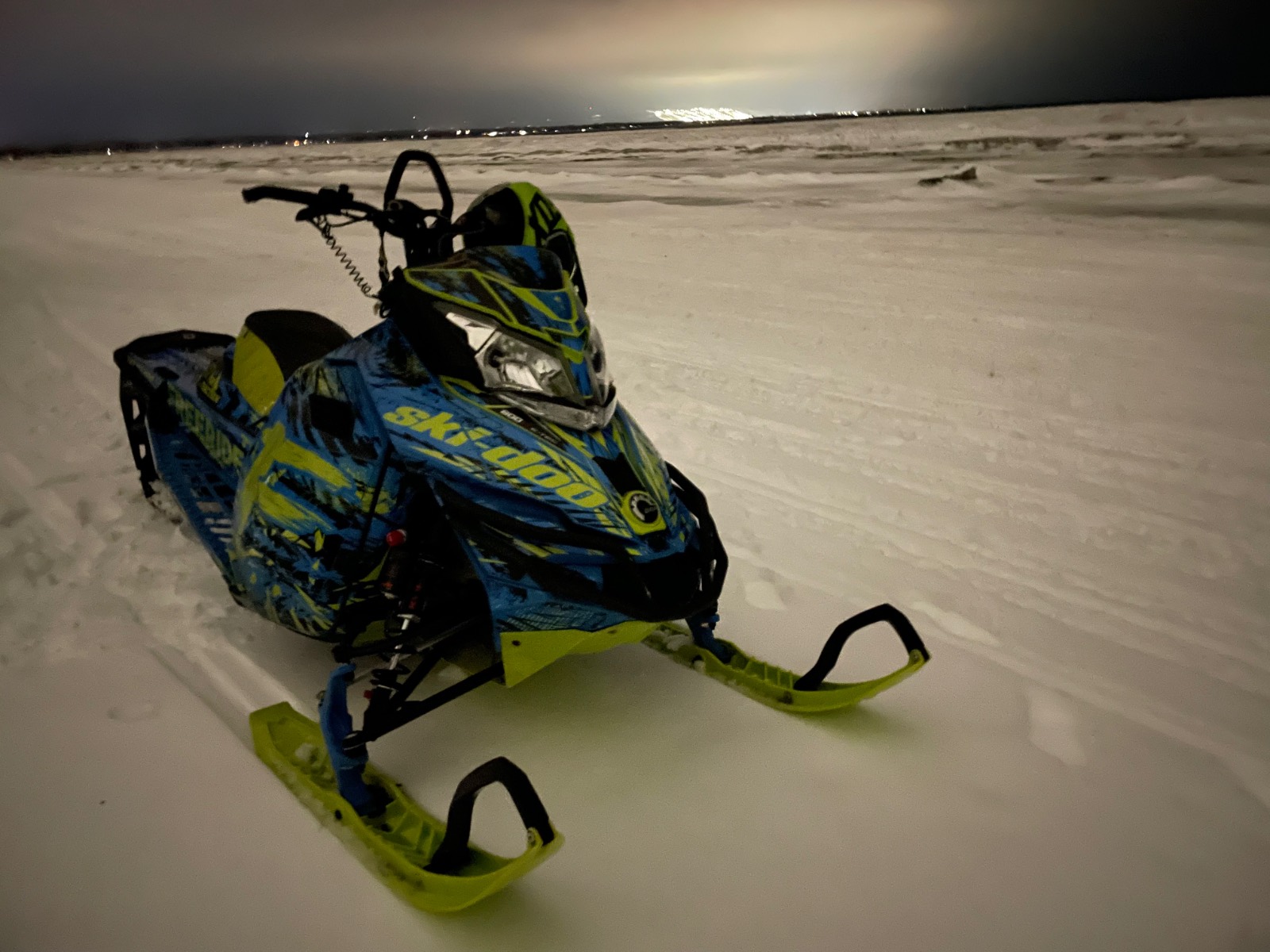
Beach run last night. Ski area in background. Was a great one week local season, can’t wait for next year. 🙄
I live about 50 miles from crash site, I read a us Hercules is currently conducting a search. Good day for it, mostly clear sky’s.
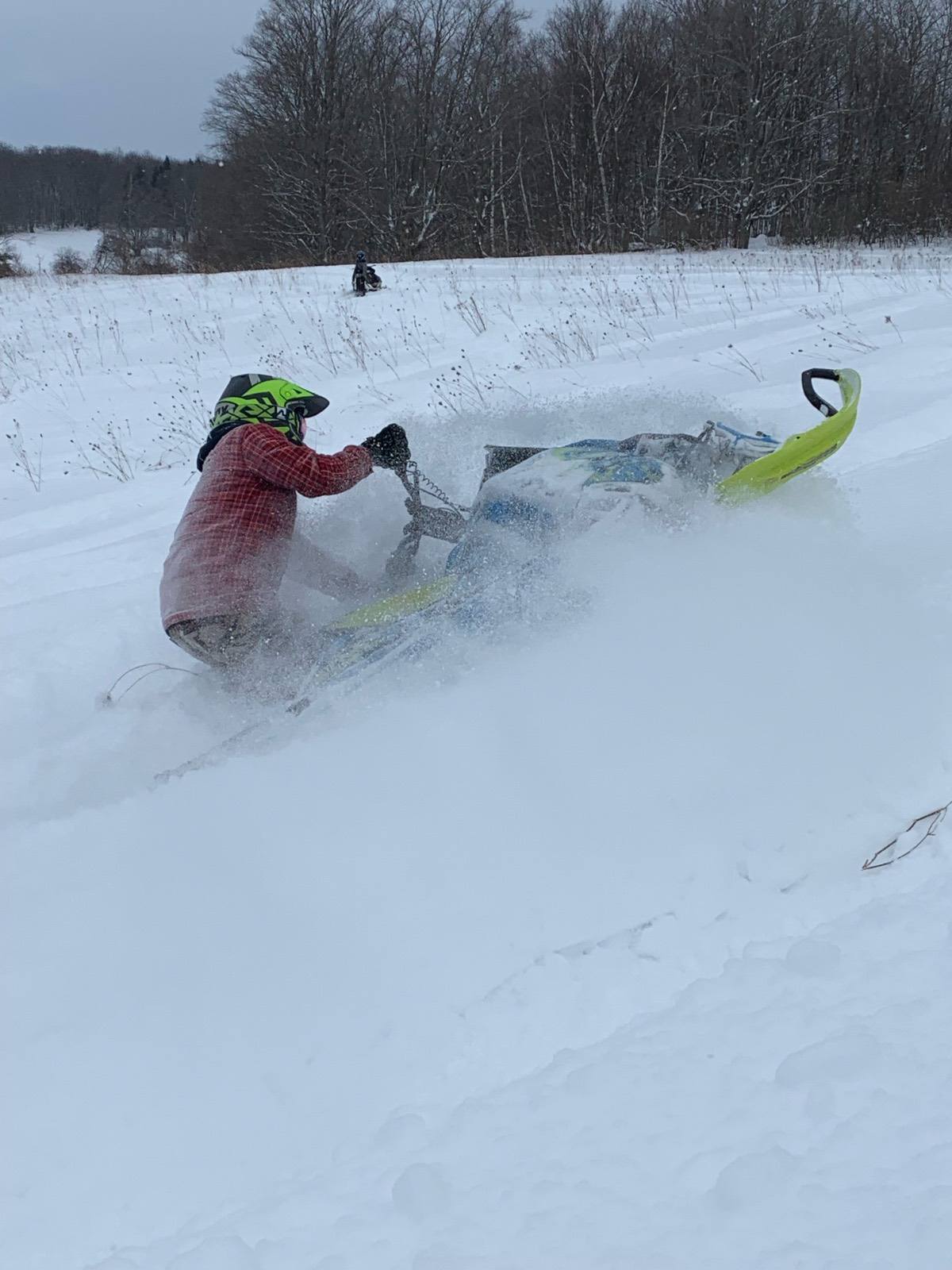
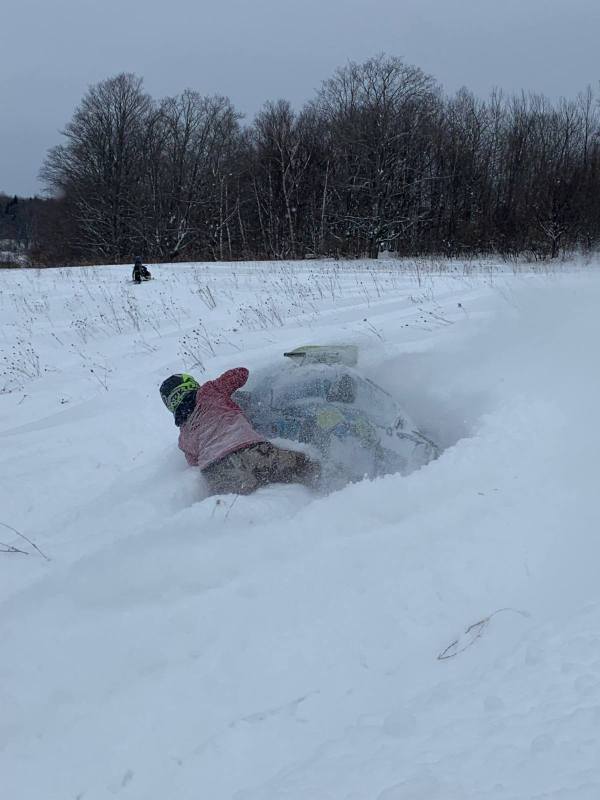
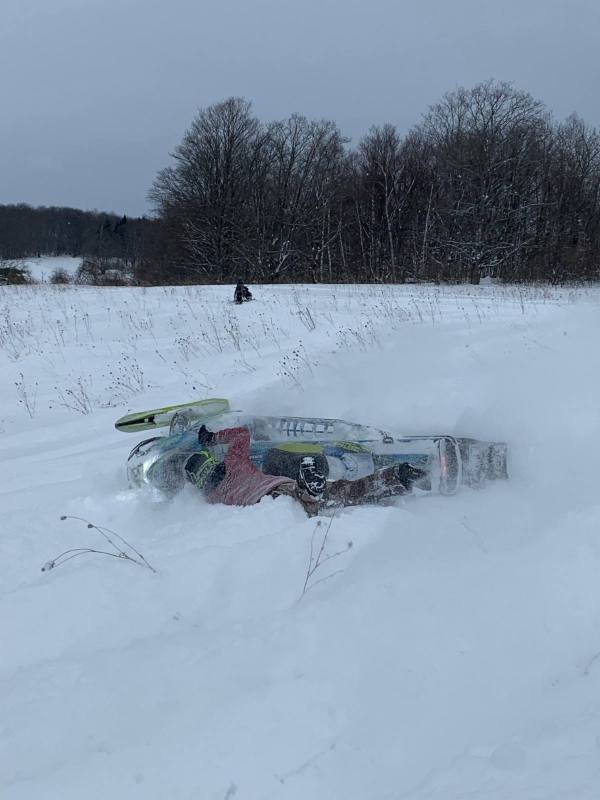
Beach run last night. Ski area in background. Was a great one week local season, can’t wait for next year. 🙄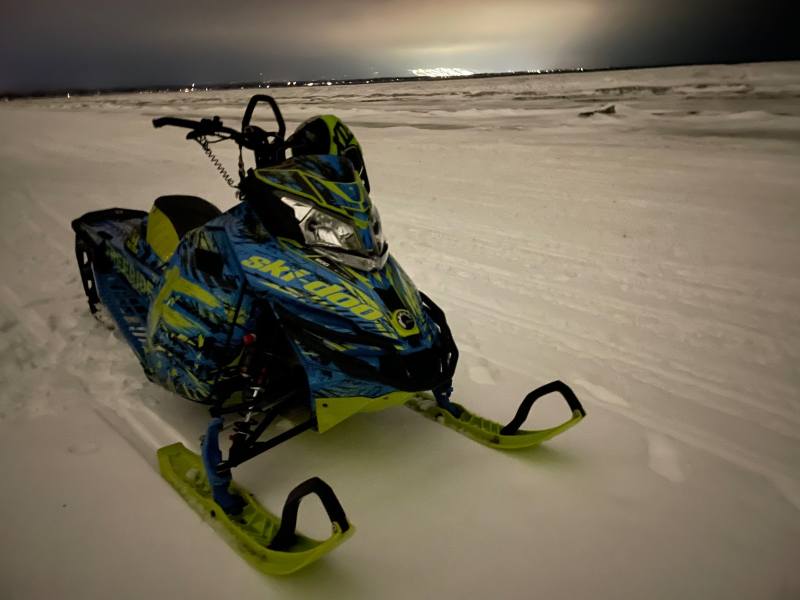 Got lucky to squeeze out a morning ride yesterday between work and family obligations.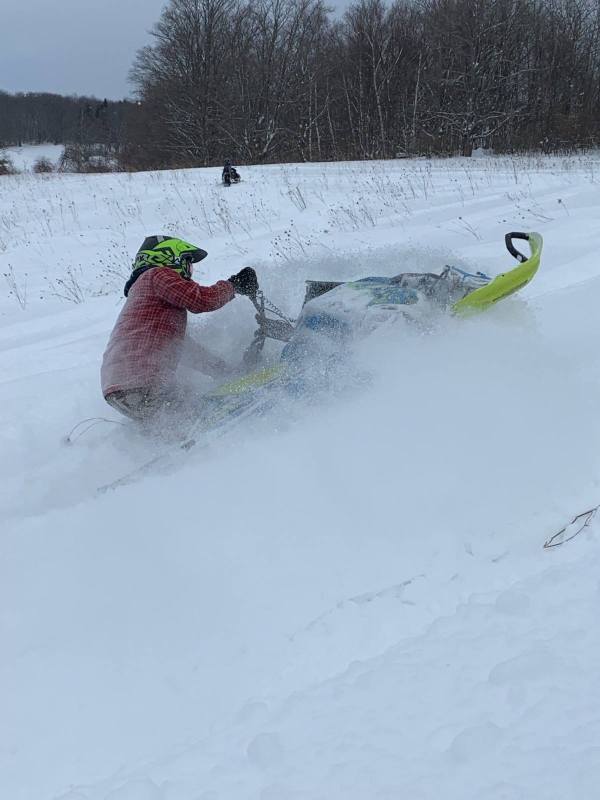
 Lake st Clair? I’ve been on the water there 40kts, but that’s pretty nuts.