Jump to content
View in the app

A better way to browse. Learn more.

FreedomSledder.com

A full-screen app on your home screen with push notifications, badges and more.

To install this app on iOS and iPadOS
  1. Tap the Share icon in Safari
  2. Scroll the menu and tap Add to Home Screen.
  3. Tap Add in the top-right corner.
To install this app on Android
  1. Tap the 3-dot menu (โ‹ฎ) in the top-right corner of the browser.
  2. Tap Add to Home screen or Install app.
  3. Confirm by tapping Install.
  • Search By Tags

    Search will match any tag entered
  • Search By Author

Content Type

Forums

  • Snowmobile Forums
    • General Snowmobile Forum
    • Brand Forums
    • Canadian Snowmobile Forums
    • USA Snowmobile Forums
  • General Discussion Forums
    • Current Events
    • HCS General Forum

Calendars

  • Community Calendar

Categories

  • Articles

Product Groups

There are no results to display.

Categories

  • Files

Find results in

Find results that contain...

Date Created

  • Start

    End

Last Updated

  • Start

    End


Filter by number of...

  • Minimum number of comments

  • Minimum number of replies

  • Minimum number of reviews

  • Minimum number of views

Found 4 results

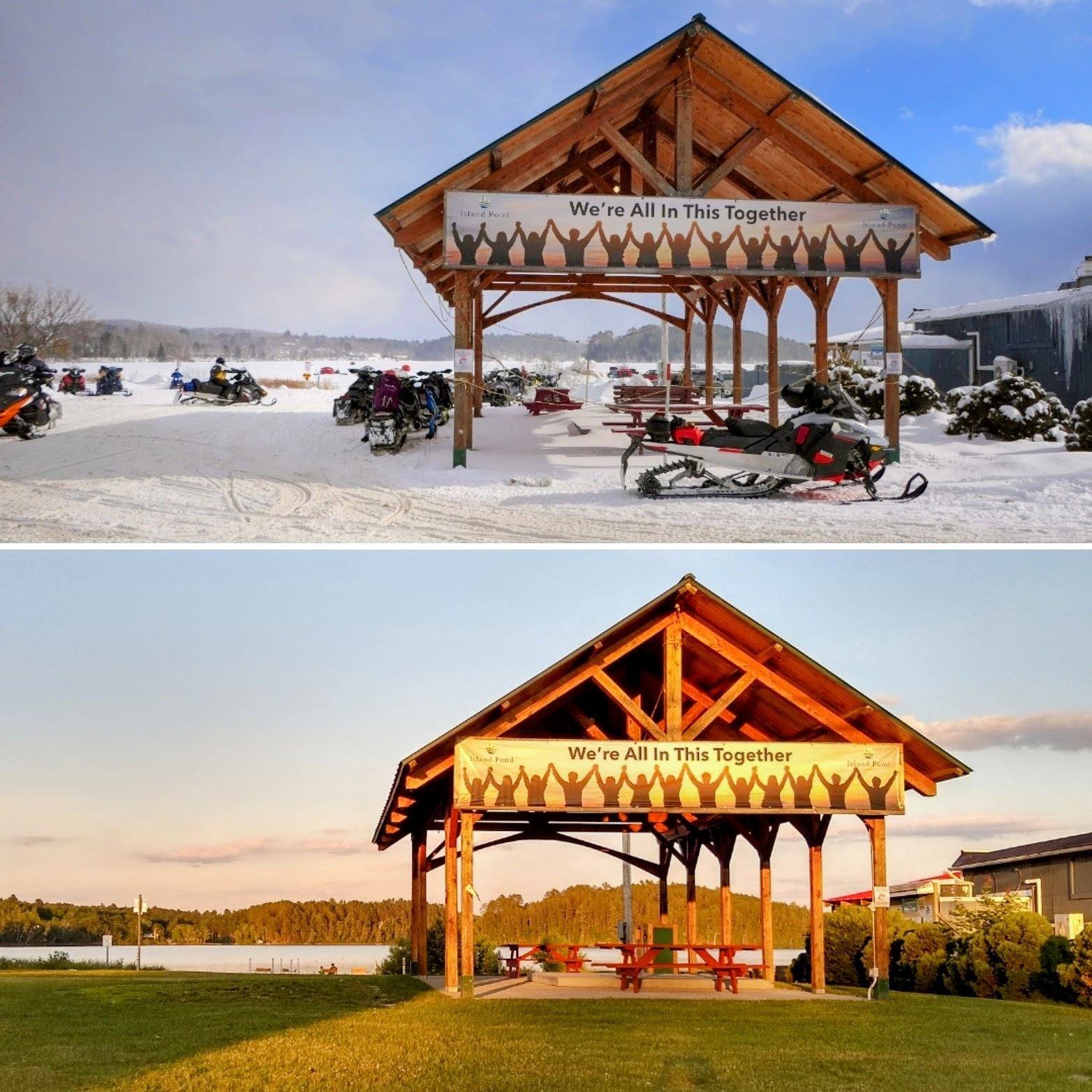
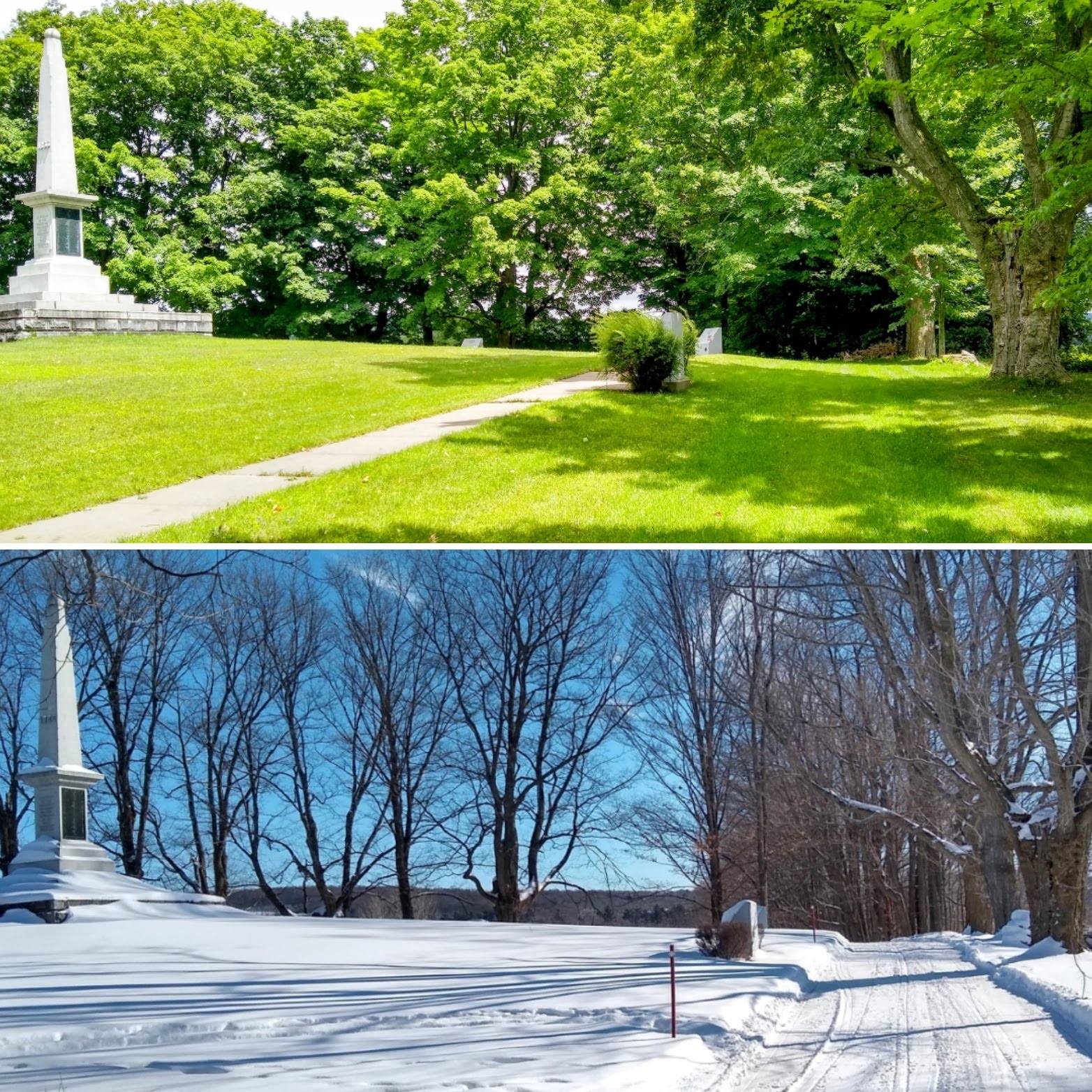
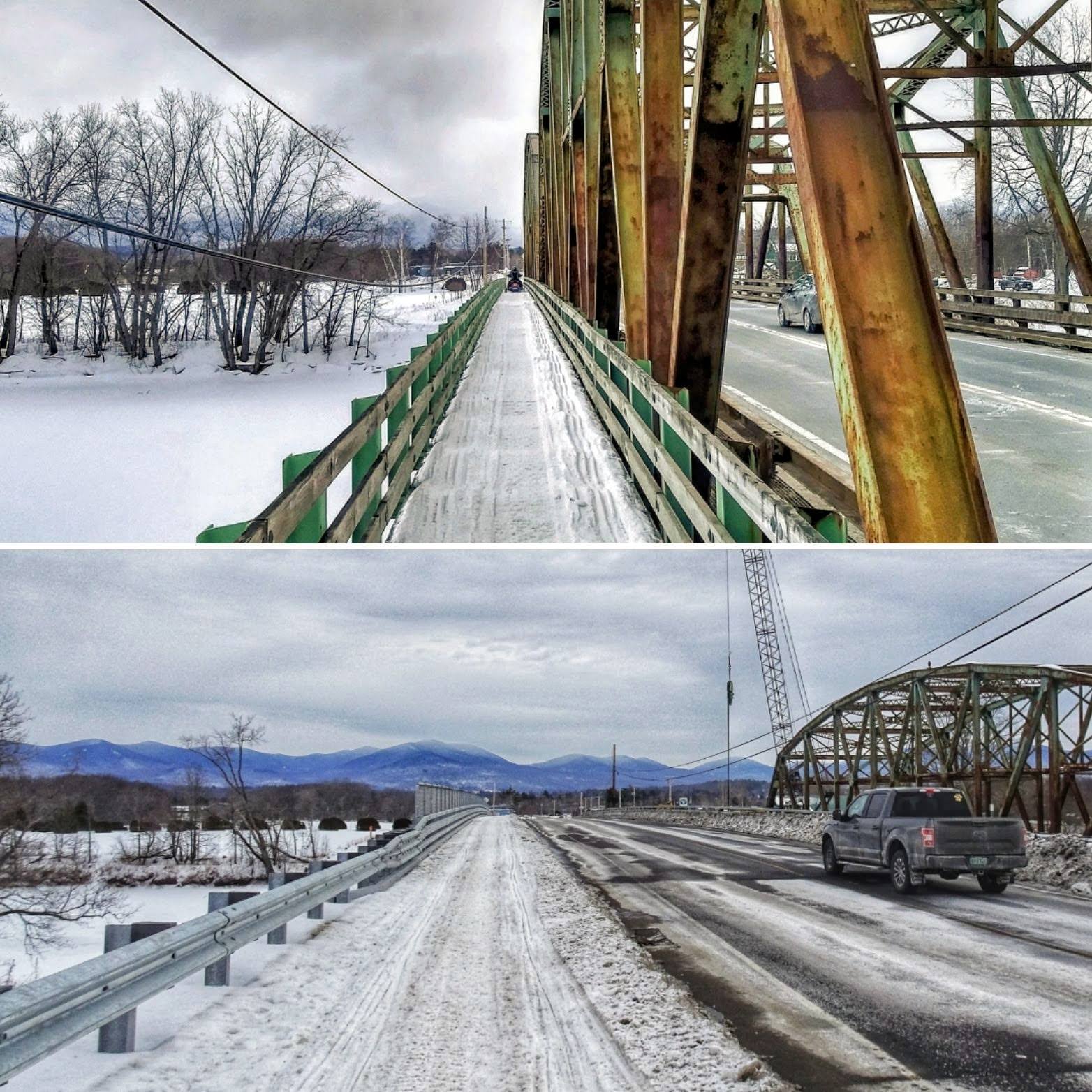
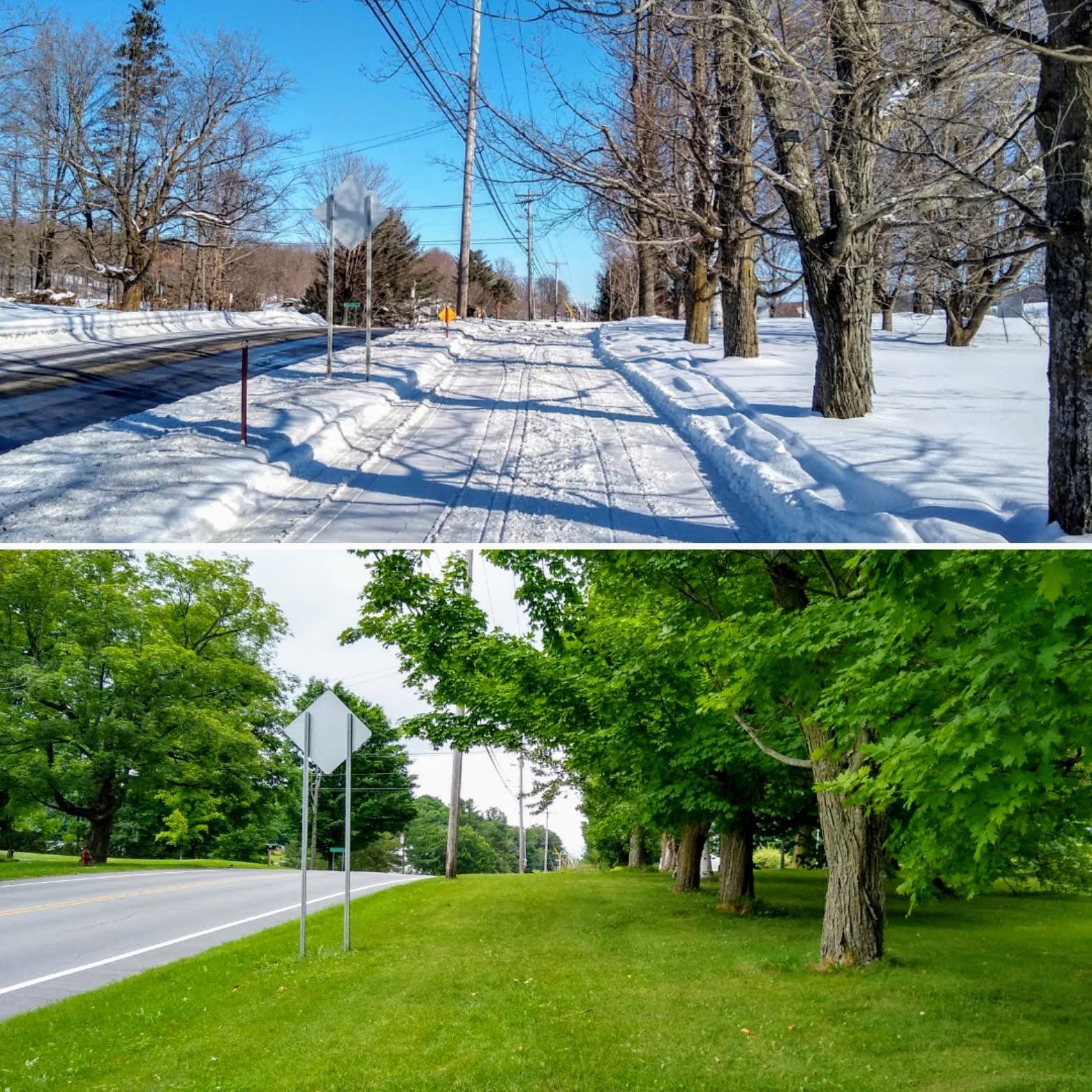
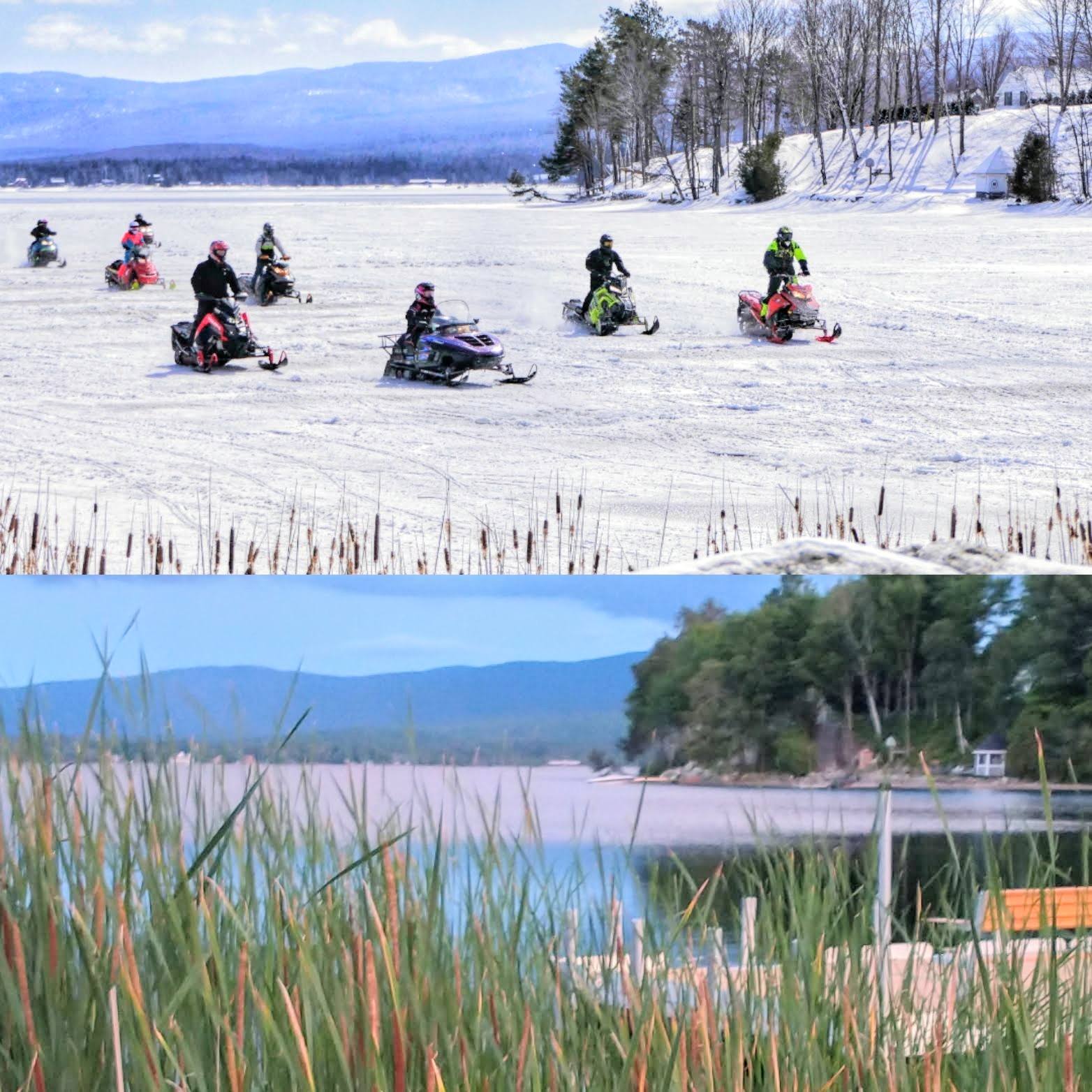
  1. Finally figured out my screen name & password lol here are some photos I take throughout the seasons. I try to match them up. I don't always use same camera so I do this best I can. These are from Vermont.
  2. Interesting race for Governor here in VT. There's a very good chance a republican will win in November. I was surprised when the eventual democratic nominee supported changing the states gun laws. VT may be full of liberals, but they also take their right to bear arms very seriously.
  3. ckf posted a topic in Vermont
    The 2016 VAST annual report is available to view on the VAST website. http://vtvast.org/flipbook/annualmeeting16/index.html?page=1
  4. As liberal as this state is, I can't believe they take it this far.

Configure browser push notifications

Chrome (Android)
  1. Tap the lock icon next to the address bar.
  2. Tap Permissions โ†’ Notifications.
  3. Adjust your preference.
Chrome (Desktop)
  1. Click the padlock icon in the address bar.
  2. Select Site settings.
  3. Find Notifications and adjust your preference.